Slack
Slack is a business communication platform that organizes team conversations into channels and direct messages.
Website
Industry
Collaboration
Share this article:

How to download a file in a channel in Slack

Here is how to download a file in a channel in slack

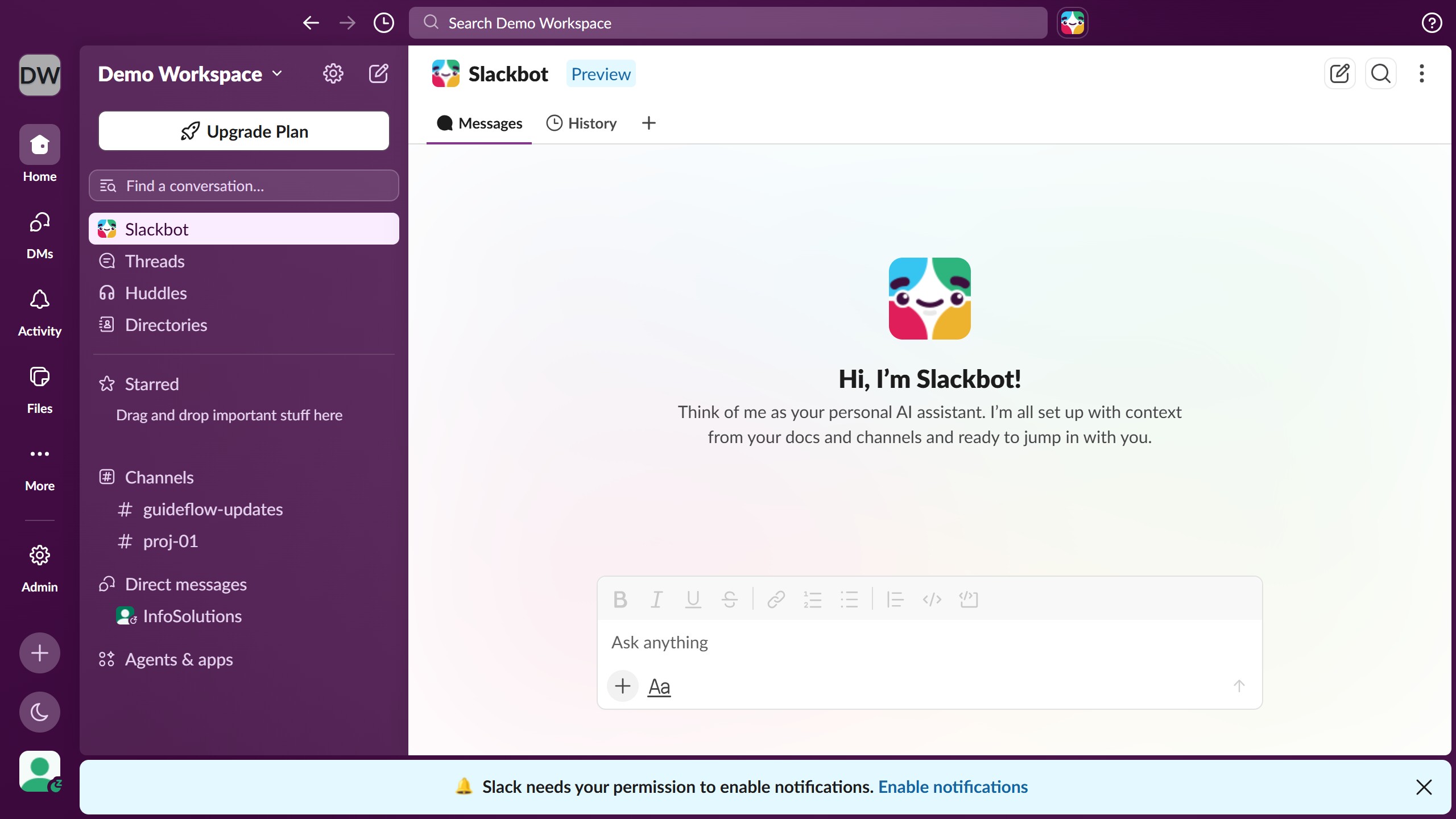
  1. First click on the channel name in the sidebar under the Channels section
  2. Then click on the file that you want to download
  3. Finally click on the "Download" icon button located below the file preview

Create your own interactive guide with Guideflow

Why should you download a file in a channel in Slack

Slack is a powerful collaboration platform designed to streamline communication within teams.

Downloading a file in a channel in Slack is an effortless task that enhances productivity. This feature allows team members to quickly access important documents shared in their workspace, providing a seamless flow of information.

Utilizing this feature not only saves time but also keeps project momentum moving forward by ensuring every team member stays informed and aligned with the latest updates and materials.

In essence, downloading files in Slack channels is a robust utility that supports efficient teamwork and collaboration.

Last update
March 16, 2026
Cursor MariaA cursor points to a button labeled "James."

Create your first demo in less than 30 seconds.