Slack
Slack is a business communication platform that organizes team conversations into channels and direct messages.
Website
Industry
Collaboration
Share this article:

How remove cover image in a shared resources in a channel in Slack

Here is how remove cover image in a shared resources in a channel in slack

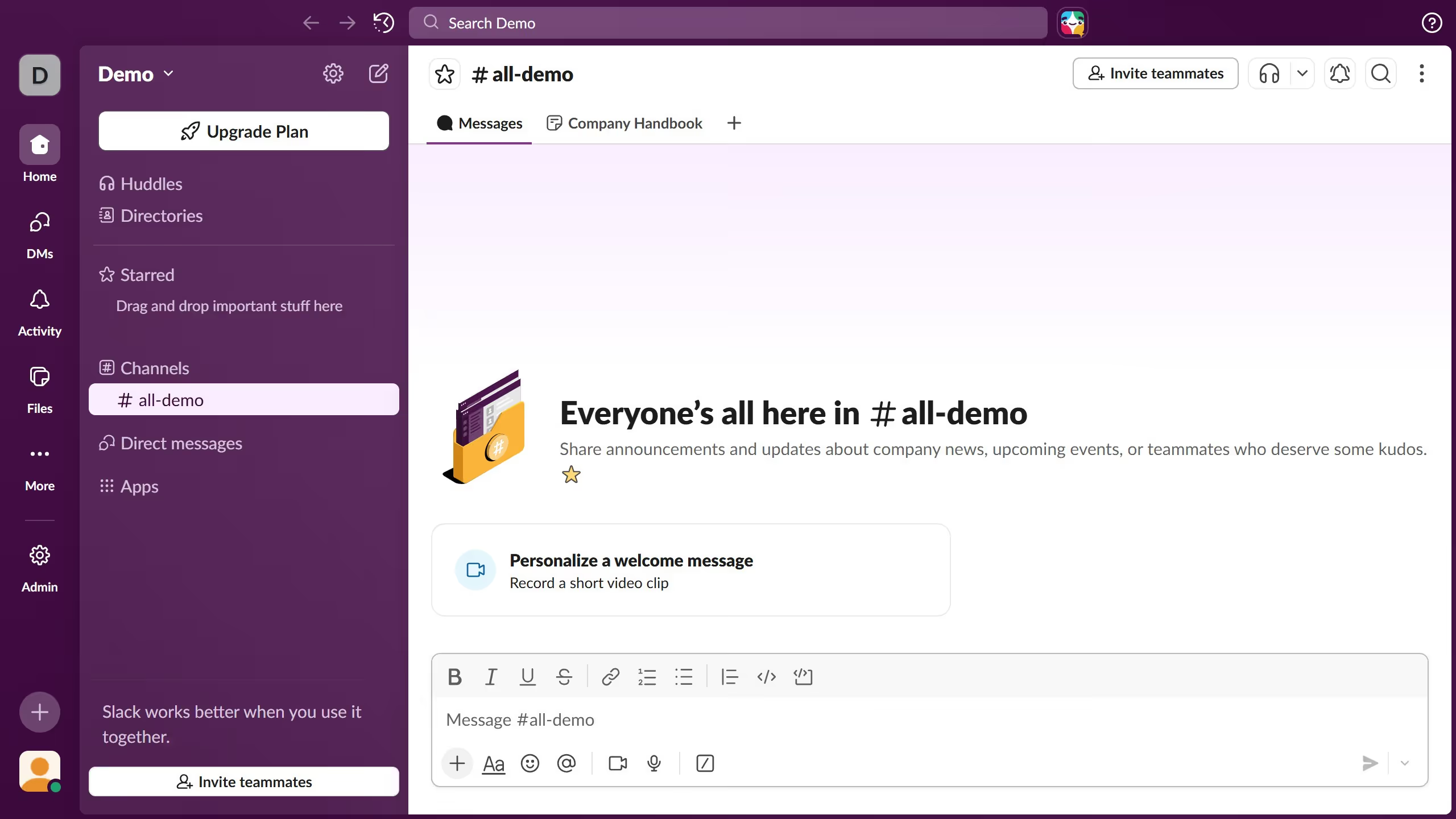
  1. First click on the channel in the sidebar under the Channels section
  2. Then click on the "Shared resources" tab in the top navigation menu
  3. Next click on the "Edit" button in the shared resources canvas area
  4. Finally click on "Remove cover" in the Library tab of the image selection modal

Create your own interactive guide with Guideflow

Why should youHow remove cover image in a shared resources in a channel in Slack

Slack is an innovative platform designed to enhance team communication and collaboration effortlessly.

One of its valuable features is the ability to remove a cover image from shared resources in a channel.

Utilizing this feature ensures that shared materials remain neat and relevant, allowing users to focus solely on essential content. This can streamline workflows and decrease unnecessary distractions.

Ultimately, such capabilities contribute to more efficient team productivity and a more organized digital workspace.

Last update
March 16, 2026
Cursor MariaA cursor points to a button labeled "James."

Create your first demo in less than 30 seconds.