How to send a channel message in Slack
Here is how to send a channel message in slack
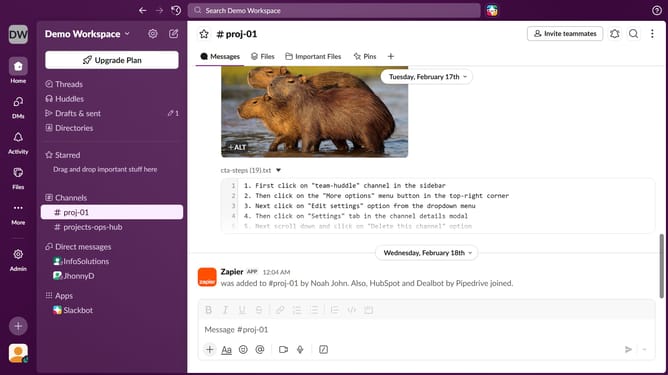
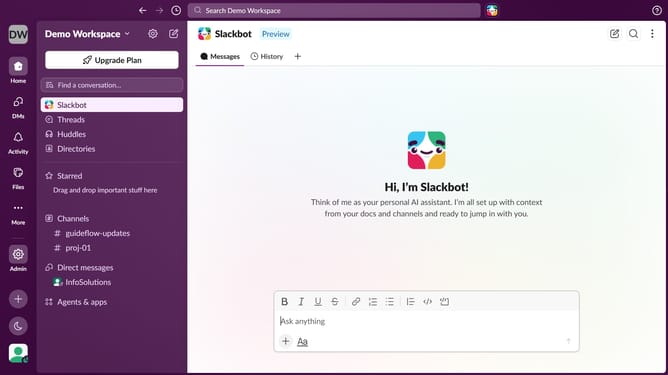
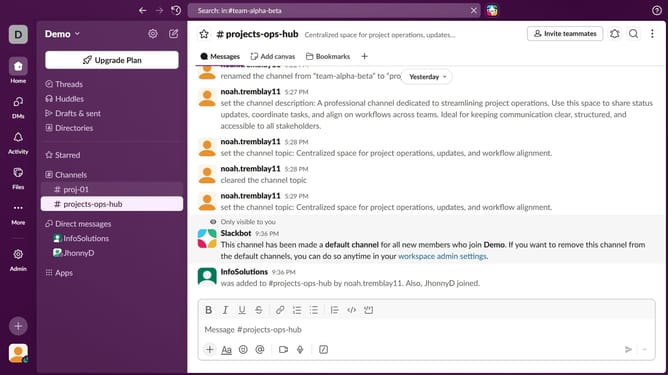
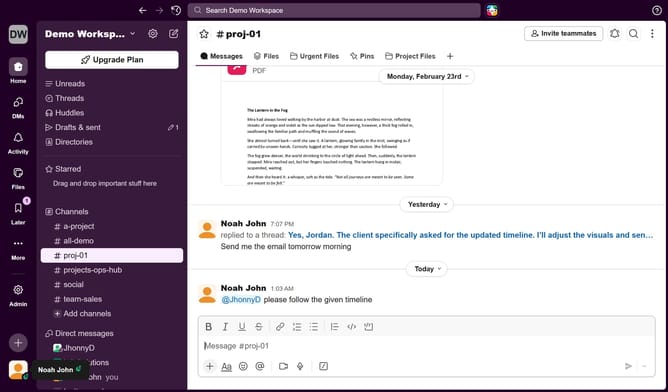
- First click on a channel in the left sidebar under "Channels" section
- Then click on the text input area in the main panel and type a message
- Finally click on the "Send message" button
Why should you send a channel message in Slack
Slack is a dynamic communication platform designed to streamline team collaboration.
Sending a channel message in Slack is a powerful feature that fosters transparent communication by enabling you to convey information to all team members at once.
This method is particularly beneficial for sharing updates, announcements, or collaborating on projects, ensuring everyone remains aligned and informed.
By utilizing channel messages, teams can enhance efficiency and communication effectiveness in a cohesive work environment.
Last update