Slack
Slack is a business communication platform that organizes team conversations into channels and direct messages.
Website
Industry
Collaboration
Share this article:

How to add an admin in Slack

Here is how to add an admin in slack

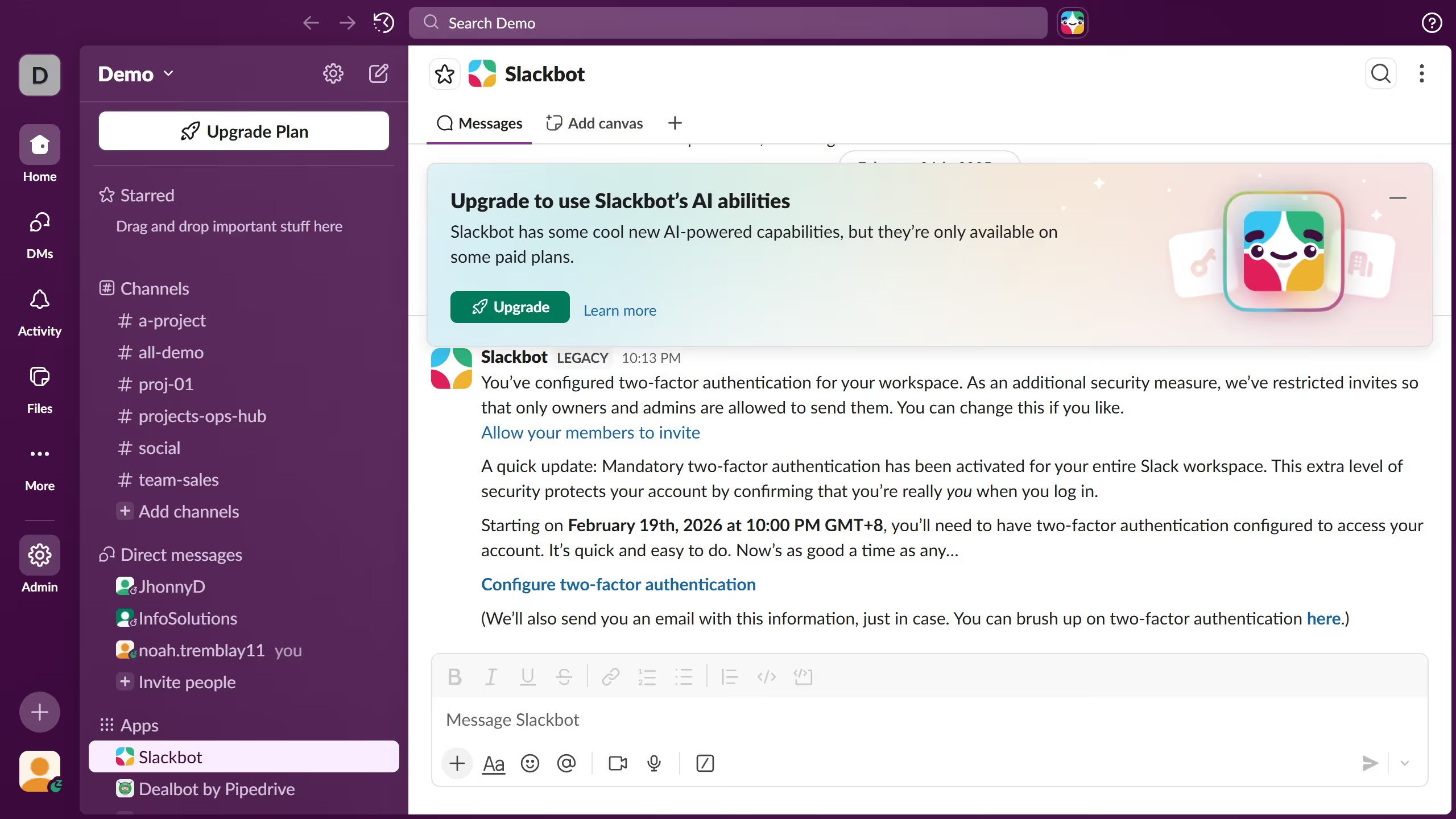
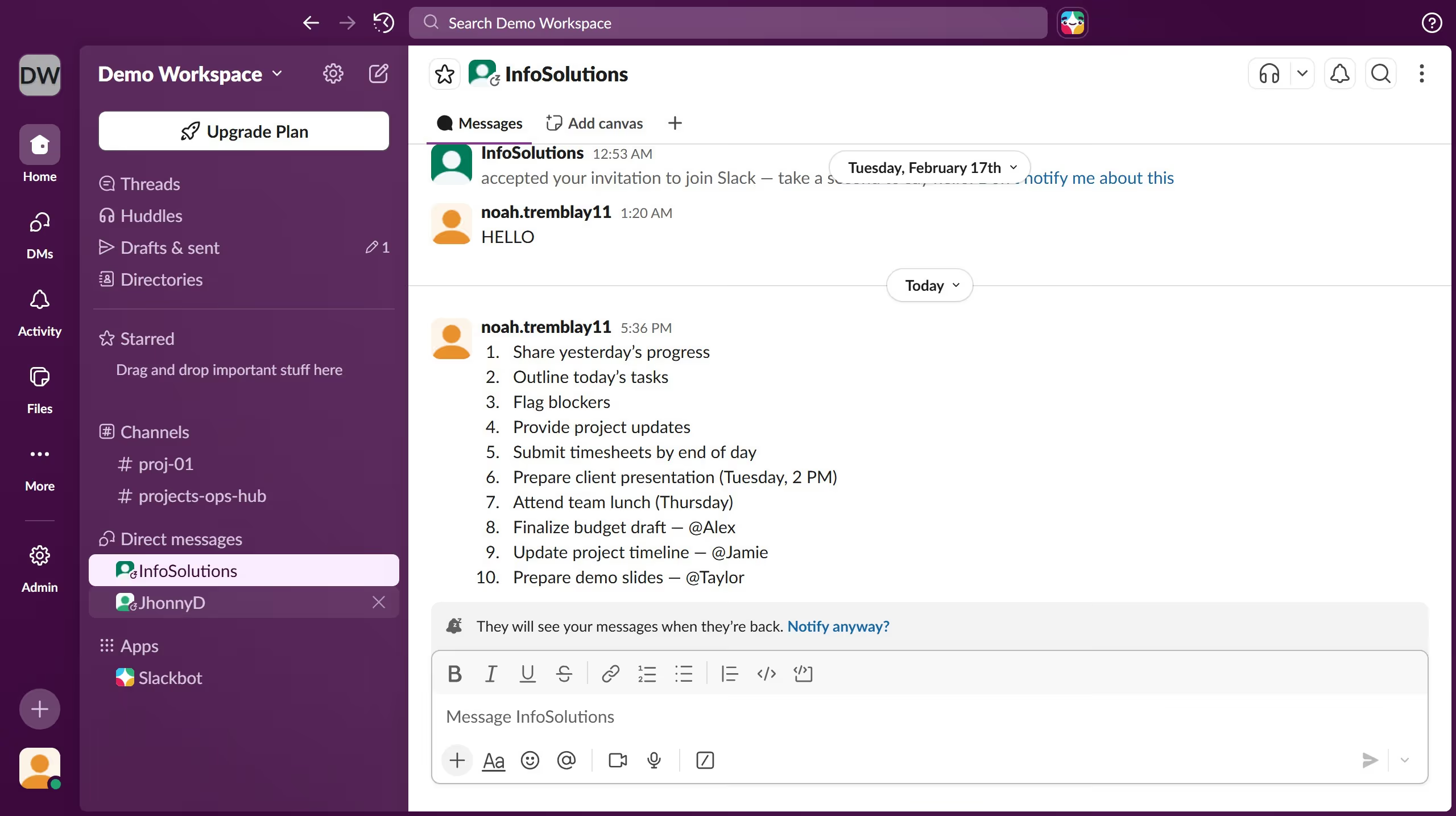
  1. First click on "Admin" button in the sidebar
  2. Then click on "Workspace settings" option in the Admin Tools menu
  3. Next click on "People" option in the left sidebar
  4. Then click on the three-dot menu icon next to the name of the member you want to make admin
  5. Then click on "Change account type" option in the dropdown menu
  6. Next select the "Workspace Owner" radio button in the account type dialog
  7. Finally click on "Save" button to confirm the account type change

Create your own interactive guide with Guideflow

Why should you add an admin in Slack

Slack is a dynamic collaboration platform designed to streamline communication within organizations.

Adding an admin in Slack is an essential feature that enhances management and boosts productivity. By empowering key team members with admin privileges, organizations can effectively maintain order and swiftly address any user concerns.

Having more admins in Slack ensures smoother operations, effective communication flow, and quick adaptability to any necessary structural changes. This feature is invaluable in fostering a resilient and responsive work environment.

Last update
March 16, 2026
Cursor MariaA cursor points to a button labeled "James."

Create your first demo in less than 30 seconds.