Slack
Slack is a business communication platform that organizes team conversations into channels and direct messages.
Website
Industry
Collaboration
Share this article:

How to view profile as a coworker at a workspace in Slack

Here is how to view profile as a coworker at a workspace in slack

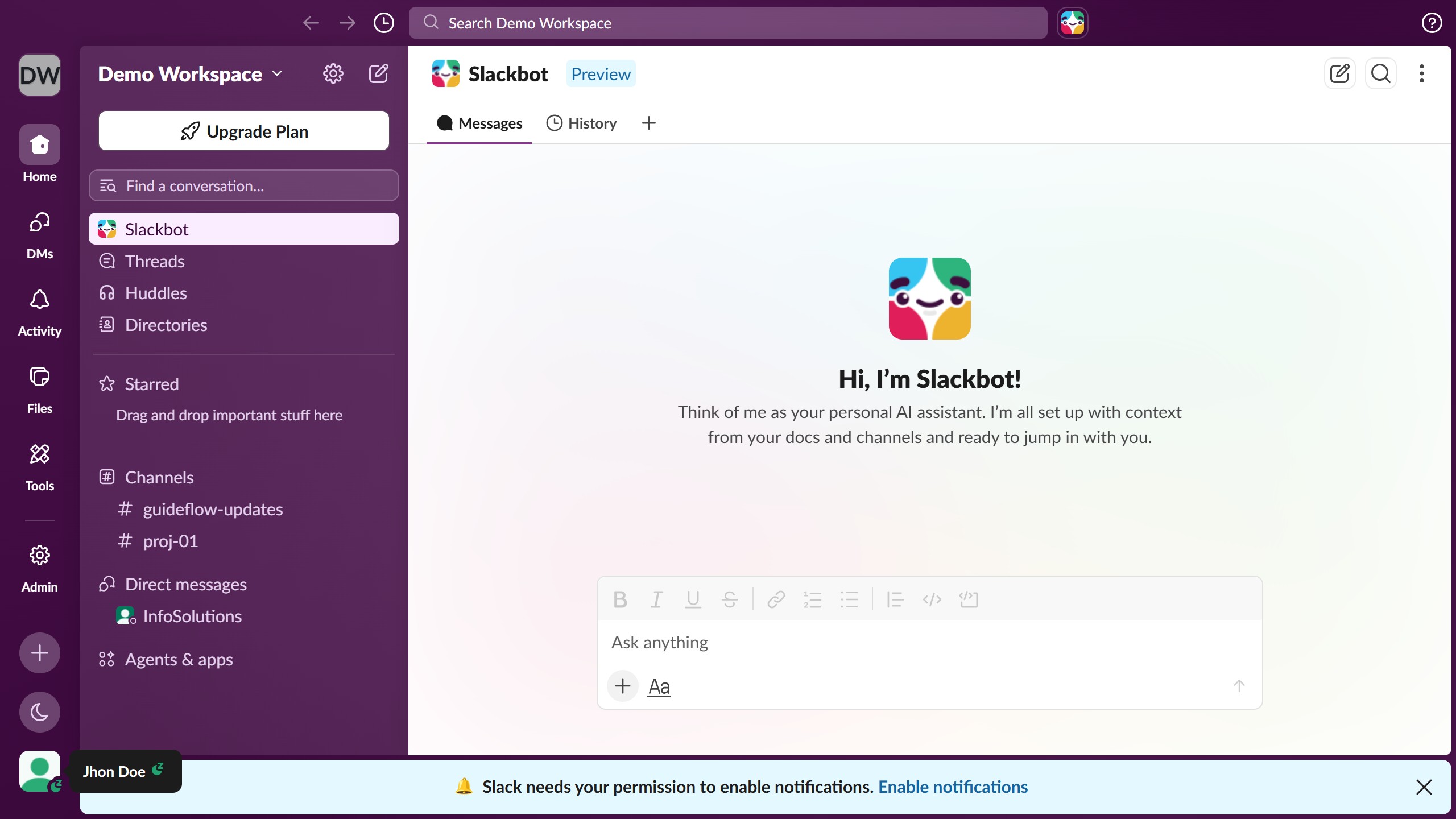
  1. First click on the profile icon in the bottom left sidebar
  2. Then click on "Profile" option in the dropdown menu that appears
  3. Next click on the "View as" dropdown button in the Profile panel
  4. Then select "A coworker at Demo Workspace" option from the dropdown menu
  5. Finally click on the close button at the top right of the Profile panel to close preview

Create your own interactive guide with Guideflow

Why should you view profile as a coworker at a workspace in Slack

Slack is a dynamic communication platform that streamlines team collaboration effortlessly.

Viewing a profile as a coworker in a Slack workspace allows you to gain insights into your colleague’s roles and expertise. This feature helps foster a deeper understanding of your team members by showcasing their profiles in a way that highlights their skills and contributions.

By utilizing this feature, you enhance communication within the team, making it easier to know whom to approach for specific tasks. This ultimately leads to a more connected and efficient work environment.

Last update
March 16, 2026
Cursor MariaA cursor points to a button labeled "James."

Create your first demo in less than 30 seconds.