Slack
Slack is a business communication platform that organizes team conversations into channels and direct messages.
Website
Industry
Collaboration
Share this article:

How to remove automatic mobile sign out in Slack

Here is how to remove automatic mobile sign out in slack

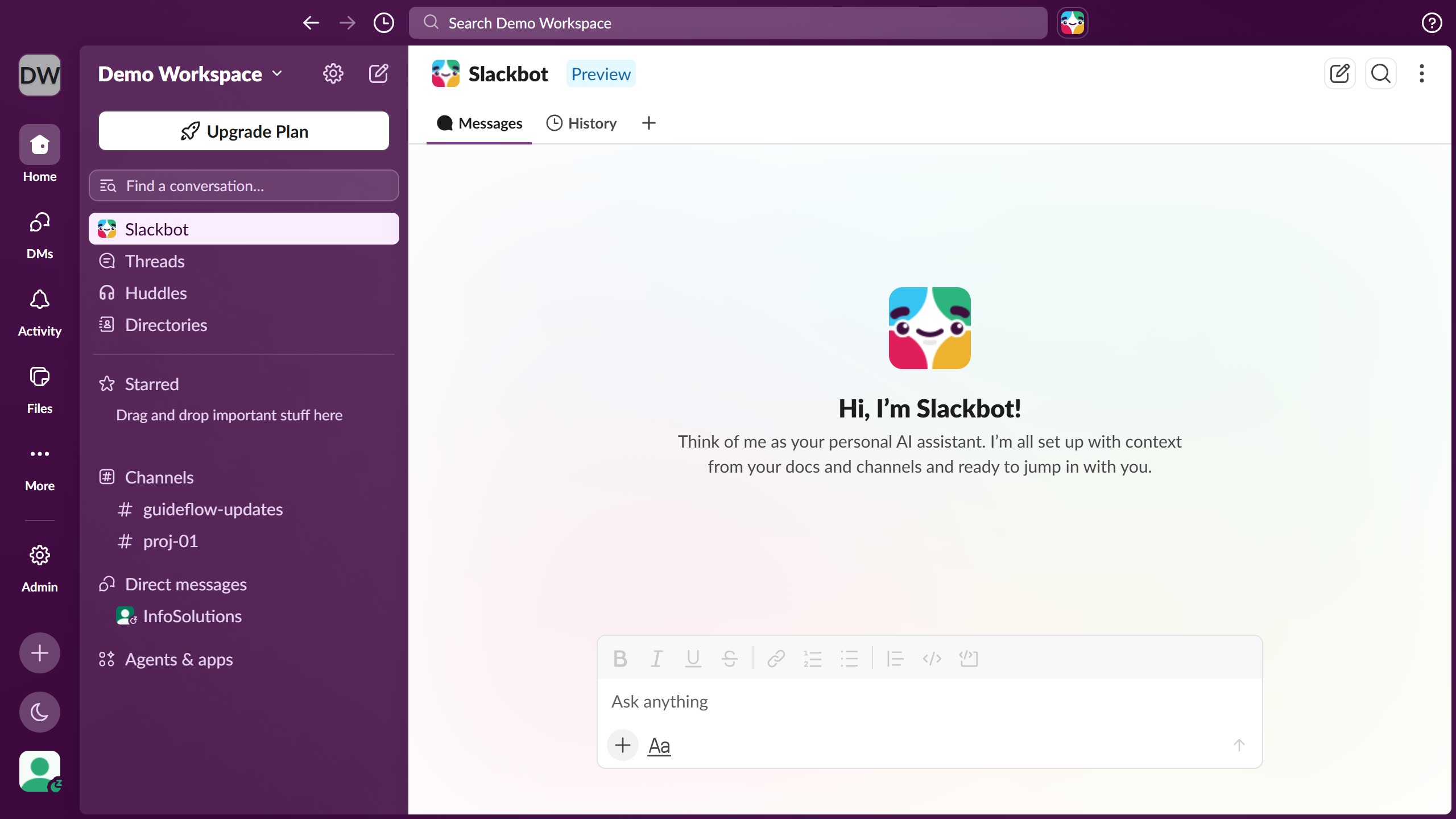
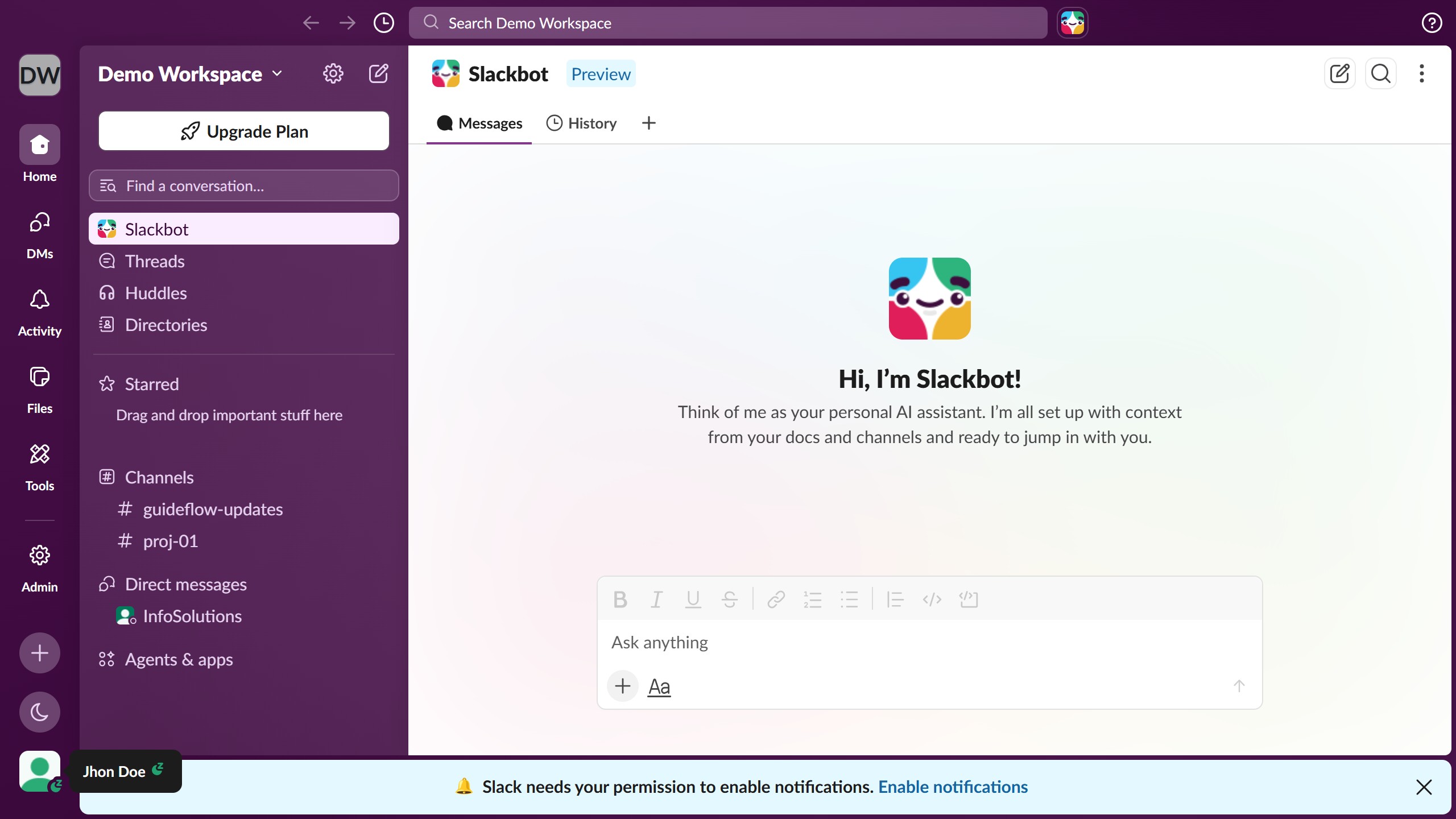
  1. First click on "Admin" button in the sidebar
  2. Then click on "Workspace settings" option in the Admin Tools section of the left sidebar
  3. Then click on "Security" item in the left sidebar menu
  4. Next click on the "Edit" button next to the "Mobile session duration" setting
  5. Then click on the "Automatically log users out of mobile" checkbox to enable it
  6. Next click on the "Notify users when they need to log back in" checkbox to enable it
  7. Finally click on the "Save" button to apply the mobile session duration changes

Create your own interactive guide with Guideflow

Why should you remove automatic mobile sign out in Slack

Slack is a dynamic platform designed to enhance team communication and collaboration across your organization.

By removing the automatic mobile sign out in Slack, users can maintain seamless access, ensuring an uninterrupted workflow and timely responses.

This feature proves beneficial for professionals who prioritize accessibility and efficiency, allowing them to stay connected and engaged without repeatedly logging back in, which saves time and enhances productivity.

Ultimately, it streamlines communication, making it a valuable feature for maintaining ongoing connectivity and organization within a team.

Last update
March 16, 2026
Cursor MariaA cursor points to a button labeled "James."

Create your first demo in less than 30 seconds.