Slack
Slack is a business communication platform that organizes team conversations into channels and direct messages.
Website
Industry
Collaboration
Share this article:

How to open in split view a channel in Slack

Here is how to open in split view a channel in slack

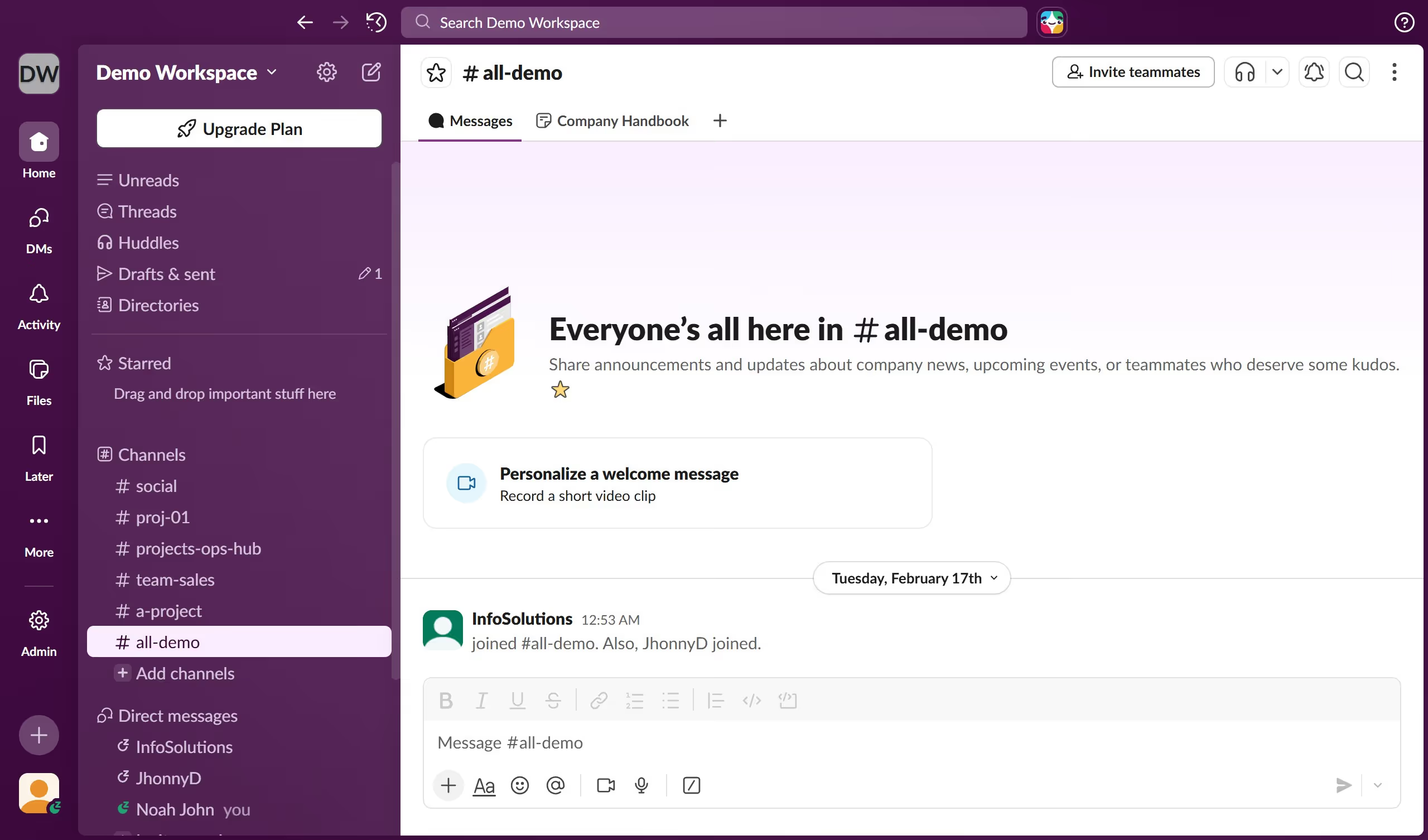
  1. First click on the channel name in the sidebar
  2. Then right-click on "proj-01" channel in the sidebar to open the context menu
  3. Next click on "Open in split view" option in the context menu
  4. Finally view the split screen layout showing the channel in two panels

Create your own interactive guide with Guideflow

Why should you open in split view a channel in Slack

Slack is a robust communication platform designed to enhance team collaboration and streamline workplace interactions.

Opening a channel in split view in Slack unlocks multitasking potential, allowing users to view multiple conversations simultaneously. This efficient feature minimizes the need to switch between different chats or channels, saving time and boosting productivity.

By splitting your view, you can seamlessly track ongoing discussions while actively engaging in another channel, promoting better responsiveness and enhanced focus on tasks at hand.

Last update
March 16, 2026
Cursor MariaA cursor points to a button labeled "James."

Create your first demo in less than 30 seconds.