Slack
Slack is a business communication platform that organizes team conversations into channels and direct messages.
Website
Industry
Collaboration
Share this article:

How to remove workspace icon as an admin in Slack

Here is how to remove workspace icon as an admin in slack

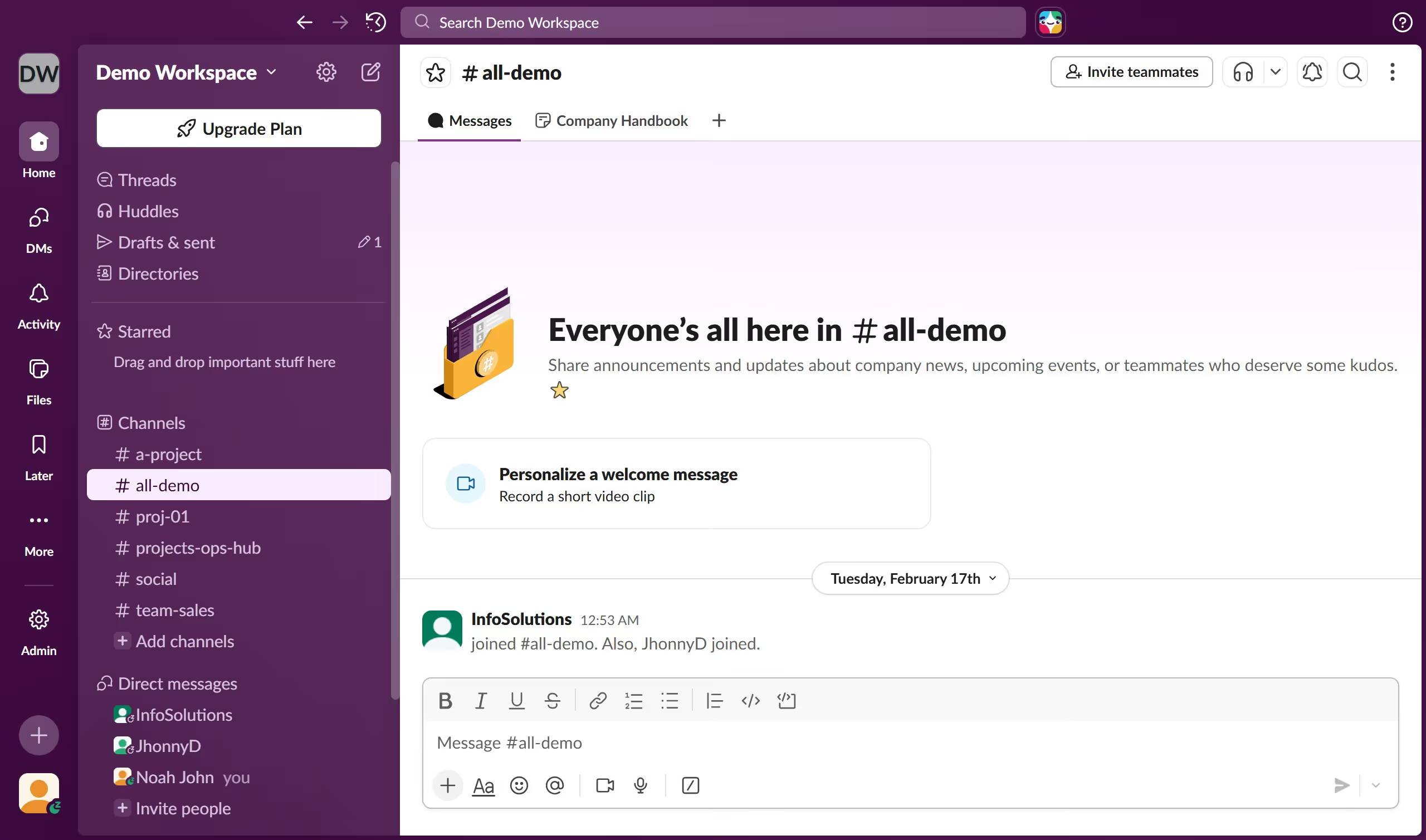
  1. First click on "Admin" button in the left sidebar
  2. Then click on "Edit workspace" option in the Admin Tools menu
  3. Next select "Workspace icon" option from the Edit workspace submenu
  4. Finally click on "Remove" button to remove the workspace icon

Create your own interactive guide with Guideflow

Why should you remove workspace icon as an admin in Slack

Slack is the essential hub for team collaboration, streamlining communication across multiple channels.

As an admin, knowing how to remove a workspace icon in Slack can aid in maintaining a clean and focused digital environment tailored to your team's evolving needs.

This feature allows admins to streamline visual space, reducing clutter and enhancing user experience.

By simplifying navigation through a clutter-free interface, teams can prioritize their focus on key discussions, boosting productivity and maintaining clarity in daily operations.

Last update
March 16, 2026
Cursor MariaA cursor points to a button labeled "James."

Create your first demo in less than 30 seconds.