Slack
Slack is a business communication platform that organizes team conversations into channels and direct messages.
Website
Industry
Collaboration
Share this article:

How to add your company title in Slack

Here is how to add your company title in slack

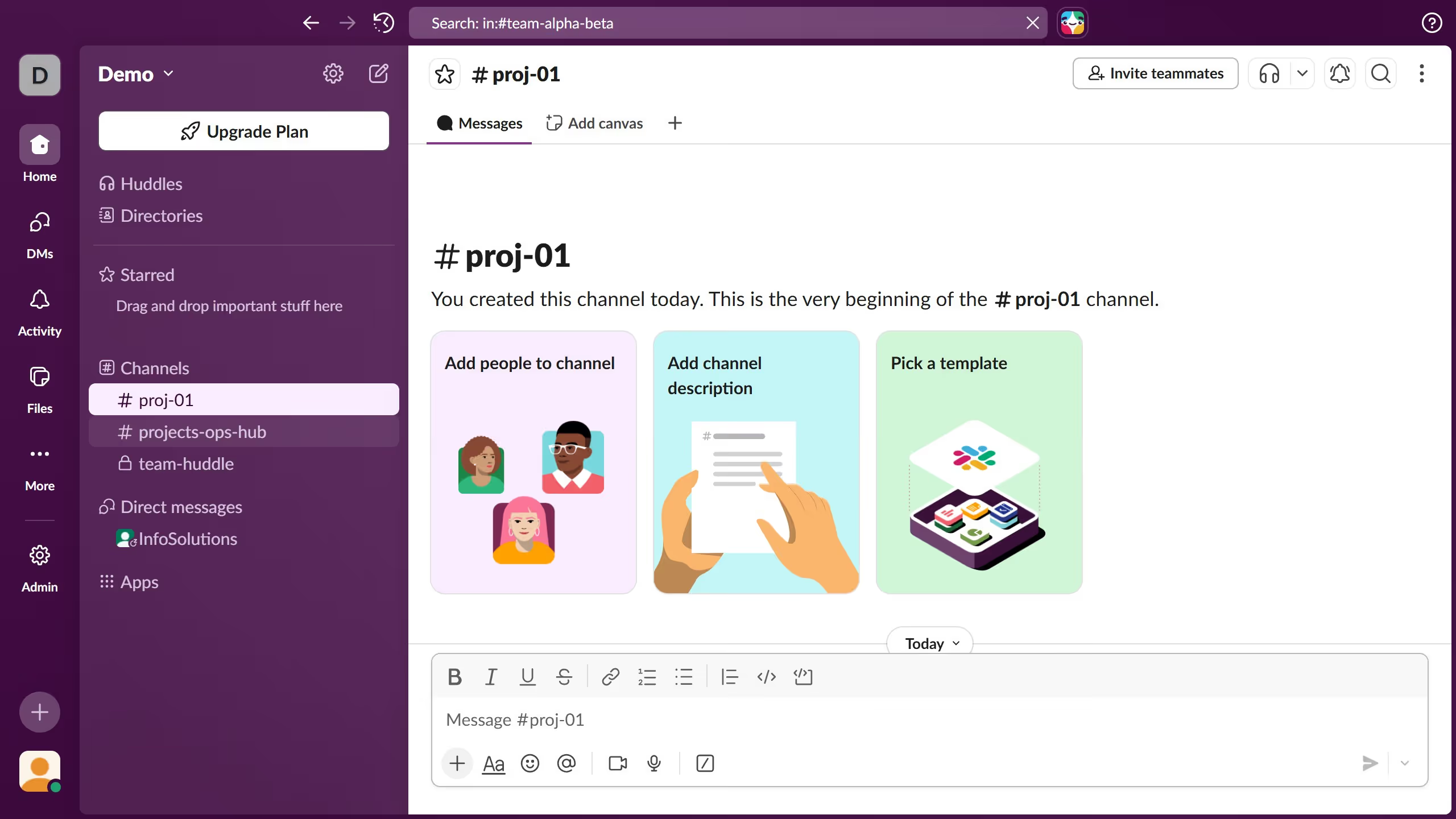
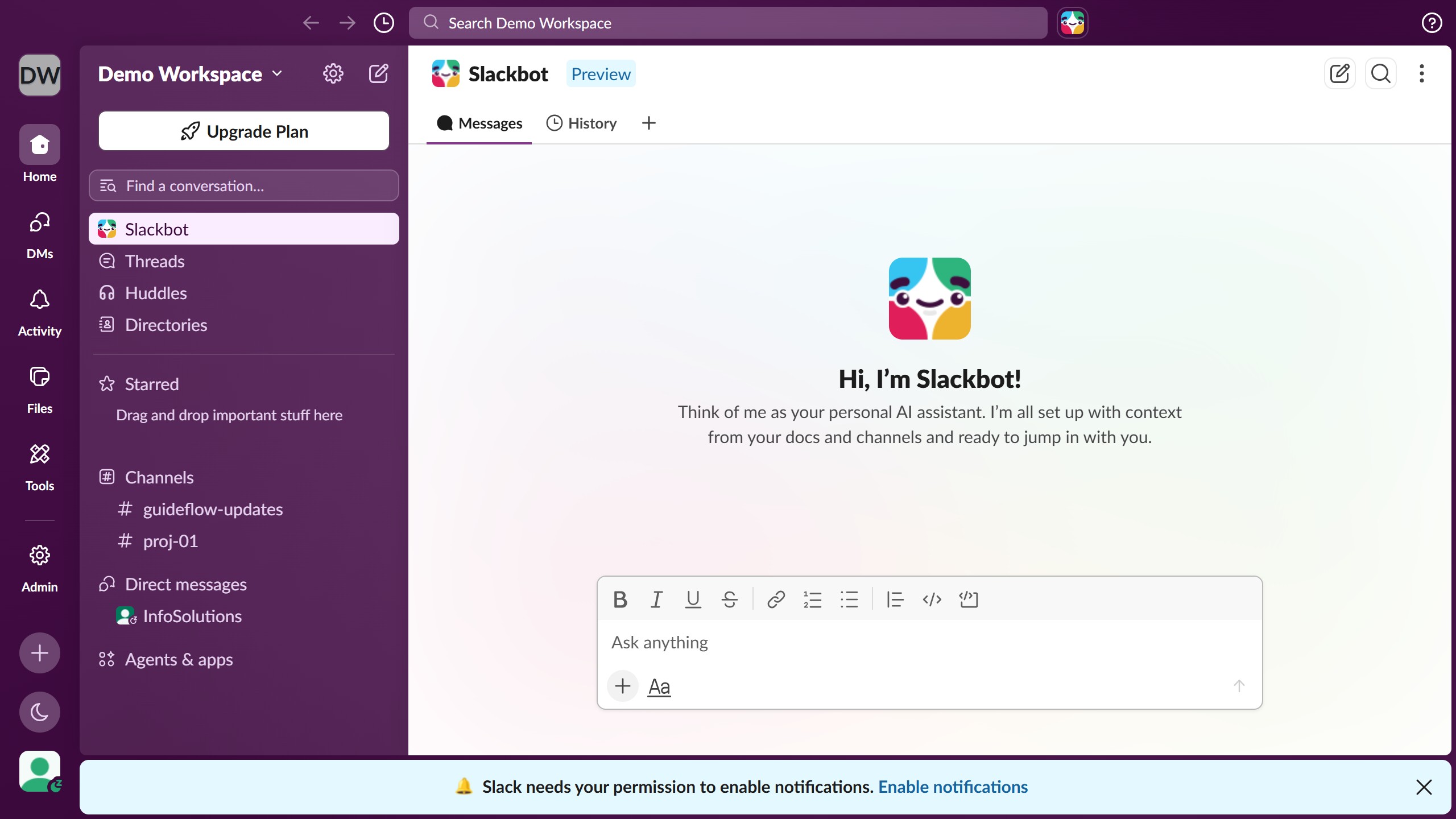
  1. First click on the profile icon in the bottom-left corner of the sidebar
  2. Then click on "Profile" option from the menu that appears
  3. Next click on "Edit" button in the profile panel on the right side
  4. Then click on the "Title" input field and enter the desired title
  5. Finally click on "Save Changes" button at the bottom of the edit profile modal

Create your own interactive guide with Guideflow

Why should you add your company title in Slack

Slack is a dynamic communication platform designed to enhance team collaboration and streamline workflows.

Adding your company title in Slack is a simple but impactful feature that fosters a sense of identity and professionalism among team members.

When everyone can clearly see your organization’s name, it reinforces company values and cultures, helping to build a cohesive community.

Not only does it add a touch of personalization, but it also enhances brand visibility, making every interaction on Slack a little more engaging and aligned with your company’s mission.

Last update
March 16, 2026
Cursor MariaA cursor points to a button labeled "James."

Create your first demo in less than 30 seconds.