Slack
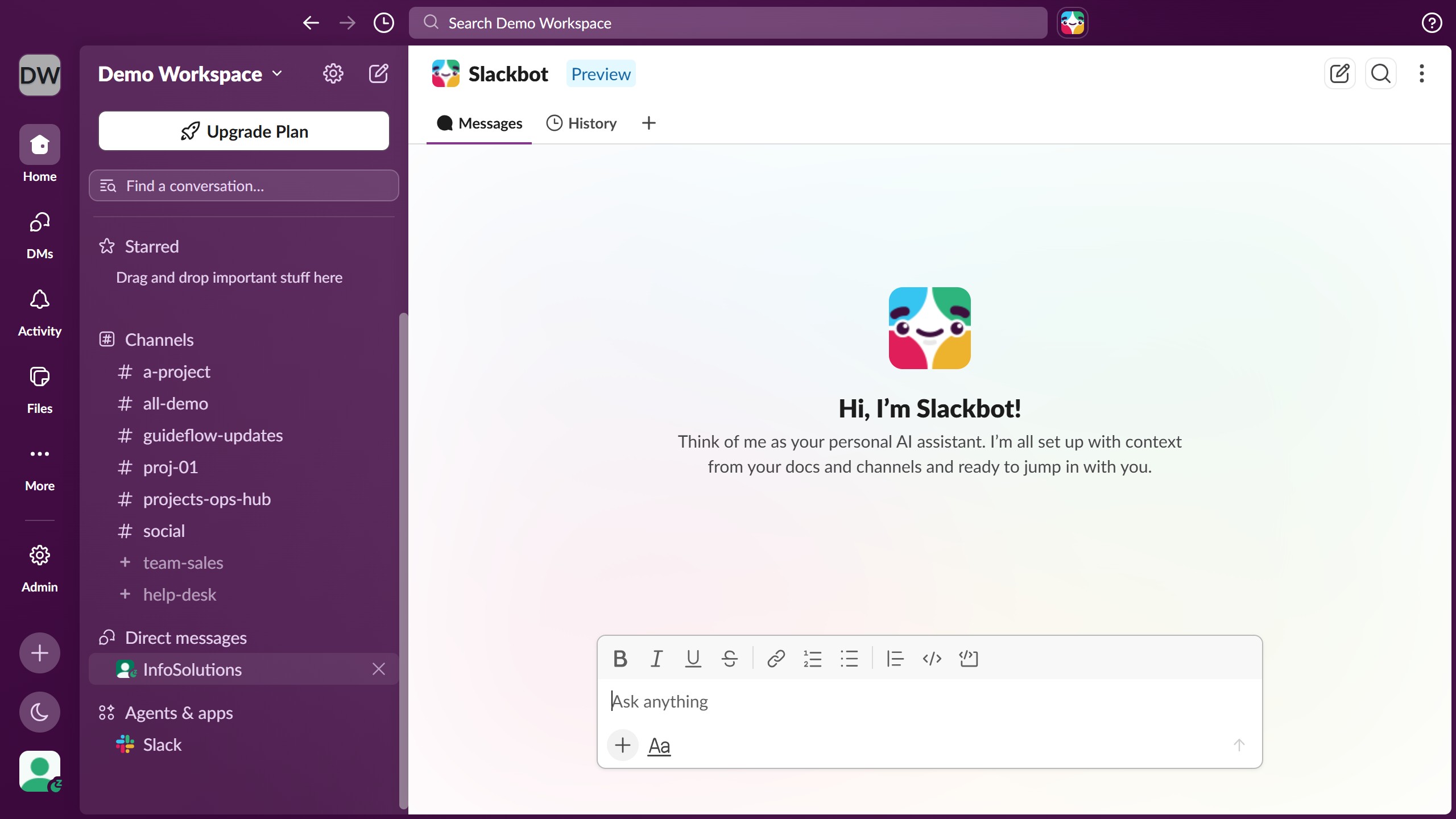
Slack is a business communication platform that organizes team conversations into channels and direct messages.
Website
Industry
Collaboration
Share this article:

How to reply in a thread and add it to the main conversation in Slack

Here is how to reply in a thread and add it to the main conversation in slack

  1. First click on the channel name in the sidebar under the Channels section
  2. Then click on the message where you want to send a reply
  3. Next click on the "Reply to thread" icon in the message toolbar
  4. Then type your reply in the thread panel's text input field
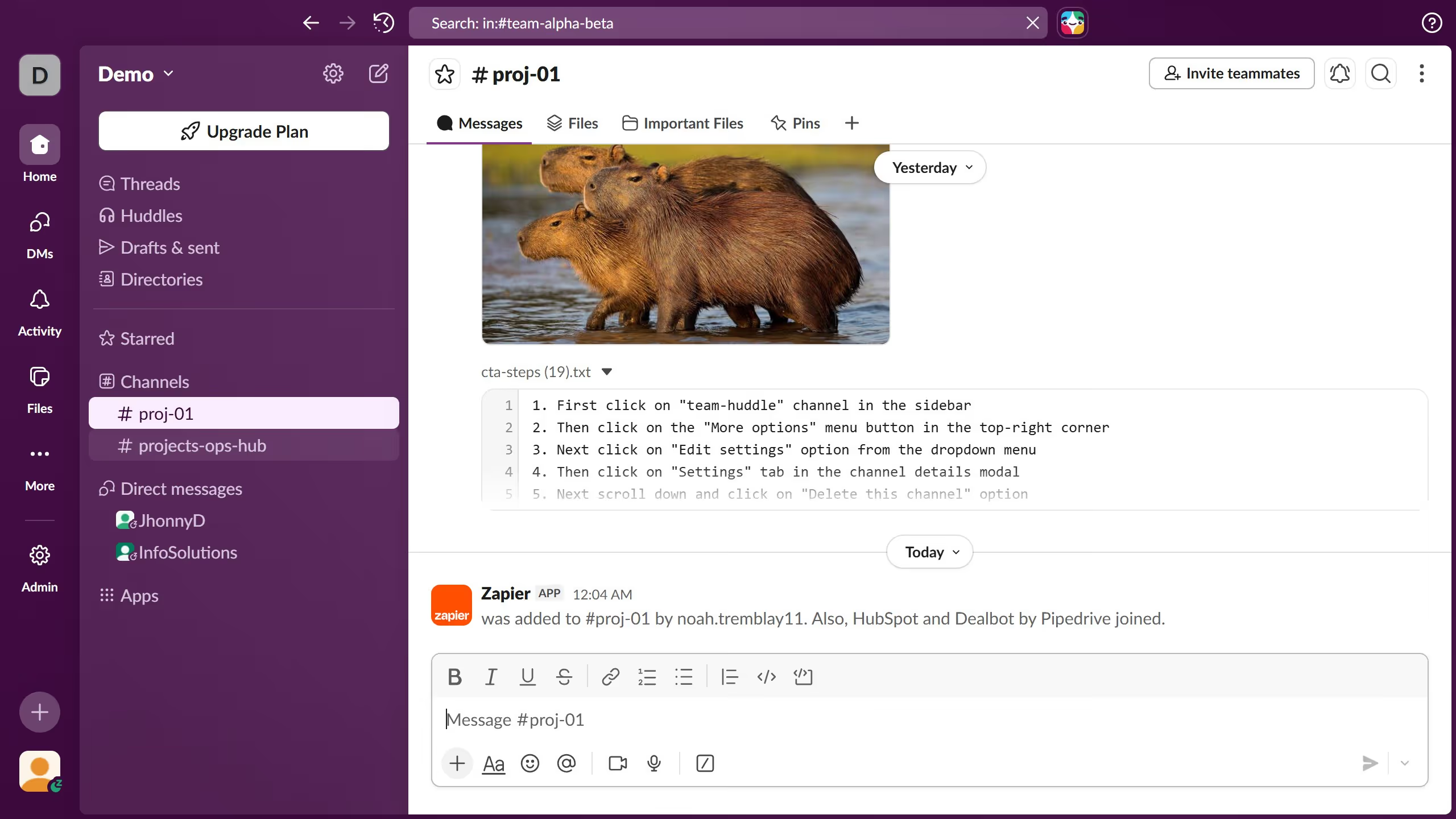
  5. Next click on the "Also send to # proj-01" checkbox below the reply field
  6. Finally click on the send button to submit your threaded reply

Create your own interactive guide with Guideflow

Why should you reply in a thread and add it to the main conversation in Slack

Slack is a dynamic collaboration hub designed to streamline team communication and enhance productivity.

Replying in a thread on Slack allows you to maintain organized, focused conversations within the chat. This feature helps ensure that specific topics remain clutter-free, letting users follow discussions more easily.

By adding thread replies to the main conversation, team members who aren’t following the thread can still stay informed, promoting transparency and avoiding missed updates. This fosters better collaboration and keeps everyone on the same page.

Last update
March 16, 2026
Cursor MariaA cursor points to a button labeled "James."

Create your first demo in less than 30 seconds.