Slack
Slack is a business communication platform that organizes team conversations into channels and direct messages.
Website
Industry
Collaboration
Share this article:

How to expand a thread in Slack

Here is how to expand a thread in slack

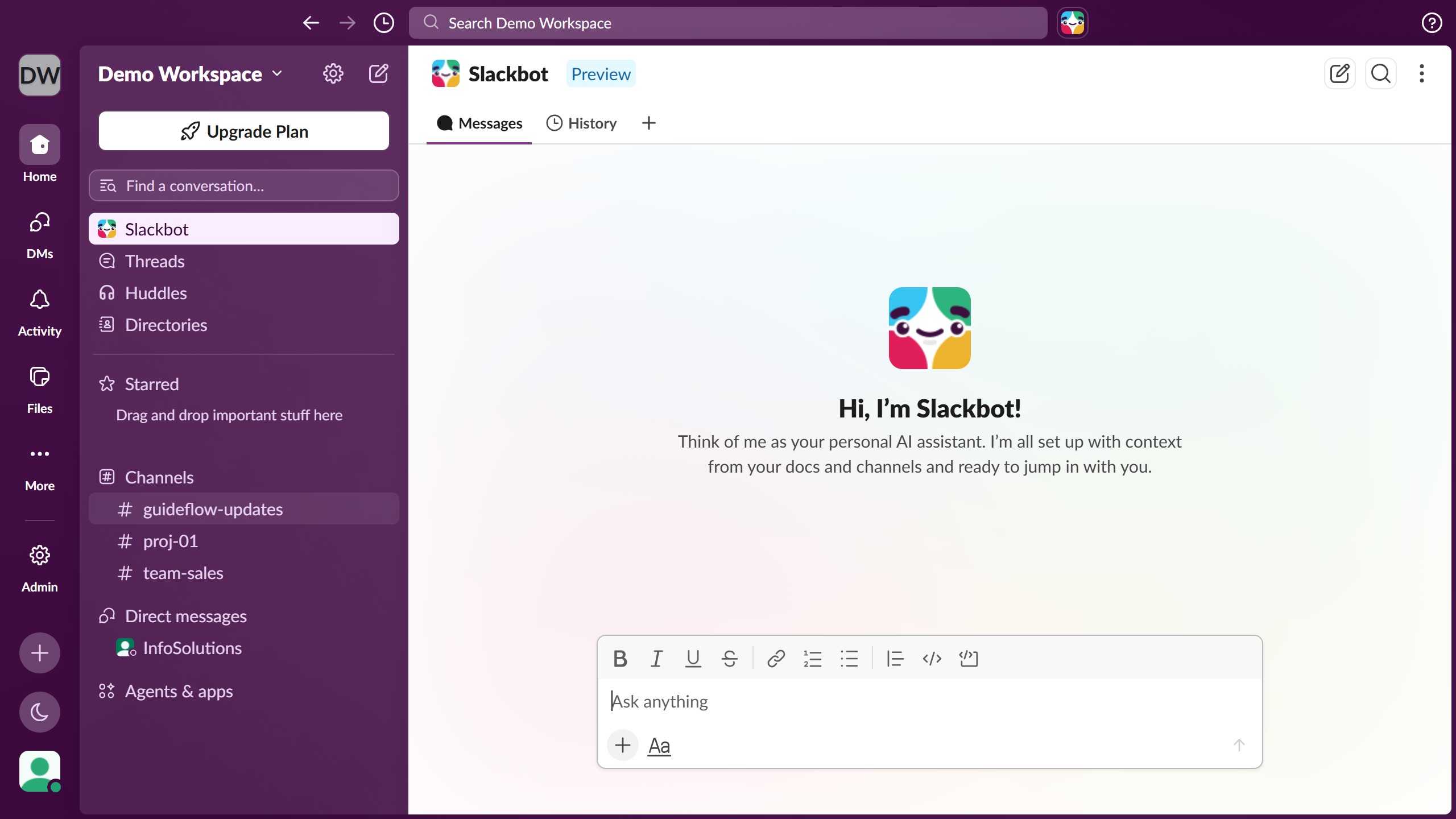
  1. First click on the channel name in the sidebar under the Channels section
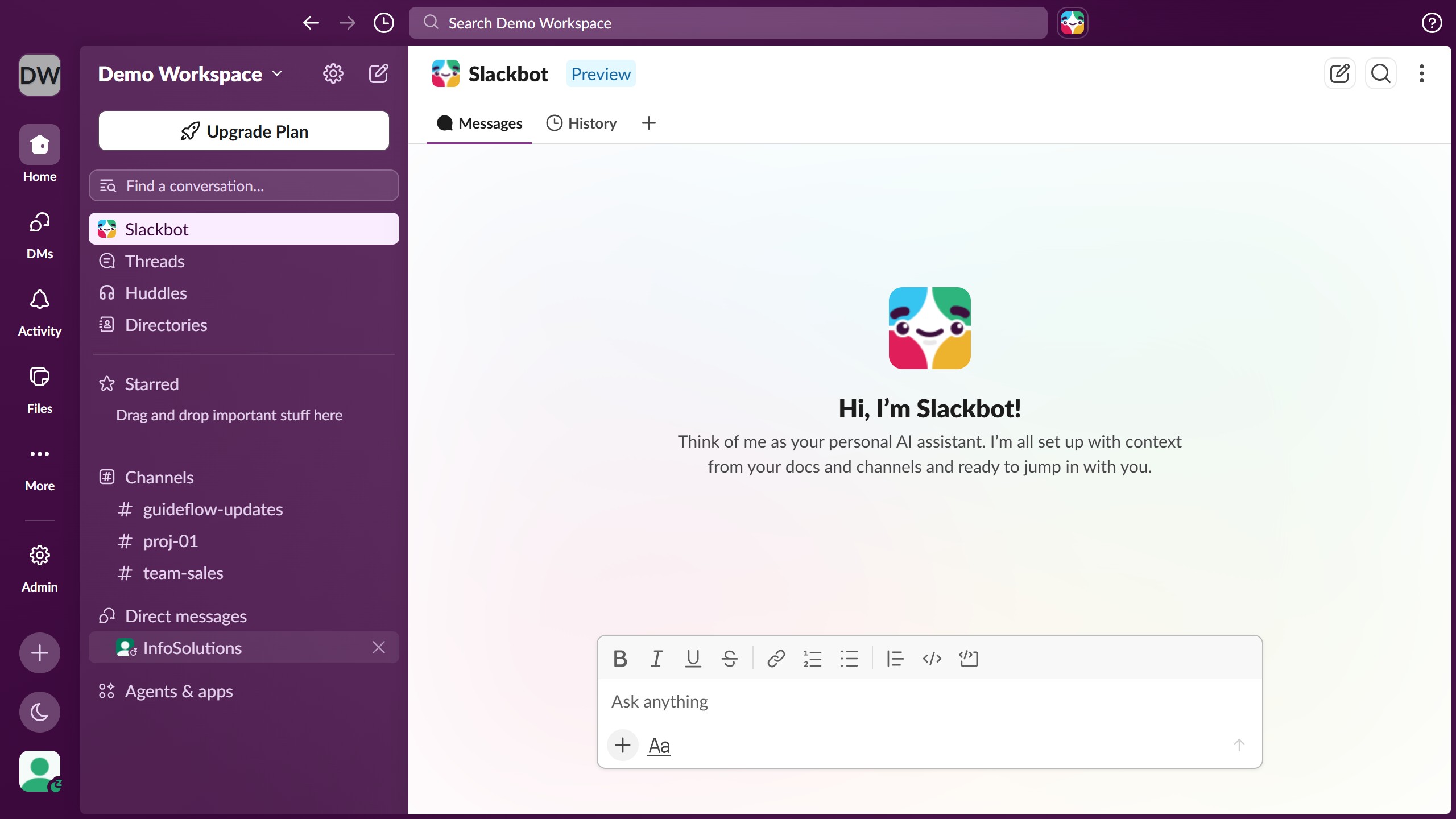
  2. Click the thread reply link or reply count under the message in the main conversation area
  3. Finally view and read all replies in the thread

Create your own interactive guide with Guideflow

Why should you expand a thread in Slack

Slack is a renowned messaging platform that brings team collaboration and communication to the forefront.

Expanding a thread in Slack allows users to dive deeply into conversations without losing the main discussion flow. This feature enhances clarity by providing detailed insights into specific topics.

Utilizing thread expansion promotes effective information sharing and keeps all necessary details thoughtfully organized. It’s perfect for maintaining focus, ensuring everyone stays on the same page while fostering a seamless collaborative environment.

Last update
March 16, 2026
Cursor MariaA cursor points to a button labeled "James."

Create your first demo in less than 30 seconds.