Slack
Slack is a business communication platform that organizes team conversations into channels and direct messages.
Website
Industry
Collaboration
Share this article:

How to leave a channel in Slack

Here is how to leave a channel in slack

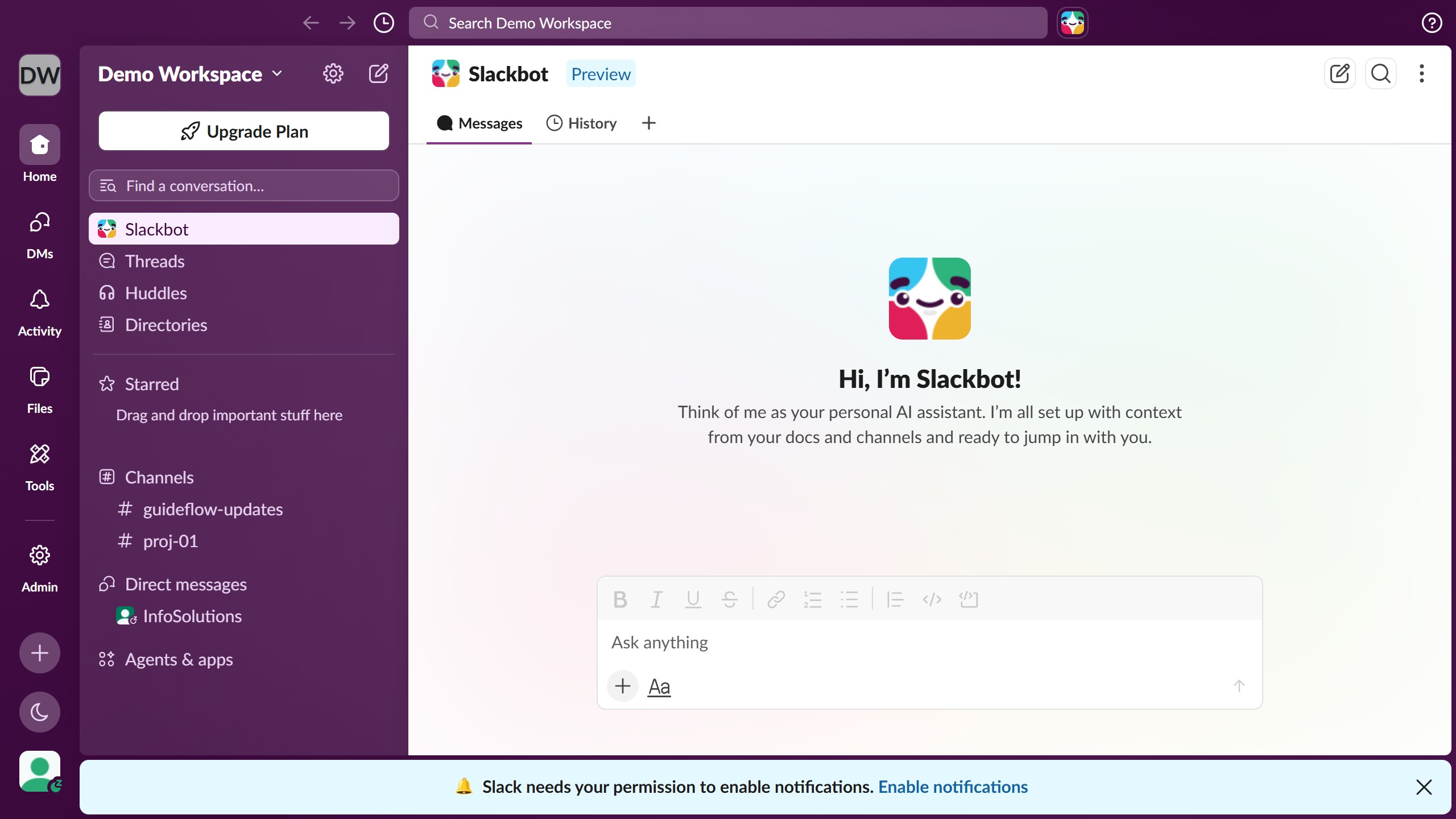
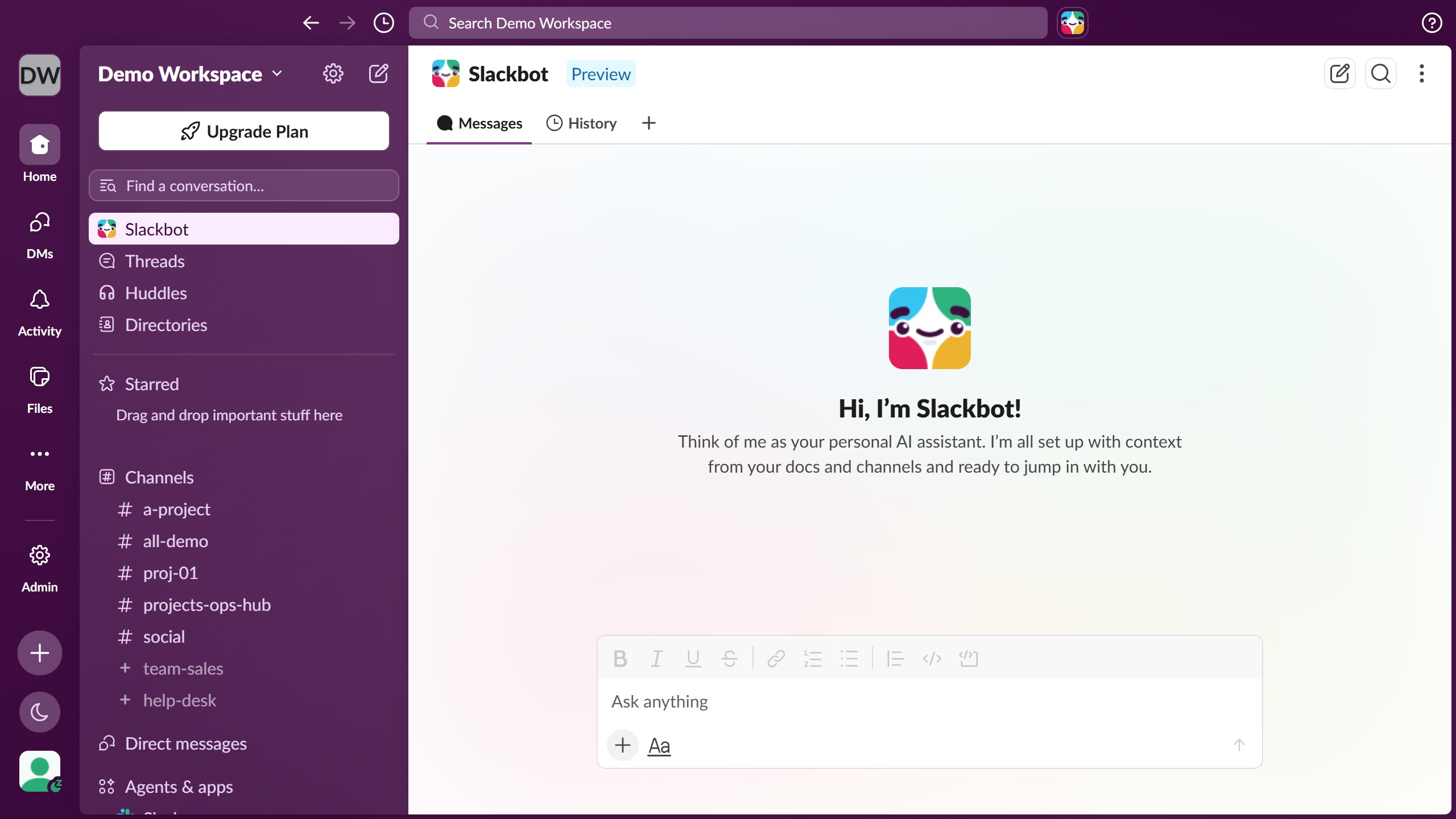
  1. First click on a channel in the sidebar under the Channels section
  2. Then click on the menu button (three vertical dots) in the top-right corner of the header
  3. Finally click on "Leave channel" button in the dropdown menu

Create your own interactive guide with Guideflow

Why should you leave a channel in Slack

Slack is a robust communication platform designed to streamline team collaboration.

Leaving a channel in Slack is a straightforward feature that enhances your productivity by allowing you to manage your focus and time effectively.

By choosing which conversations to be part of, you ensure that your Slack workspace remains organized and relevant to your current projects.

This feature not only declutters your view but also reduces distractions, helping you to concentrate on the channels that truly matter for your role or interests.

Last update
March 16, 2026
Cursor MariaA cursor points to a button labeled "James."

Create your first demo in less than 30 seconds.