How to add a recent file to a folder in Slack
Here is how to add a recent file to a folder in slack
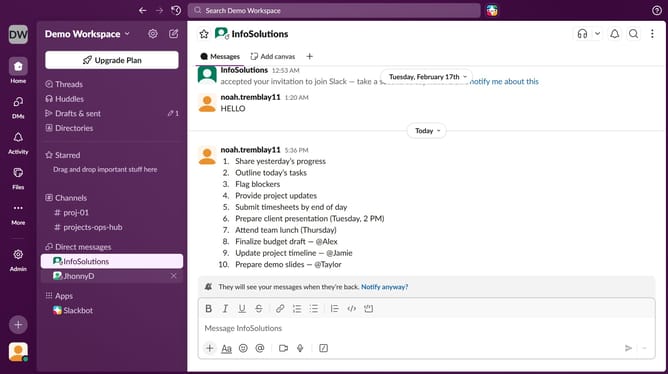
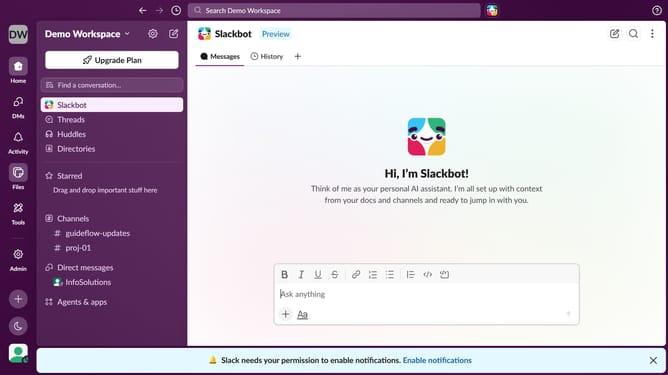
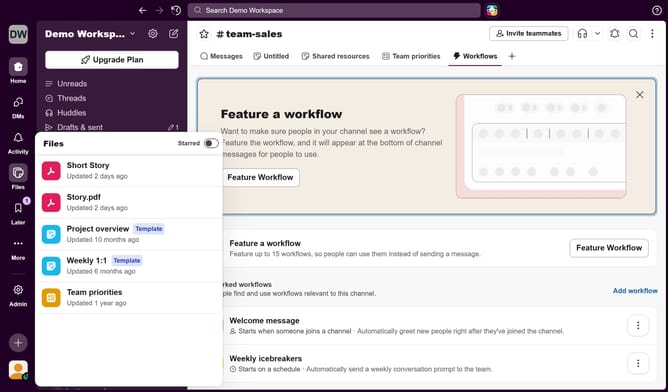
- First click on a channel in the left sidebar
- Then click on the file button in the top menu
- Next click on the "+" icon in the top right corner
- Then select the "File" option
- After that select a file from the list
- Next click on the "Add File" button
- Finally click on the "Share" button
Why should you add a recent file to a folder in Slack
Slack is a dynamic platform designed to streamline team communication and enhance collaboration effortlessly.
A key feature is the ability to add recent files to a folder, keeping your workspace organized and accessible.
This functionality allows you to maintain a clutter-free channel, ensuring key documents are just a click away whenever needed.
By managing your files effectively, teams can work more efficiently, saving time and preventing the chaos of misfiled documents.
Last update