Slack
Slack is a business communication platform that organizes team conversations into channels and direct messages.
Website
Industry
Collaboration
Share this article:

How to allow copying messages in mobile devices in Slack

Here is how to allow copying messages in mobile devices in slack

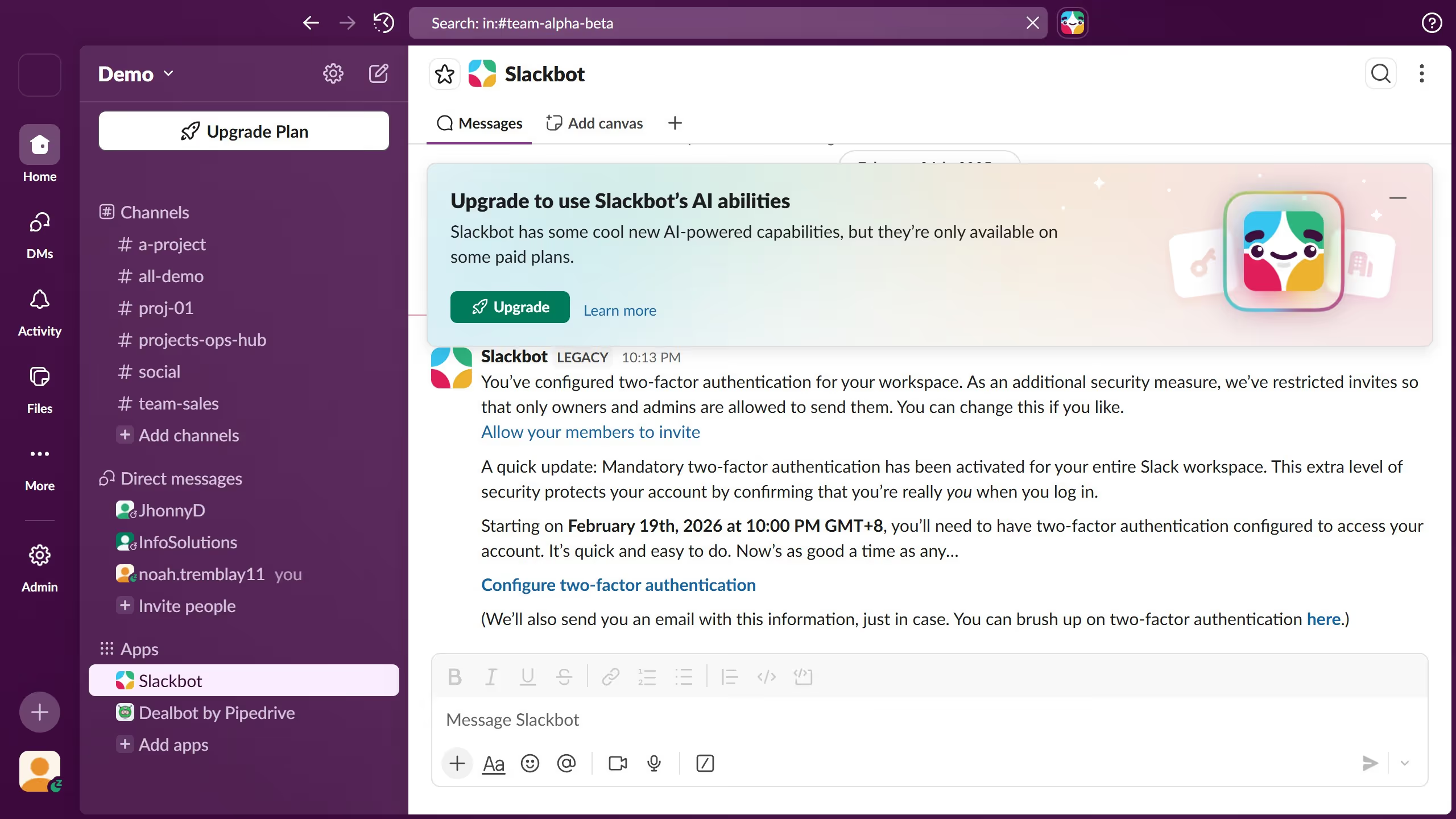
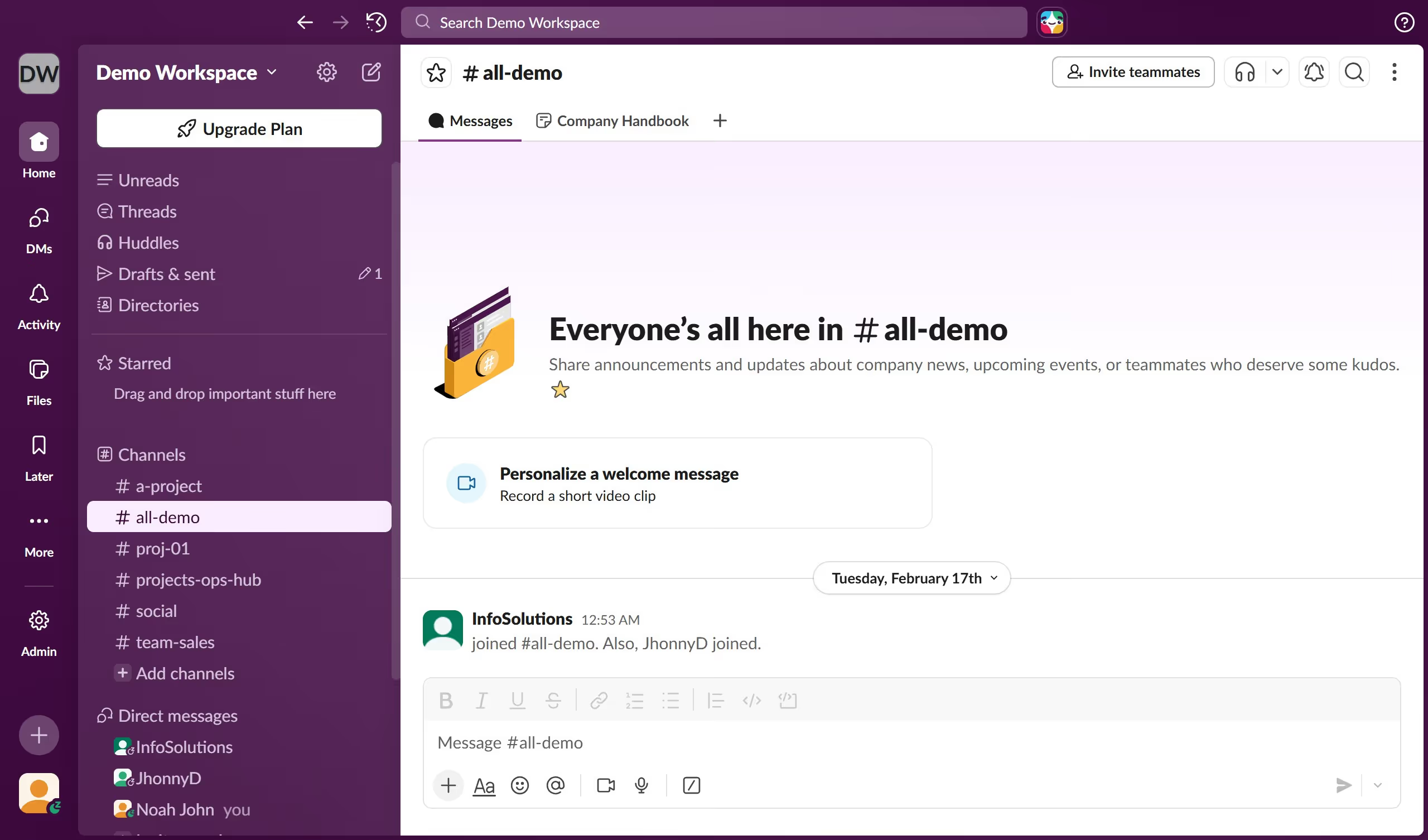
  1. First click on "Admin" button in the sidebar
  2. Then click on "Workspace settings" option in the Admin Tools menu
  3. Next click on "Security" section in the left sidebar
  4. Then click on "Edit" button for the "Copying messages on mobile devices" setting
  5. Then click on "Allow users to copy messages on mobile" checkbox
  6. Finally click on "Save" button to confirm the changes

Create your own interactive guide with Guideflow

Why should you allow copying messages in mobile devices in Slack

Slack is an essential communication hub that streamlines team collaboration with efficiency and ease.

The feature allowing users to copy messages on mobile devices enhances this seamless experience. It empowers users to extract important information quickly, enabling smooth and efficient sharing across different platforms.

Whether for capturing key details for a presentation or sharing insights with colleagues, having the ability to copy messages ensures productivity is never hindered, keeping teams connected and informed.

Last update
March 16, 2026
Cursor MariaA cursor points to a button labeled "James."

Create your first demo in less than 30 seconds.