Slack
Slack is a business communication platform that organizes team conversations into channels and direct messages.
Website
Industry
Collaboration
Share this article:

How to manage default channel in Slack

Here is how to manage default channel in slack

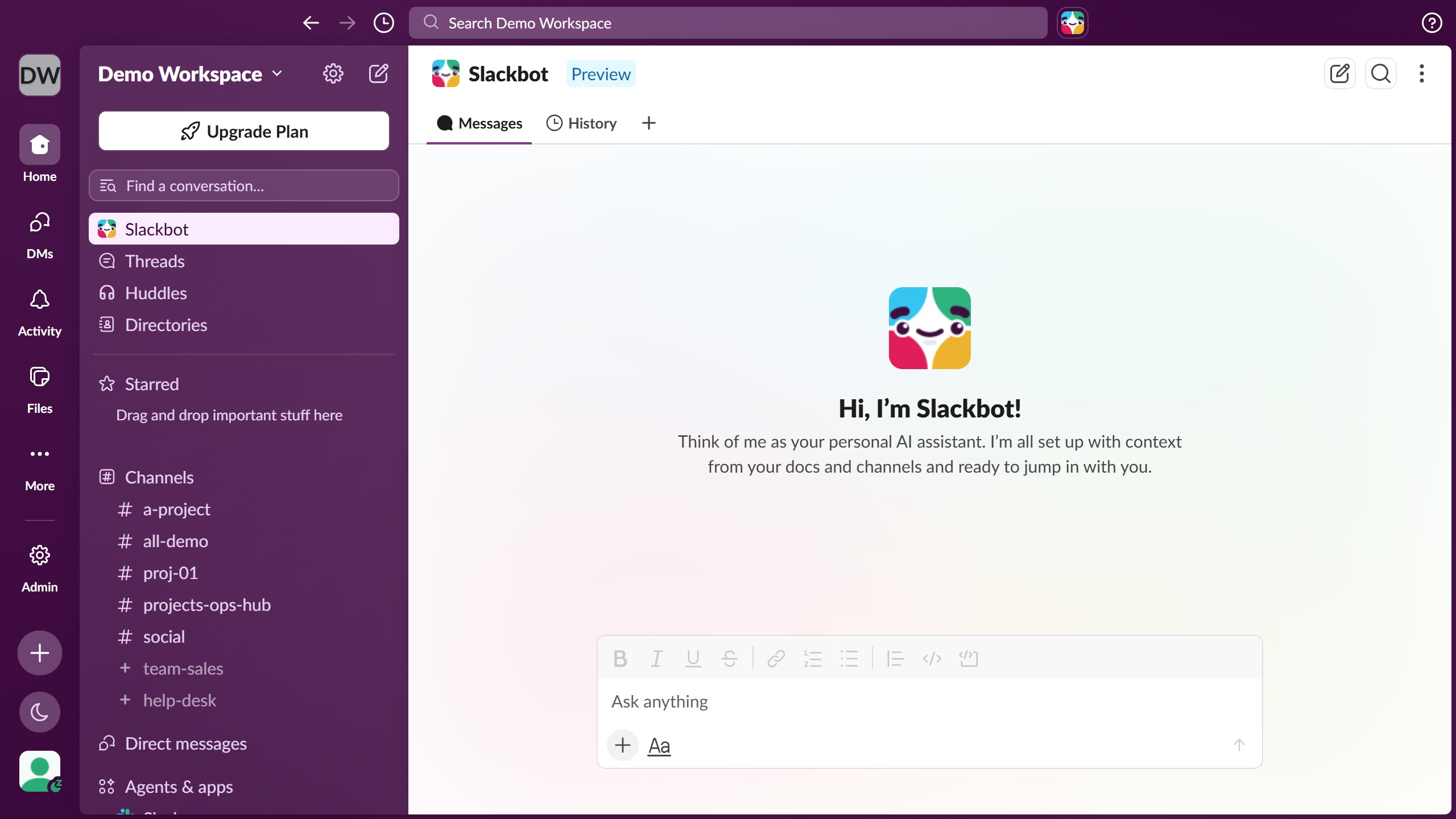
  1. First click on "Admin" button in the sidebar
  2. Then click on "Workspace settings" option in the Admin Tools menu
  3. Next click on "Expand" button next to the Default Channels section
  4. Then click on the default channel dropdown menu
  5. Next select a channel option from the dropdown menu
  6. Finally click on "Save" button to confirm the changes

Create your own interactive guide with Guideflow

Why should you manage default channel in Slack

Slack is a collaborative platform designed to streamline team communication.

Managing the default channel in Slack plays a crucial role in steering team interactions effortlessly. A default channel is where new team members land and start their communication journey. Effectively managing this space ensures that essential information is instantly accessible to everyone joining the channel.

This feature fosters a cohesive environment by aligning team members on priorities and updates from day one. Efficient default channel management in Slack sets the stage for productivity and cohesion, nurturing a collaborative team spirit.

Last update
March 16, 2026
Cursor MariaA cursor points to a button labeled "James."

Create your first demo in less than 30 seconds.