How to delete a channel prefix in Slack
Here is how to delete a channel prefix in slack
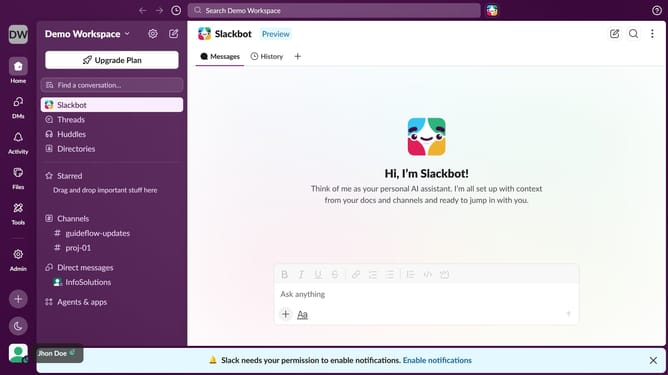
- First click on "Admin" in the left sidebar
- Then click on "Workspace settings" in the Admin Tools menu
- Then click on the "Settings" tab
- Then click on "Customize" in the left sidebar
- Click on the "Channel Prefixes" tab
- Finally click on the "x" icon across the prefix you want to delete
Why should you delete a channel prefix in Slack
Slack is a transformative communication platform designed to streamline teamwork and collaboration.
One intriguing feature is the ability to delete a channel prefix, offering greater flexibility in channel management.
Removing a prefix can clarify channel purposes, providing a simplified view and reducing clutter in your workspace.
By fine-tuning channel names, teams can focus more on active collaboration, ensuring streamlined communication that aligns with their evolving needs.
Last update