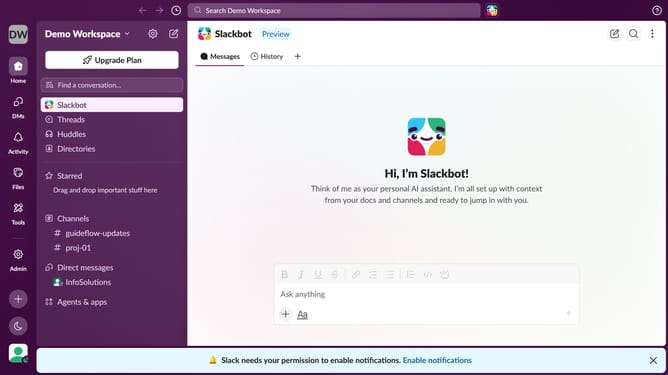
How to reply to a thread in Slack
Here is how to reply to a thread in slack
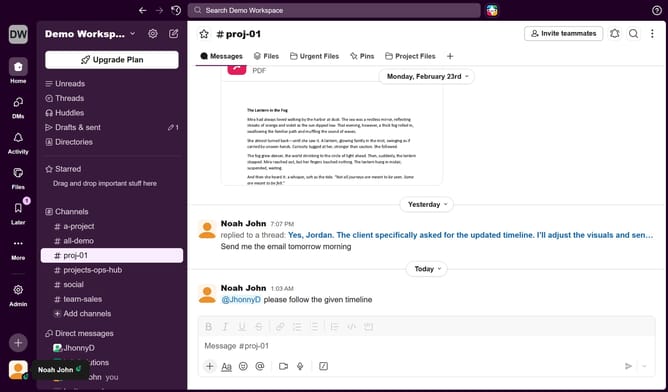
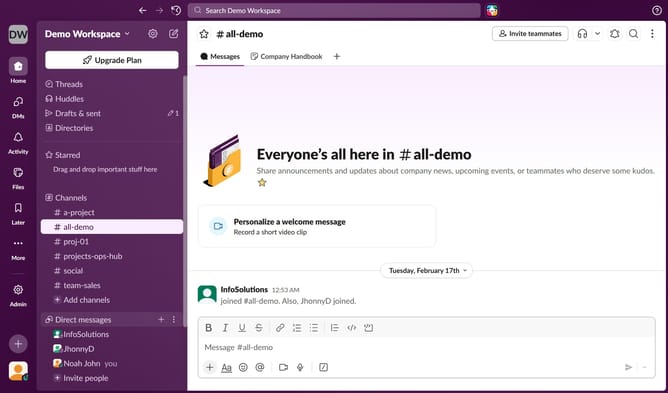
- First click on "Threads" in the sidebar
- Then type your reply in the "Reply" input field on your preferred thread
- Finally click on the "Send" button
Why should you reply to a thread in Slack
Slack is a dynamic communication platform designed to streamline team collaboration and productivity.
Replying to a thread in Slack is a seamless feature that encourages focused discussions away from the main channel, preserving essential context and ensuring conversations are neatly organized.
By responding within a thread, team members can efficiently track dialogue history, making information retrieval and engagement straightforward.
This feature promotes clarity and reduces the noise in bustling workspaces, enhancing both team dynamics and workflow efficiency.
Last update