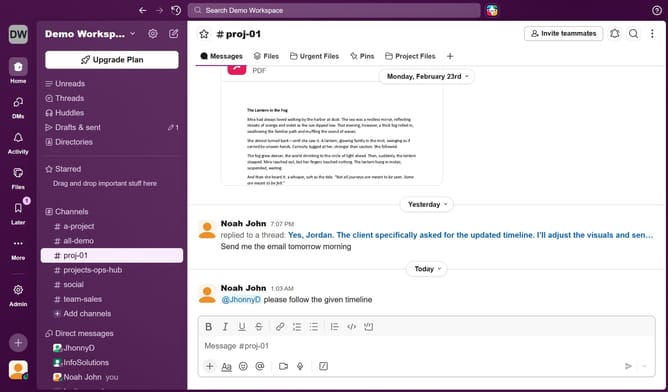
How to unmute all messaging sounds from Slack
Here is how to unmute all messaging sounds from slack
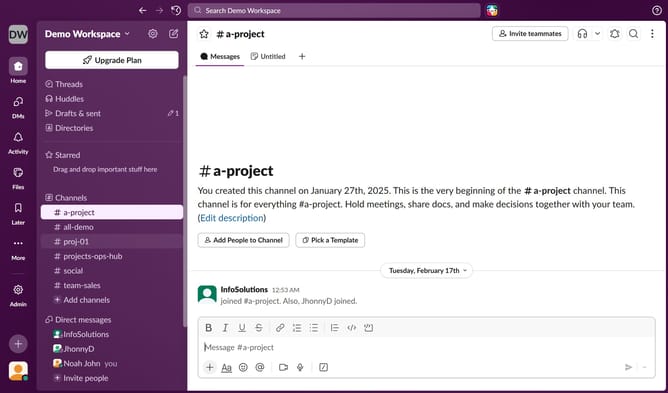
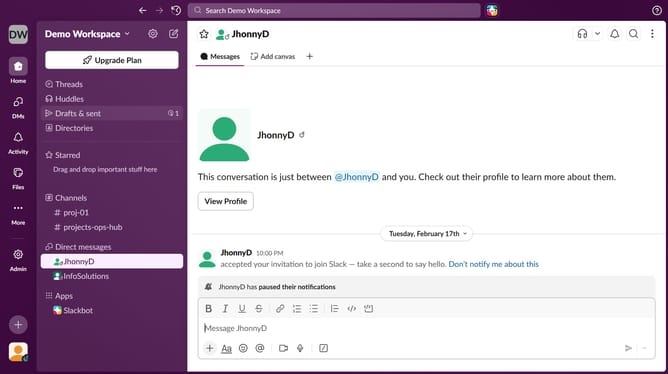
- First click on the user profile picture in the left sidebar
- Then click on "Preferences" in the dropdown menu
- Next click on the "Notifications" tab
- Then uncheck the "Mute all messaging sounds from Slack" checkbox
- Finally click on the close button to close the preferences window
Why should you unmute all messaging sounds from Slack
Slack is a dynamic team collaboration tool that streamlines communication across all devices, empowering teams to work more efficiently.
Unmuting all messaging sounds in Slack ensures that you never miss an important alert, sparking an immediacy and awareness crucial for team synergy and project success.
By having messaging sounds activated, team members effortlessly stay synchronized, maintaining an active participatory rhythm and a vibrancy in task execution and information flow.
This feature elevates the communication experience, fostering an environment of seamless interaction and connectivity among team members.
Last update