Slack
Slack is a business communication platform that organizes team conversations into channels and direct messages.
Website
Industry
Collaboration
Share this article:

How to add a custom emoji to your status in Slack

Here is how to add a custom emoji to your status in slack

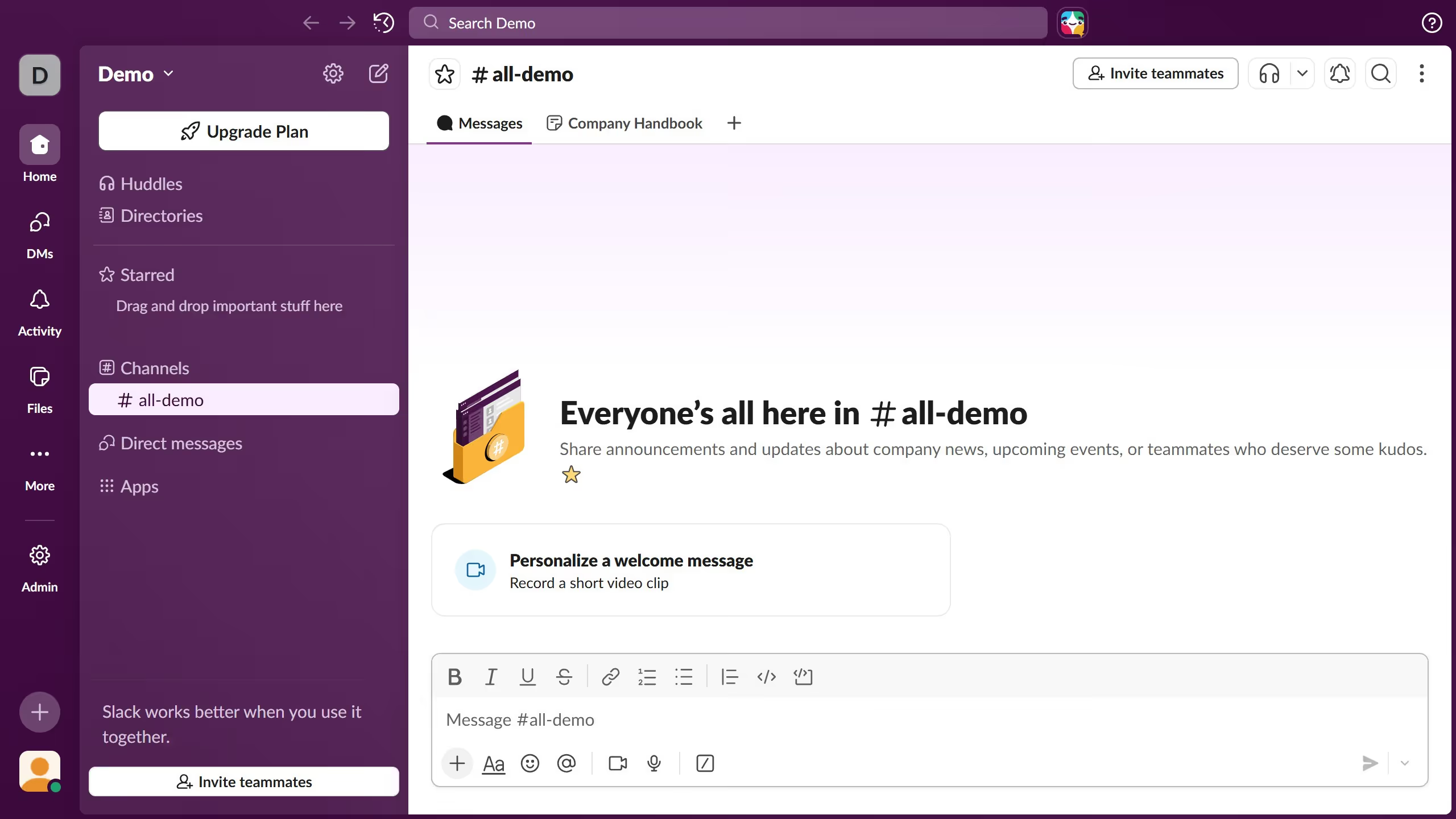
  1. First click on the user profile section in the sidebar
  2. Then click on "Update your status" option in the dropdown menu
  3. Next click on the emoji picker icon in the status input field
  4. Then click on "Add Emoji" button in the emoji picker
  5. Next click on "Upload Image" button to select a custom emoji image
  6. Then click in the emoji name input field and enter the custom name
  7. Finally click on "Save" button to save the custom emoji

Create your own interactive guide with Guideflow

Why should you add a custom emoji to your status in Slack

Slack is a powerful collaboration tool designed to streamline team communication and enhance productivity.

Adding a custom emoji to your status in Slack personalizes your profile and makes your interactions more engaging and fun.

This feature allows you to creatively express your current mood, activities, or tasks, making it easier for teammates to quickly grasp your availability or focus.

Incorporating emojis ensures a playful touch to professional communication, encouraging team camaraderie and improving workplace culture.

Last update
March 16, 2026
Cursor MariaA cursor points to a button labeled "James."

Create your first demo in less than 30 seconds.