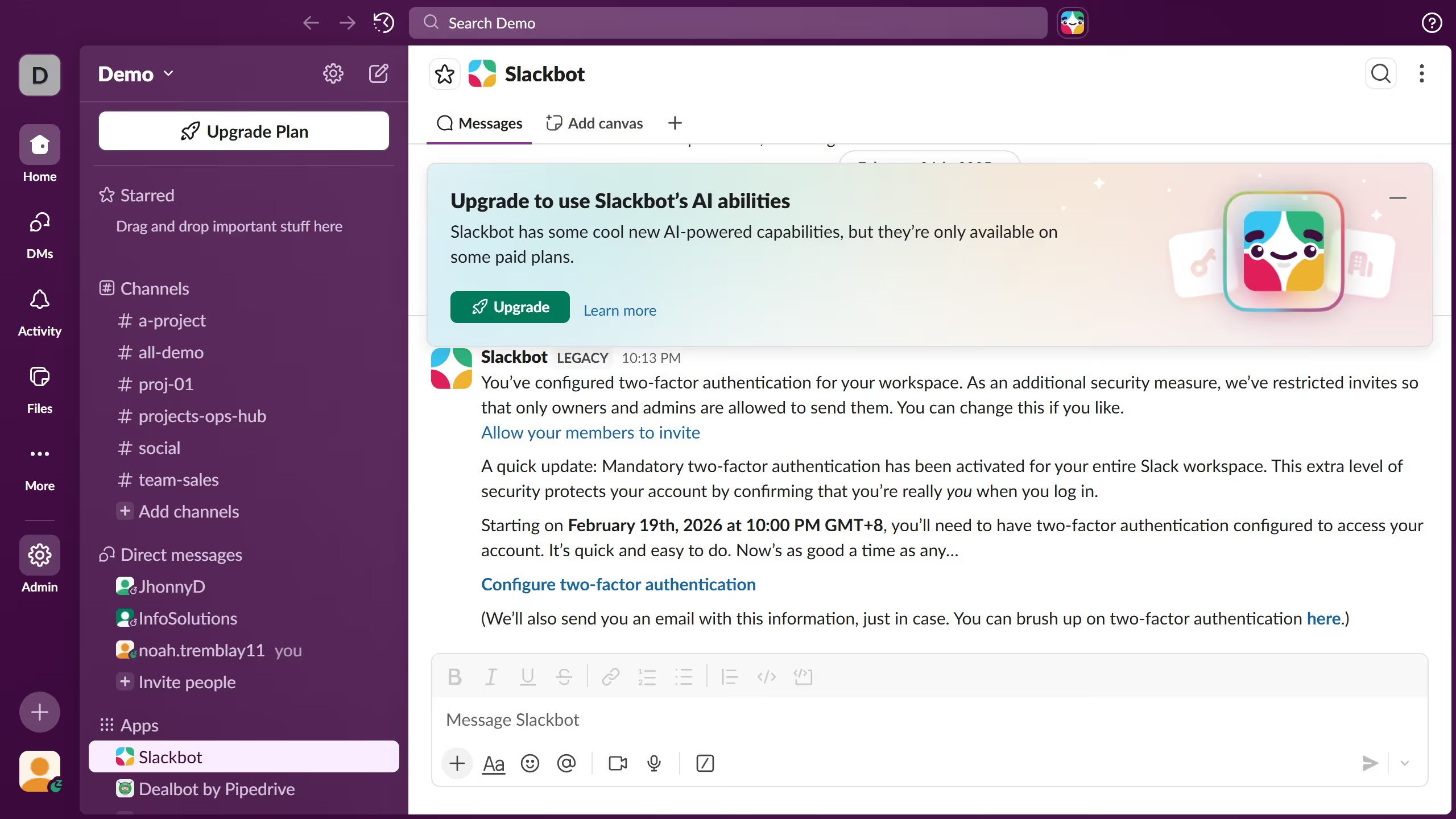
Here is how to mute a channel in slack
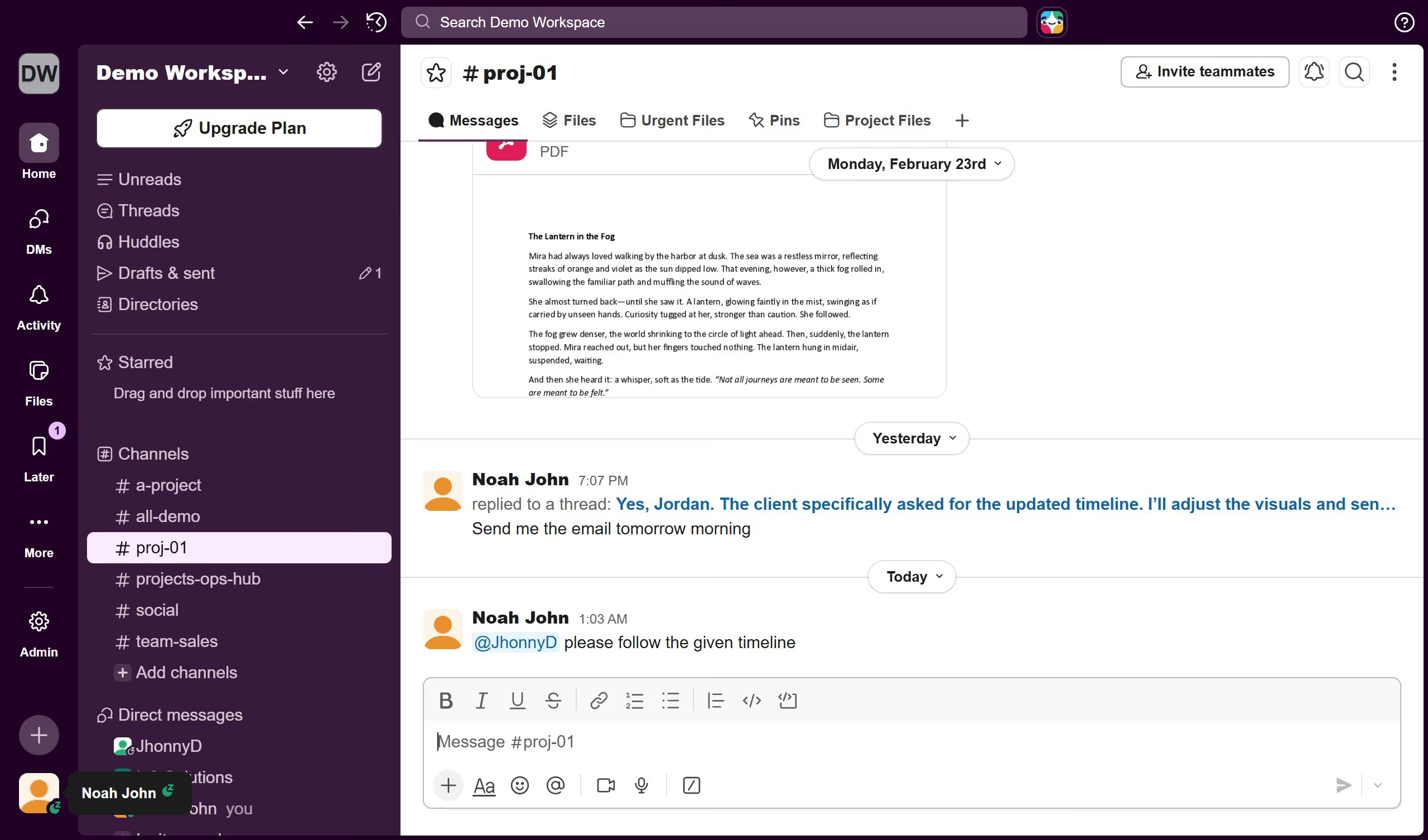
- First click on the channel name in the sidebar under the Channels section
- Then click on the notifications bell icon in the top toolbar
- Finally click on "Mute and hide" option in the notifications dropdown menu


Create your own interactive guide with Guideflow
Slack is a dynamic communication platform designed to streamline teamwork and enhance productivity.
One of its standout features is the ability to mute a channel. This feature allows you to maintain your focus by preventing notifications from channels that are less pertinent to your current tasks.
Muting a channel is especially beneficial in a busy workspace, as it helps users manage their attention effectively without losing access to valuable information.
By using this feature, you can improve your work-life balance, ensuring that you remain engaged and productive in the channels that matter most to you.
Why leading companies build with Guideflow