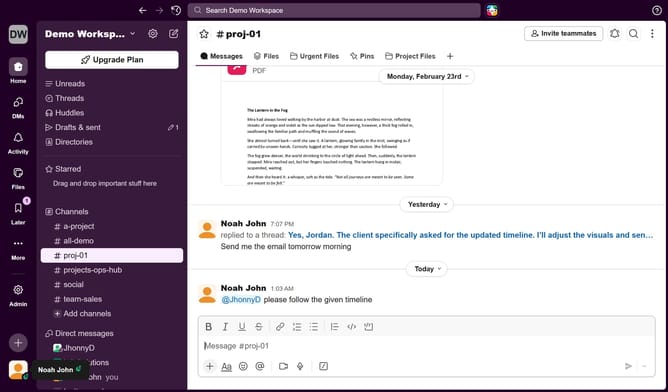
How to favorite a channel in Slack
Here is how to favorite a channel in slack
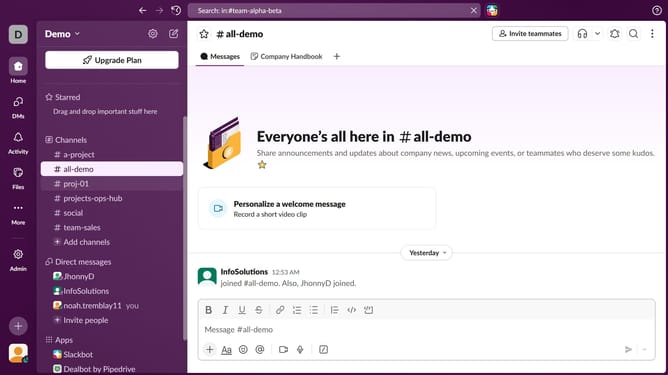
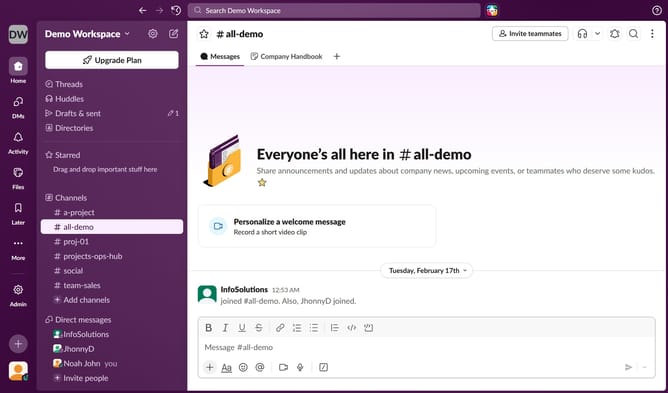
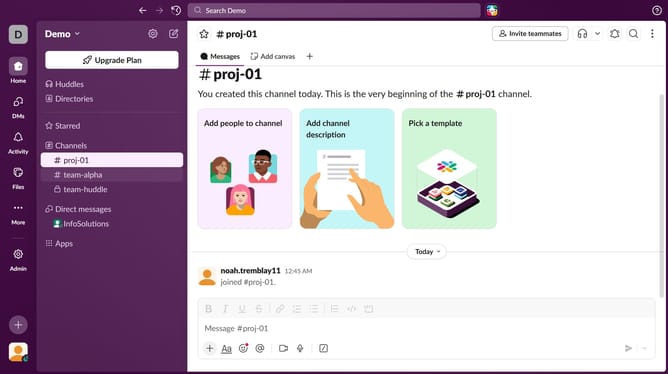
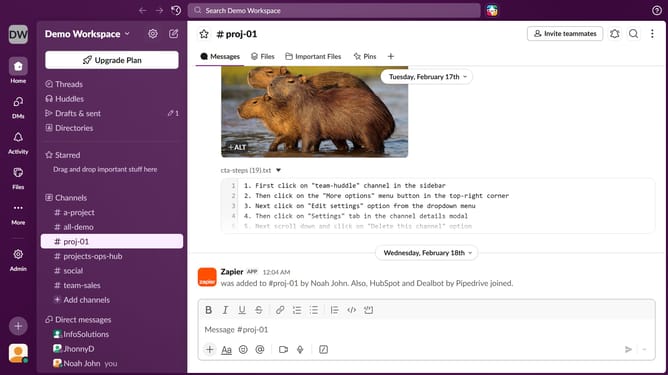
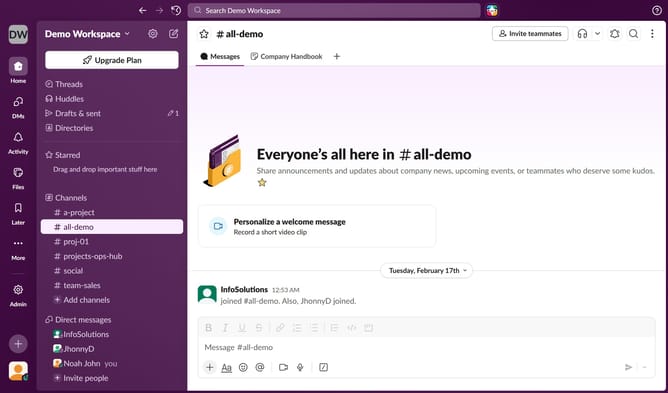
- First click on a channel name in the sidebar under the Channels section
- Then click on the menu button (three vertical dots) in the top-right corner of the header
- Finally click on "Leave channel" button in the dropdown menu
Why should you favorite a channel in Slack
Slack is a streamlined communication hub designed to enhance team collaboration and productivity.
With the ability to favorite a channel, Slack empowers users to prioritize important conversations.
Favoriting a channel makes it easily accessible, ensuring you never miss crucial updates from your team.
This feature helps organize your workspace, making navigation simple and efficient.
By keeping essential channels at your fingertips, you save time and stay focused on what truly matters.
Last update