Slack
Slack is a business communication platform that organizes team conversations into channels and direct messages.
Website
Industry
Collaboration
Share this article:

How to delete a custom emoji in Slack

Here is how to delete a custom emoji in slack

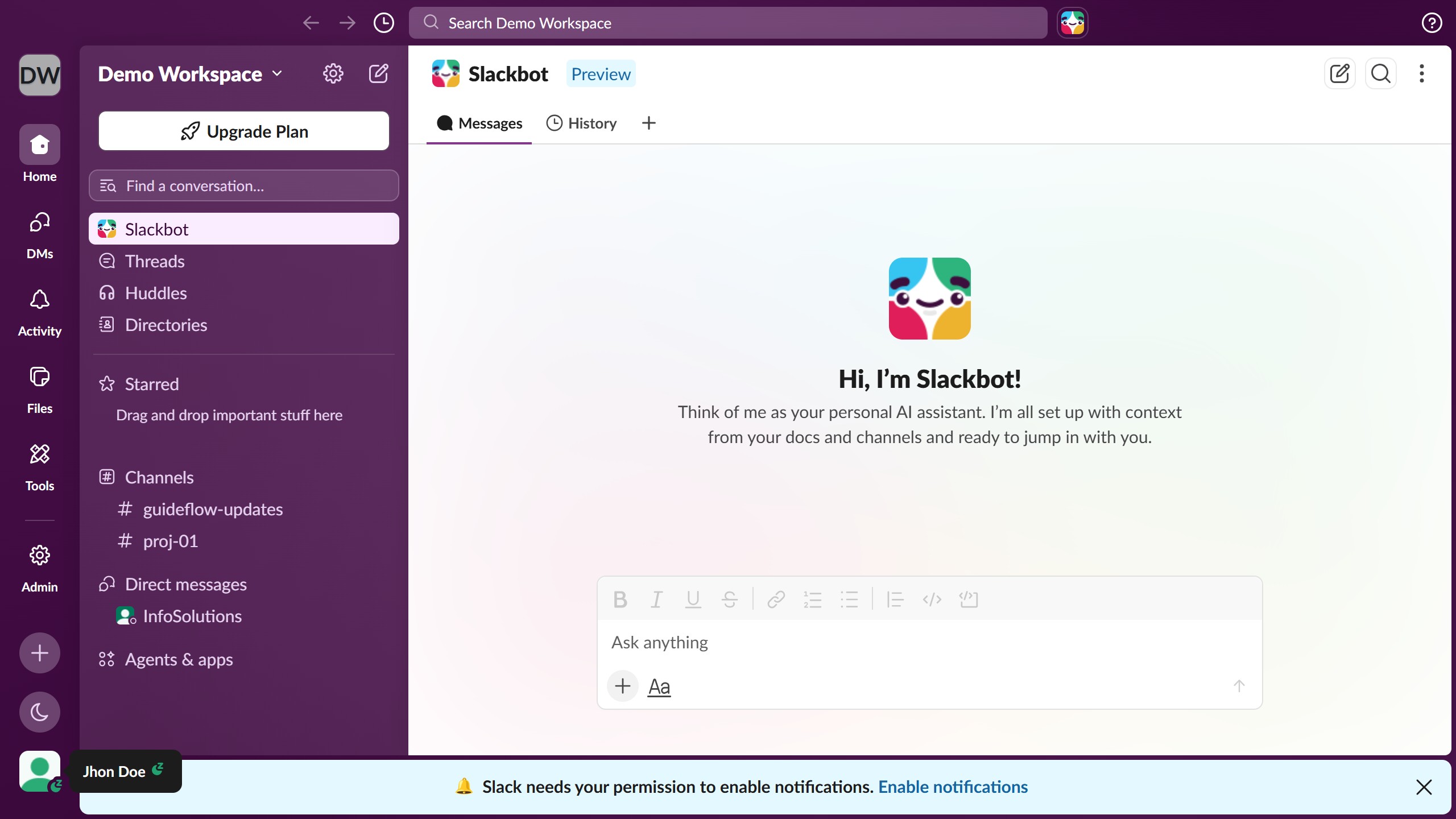
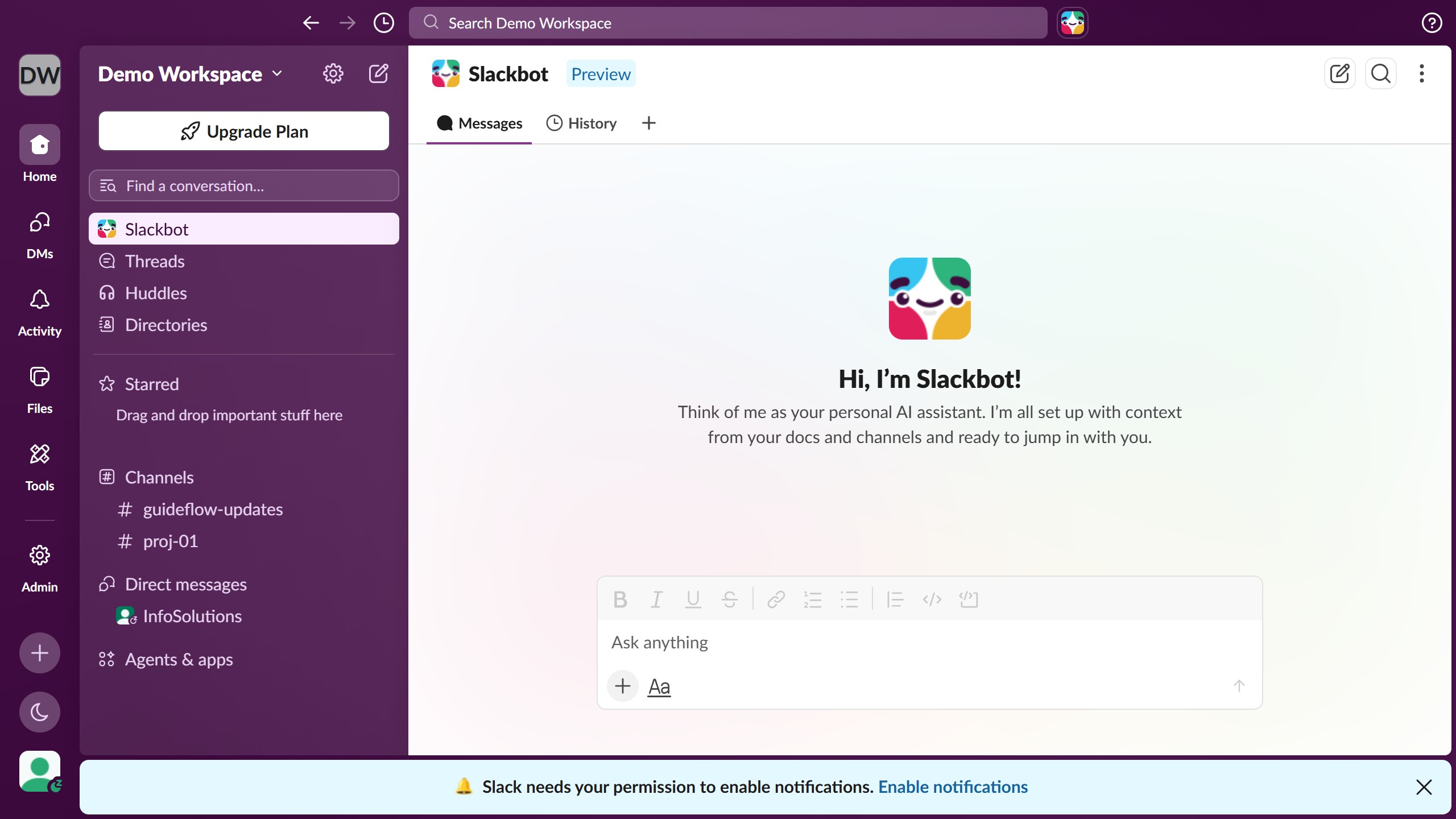
  1. First click on the workspace name dropdown button in the sidebar header
  2. Then click again the workspace name from the workspace menu
  3. Next click on "Edit Workspace Icon" link in the workspace details modal
  4. Then click on the delete icon button next to the first custom emoji in the list
  5. Finally click on "Delete Emoji" button in the confirmation dialog

Create your own interactive guide with Guideflow

Why should you delete a custom emoji in Slack

Slack is a vibrant digital workspace designed to revolutionize team communication and collaboration.

Deleting a custom emoji in Slack allows teams to keep their communication efficient and relevant. This feature helps maintain a streamlined and updated emoji library, ensuring users aren't overwhelmed with unused or inappropriate icons.

By periodically removing custom emojis, the workspace can foster a cleaner and more organized digital environment. This supports clearer, more focused conversations, enhancing overall productivity and user experience within the platform.

Last update
March 16, 2026
Cursor MariaA cursor points to a button labeled "James."

Create your first demo in less than 30 seconds.