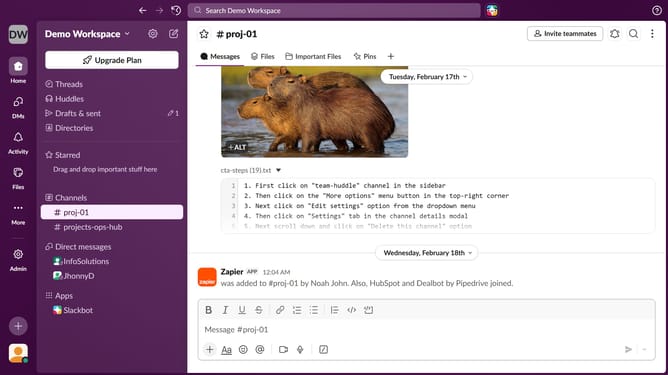
How to add a channel prefix in Slack
Here is how to add a channel prefix in slack
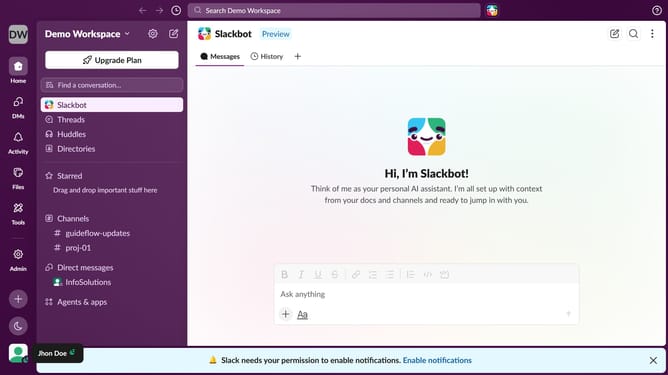
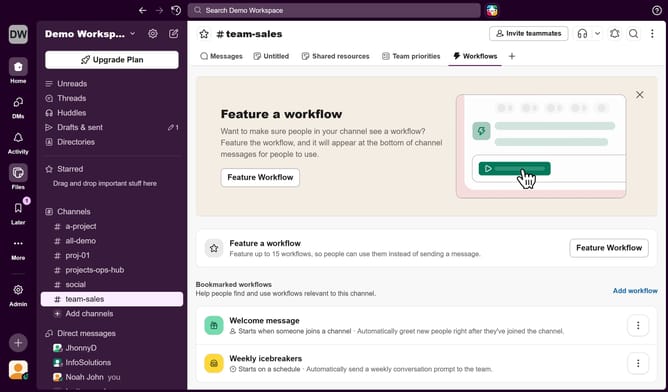
- First click on "Admin" button in the left sidebar
- Then click on "Workspace settings" option in the Admin Tools menu
- Next click on "Settings" tab in the Settings & Permissions page
- Then click on "Customize" option in the Settings menu
- After that click on "Channel Prefixes" tab
- Then click on "Add Prefix" button
- Next click on the input field for Prefix, then type preferred prefix name
- Finally click on "Save" button
Why should you add a channel prefix in Slack
Slack is a dynamic messaging platform designed for seamless team collaboration and communication.
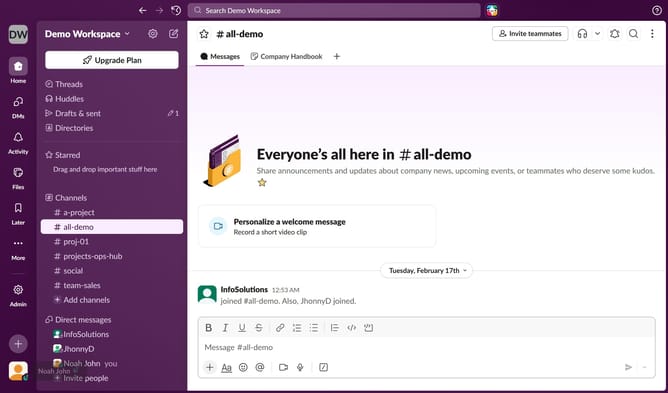
Adding a channel prefix in Slack is a simple yet powerful way to bring order and consistency to your communication channels.
This feature enhances the organization by categorizing channels, making it quicker to locate and organize ideas or projects.
By creating a systematic naming convention, you ensure that teams can easily navigate through discussions, enhancing productivity and minimizing confusion across your workspace.
Last update