Slack
Slack is a business communication platform that organizes team conversations into channels and direct messages.
Website
Industry
Collaboration
Share this article:

How to create a numbered list in Slack

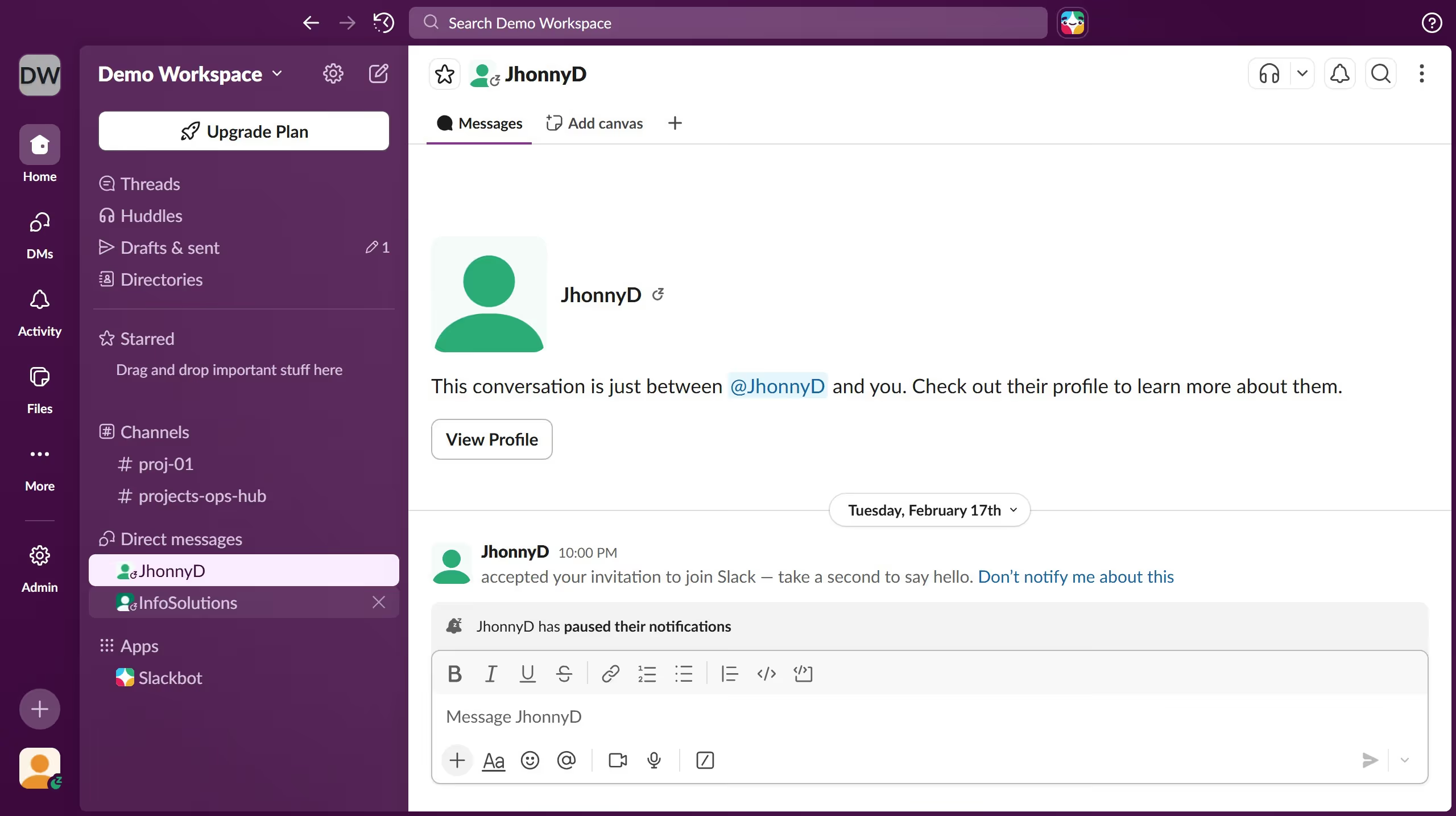
Here is how to create a numbered list in slack

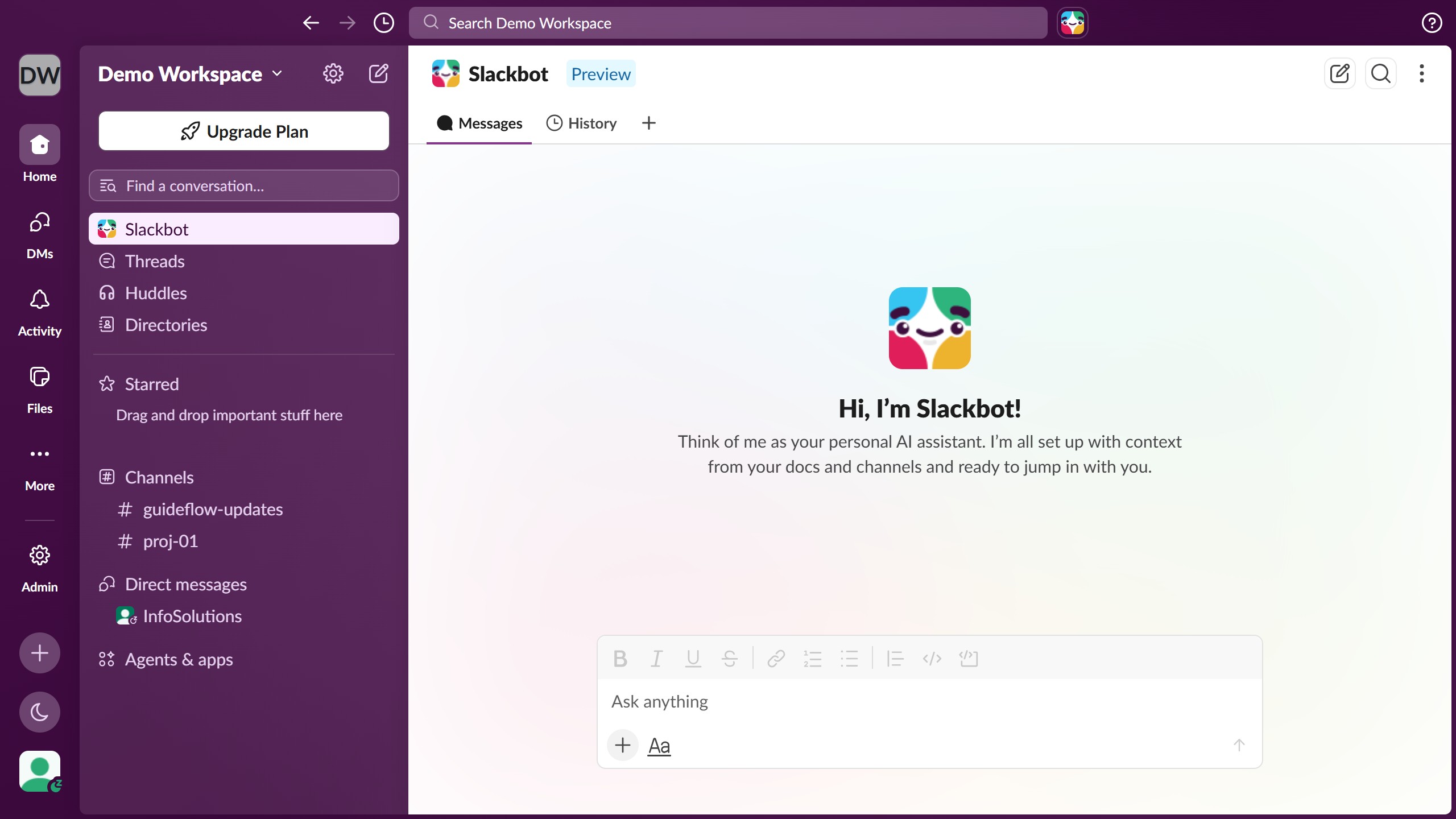
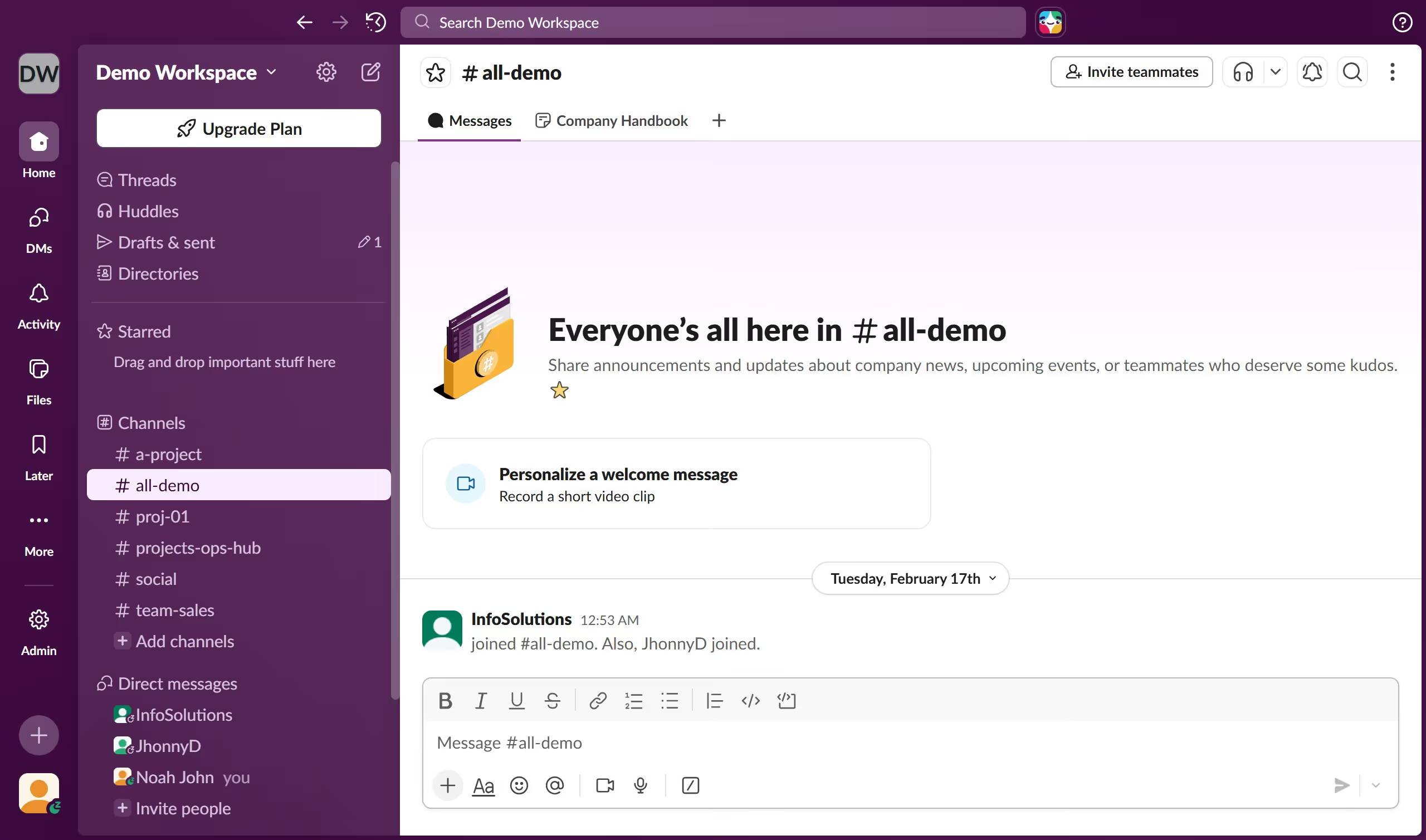
  1. First click on the contact's name in the Direct messages section of the sidebar
  2. Then click on the message input field at the bottom of the conversation
  3. Next click on the "Numbered list" formatting button in the message toolbar
  4. Finally observe the numbered list format applied in the message input field and continue making your list

Create your own interactive guide with Guideflow

Why should you create a numbered list in Slack

Slack is a dynamic collaboration hub designed to streamline team communication and boost productivity.

Creating a numbered list within Slack is a straightforward feature that enhances clarity by organizing information sequentially.

This feature is especially beneficial for outlining steps, prioritizing tasks, and ensuring everyone on the team is on the same page.

Using numbered lists helps maintain structured discussions and increases the efficiency of your workflow, driving successful outcomes.

Last update
March 16, 2026
Cursor MariaA cursor points to a button labeled "James."

Create your first demo in less than 30 seconds.