How to filter file searches by the recently viewed in Slack
Here is how to filter file searches by the recently viewed in slack
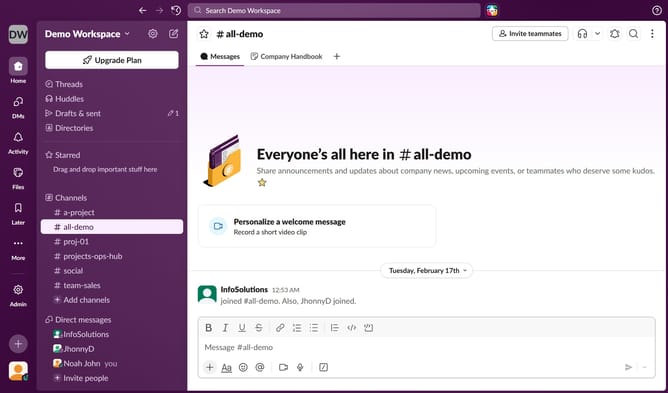
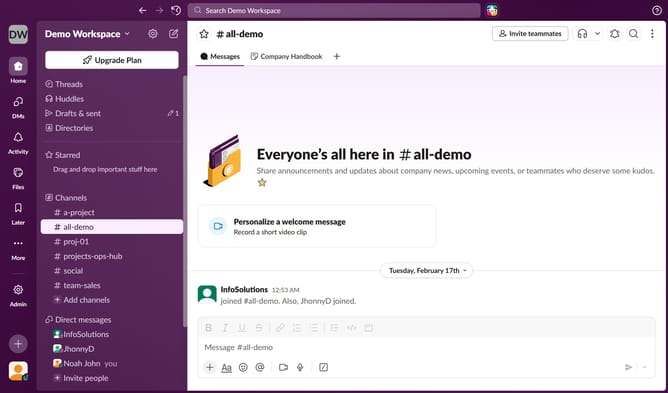
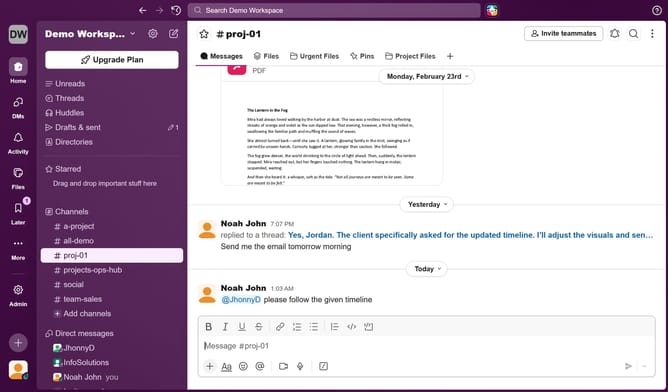
- First click on "Files" item in the left sidebar
- Then click on the dropdown in the main content area
- Finally select "Recently viewed" from the dropdown menu
Why should you filter file searches by the recently viewed in Slack
Slack is a dynamic collaboration hub designed to streamline team communication and productivity.
Among Slack's myriad features, the ability to filter file searches by the recently viewed stands out for its efficiency. This feature simplifies the retrieval process, allowing users to swiftly locate files they need without unnecessary scrolling.
Utilizing this option not only saves time but enhances productivity by minimizing distractions. By keeping your focus on what's most relevant, you ensure smoother and smarter work sessions.
Last update