Slack
Slack is a business communication platform that organizes team conversations into channels and direct messages.
Website
Industry
Collaboration
Share this article:

How to add you pronoun in Slack

Here is how to add you pronoun in slack

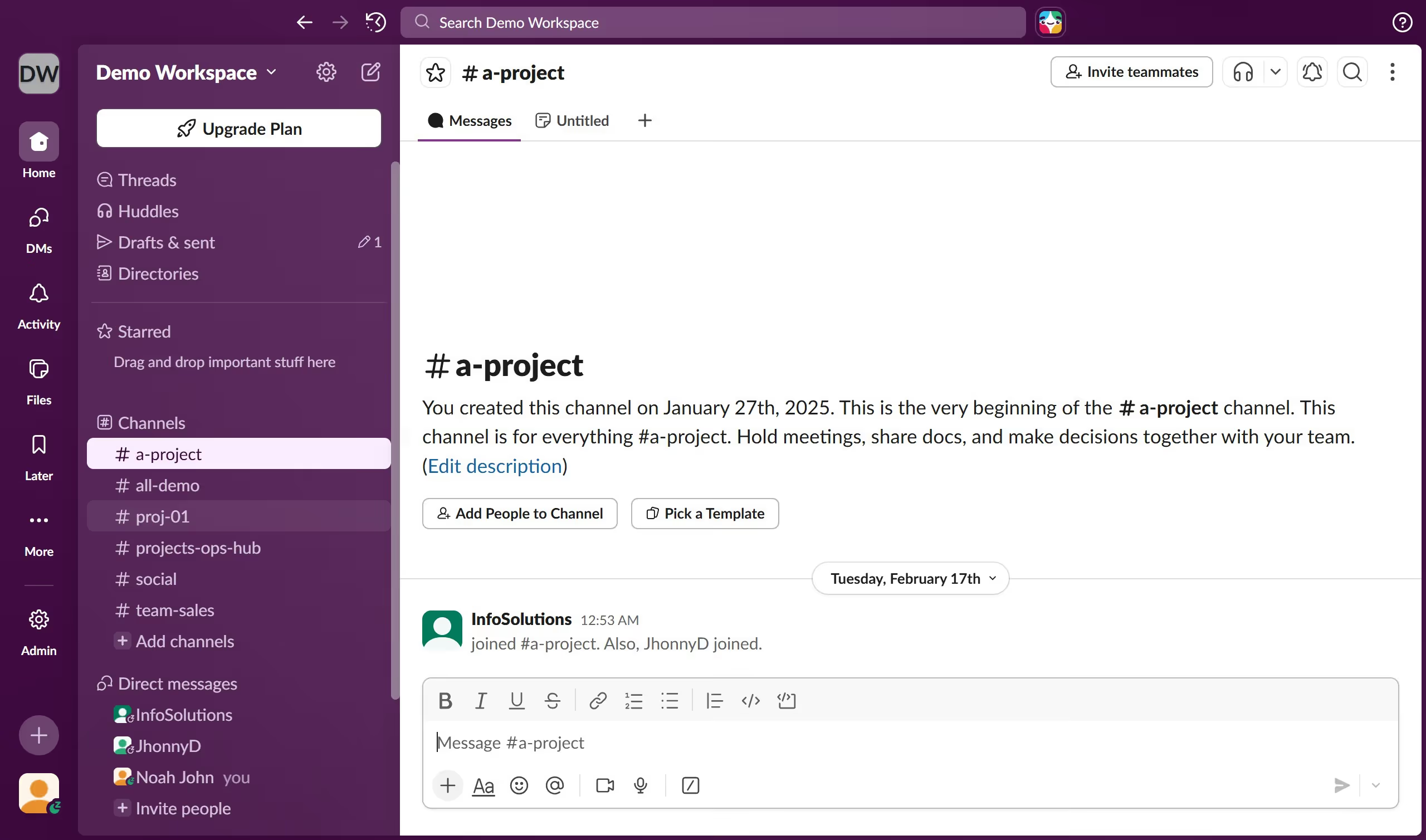
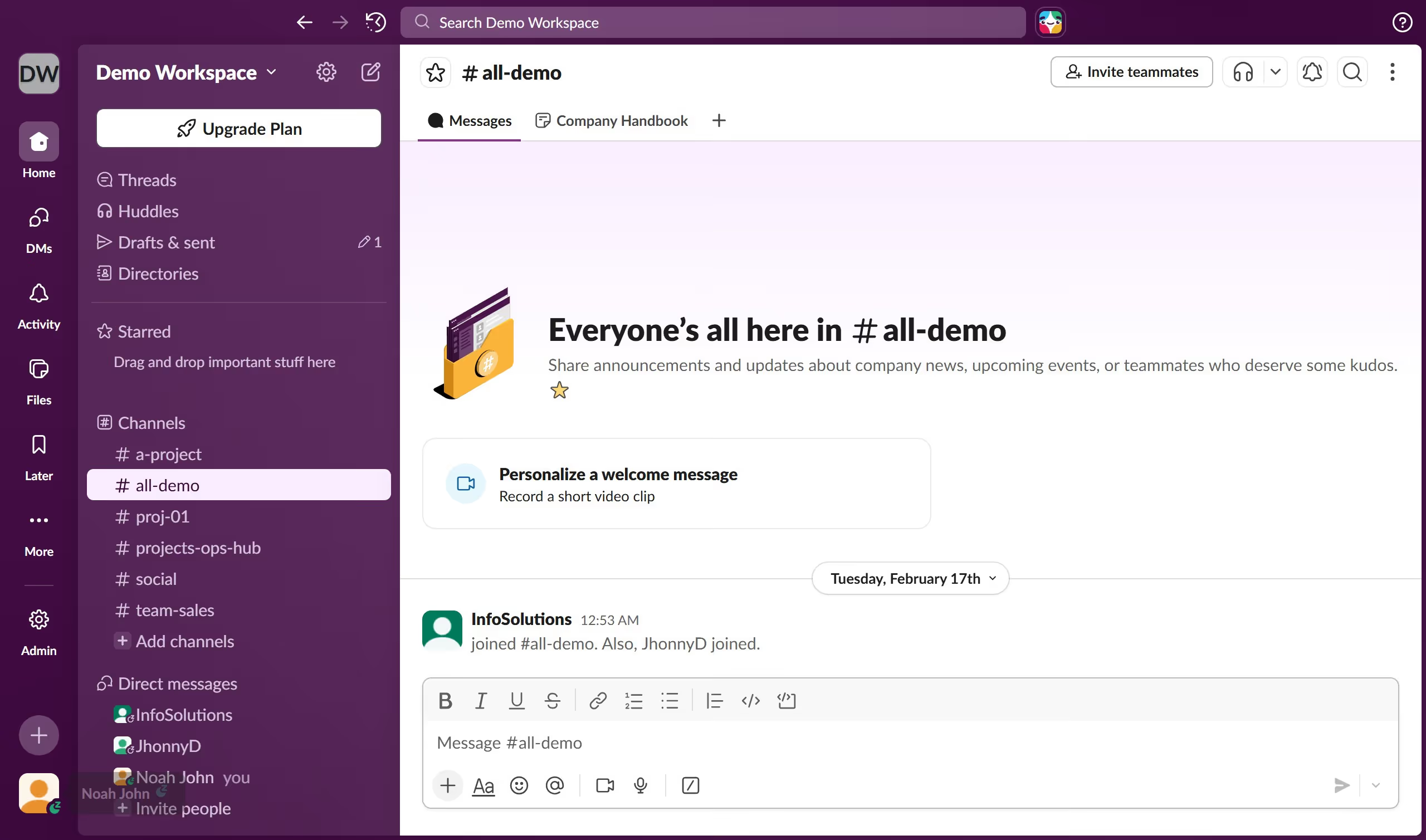
  1. First click on the user profile menu button in the bottom-left corner of the sidebar
  2. Then click on the "Profile" option from the dropdown menu
  3. Next click on the "Edit" button in the profile panel on the right side
  4. Then click on the "Pronouns" text field in the edit profile modal dialog
  5. Finally click on the "Save Changes" button at the bottom-right of the edit profile modal

Create your own interactive guide with Guideflow

Why should you add you pronoun in Slack

Slack is a dynamic platform designed to streamline communication and enhance teamwork within organizations.

One commendable feature in Slack is the ability to add your pronouns, which fosters a more inclusive and respectful workplace environment.

Incorporating pronouns into your profile ensures clarity during interactions and promotes understanding among teams, helping every member feel seen and valued.

This small yet impactful detail empowers individuals, supports identity expression, and strengthens community cohesion in the digital workplace.

Last update
March 16, 2026
Cursor MariaA cursor points to a button labeled "James."

Create your first demo in less than 30 seconds.