Slack
Slack is a business communication platform that organizes team conversations into channels and direct messages.
Website
Industry
Collaboration
Share this article:

How to sign out from all devices in Slack

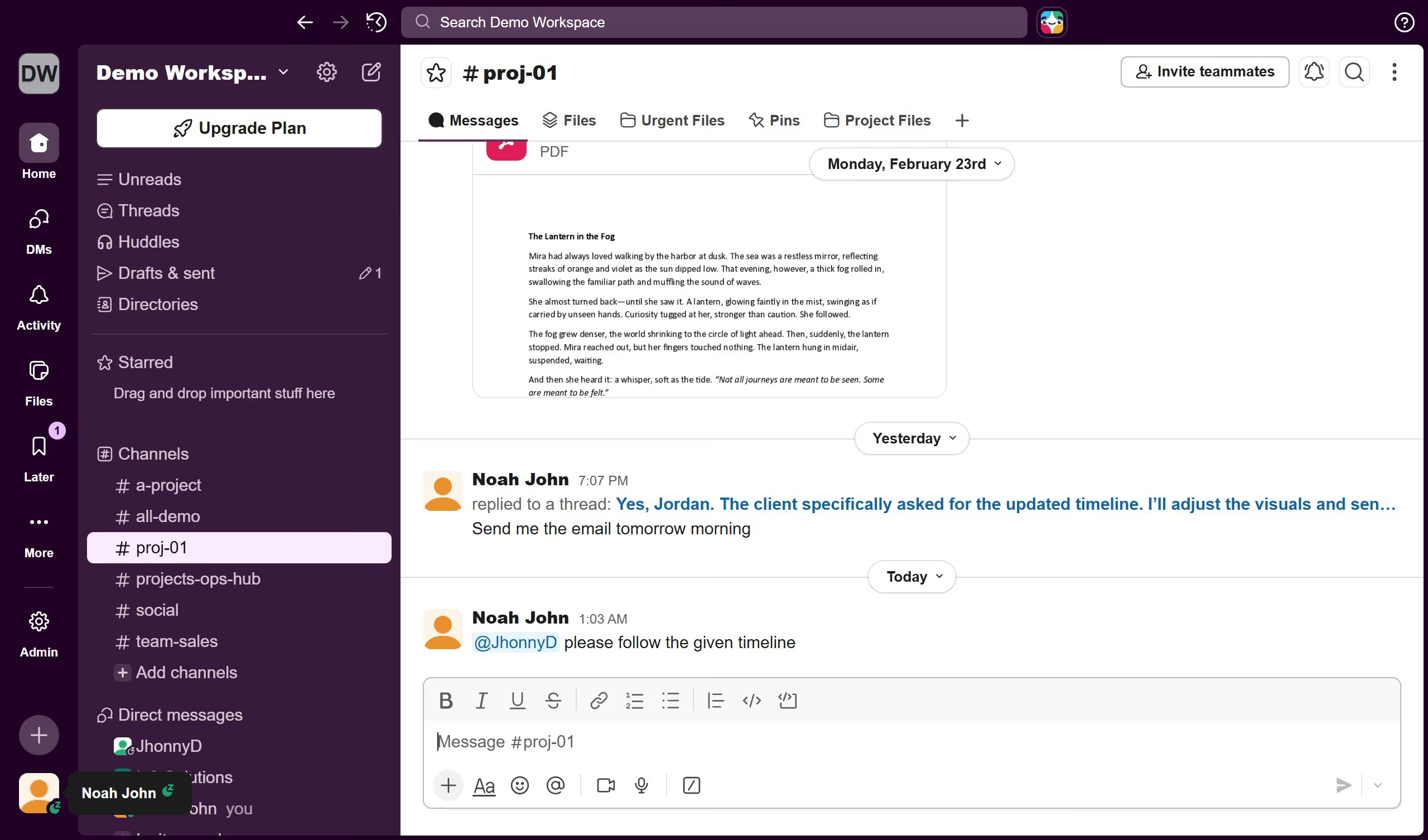
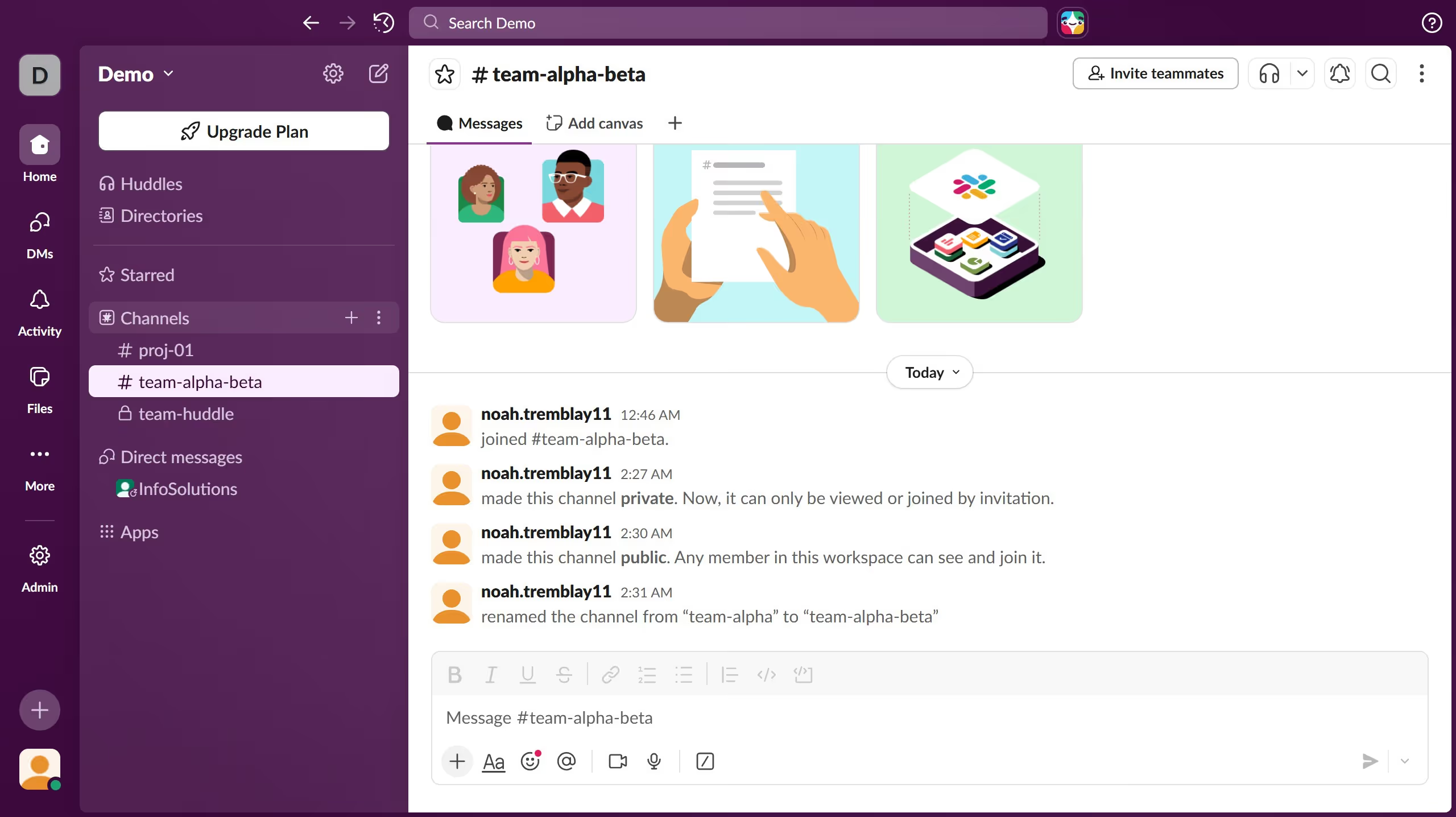
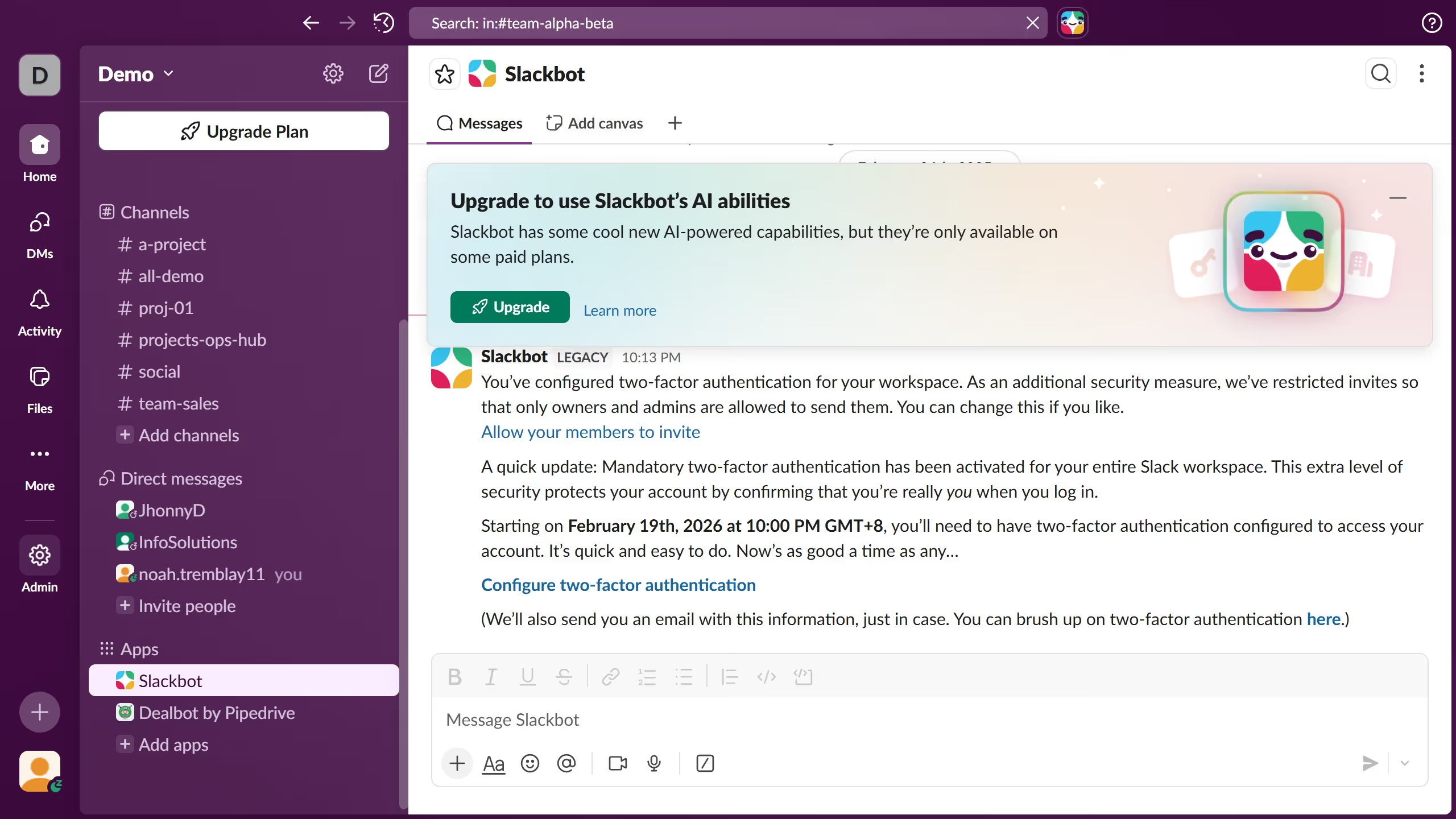
Here is how to sign out from all devices in slack

  1. First click on the user profile button in the bottom left corner of the sidebar
  2. Then click on "Profile" option in the dropdown menu
  3. Next click on the three-dot menu button in the top right corner of the Profile panel
  4. Then click on "Account settings" option in the dropdown menu
  5. Next click on "Sign out all other sessions" button in the account settings section
  6. Finally enter your password and click on "Sign out all other sessions" button in the confirmation dialog

Create your own interactive guide with Guideflow

Why should you sign out from all devices in Slack

Slack is a dynamic platform designed to streamline team communication and collaboration.

One of its noteworthy features is the ability to sign out from all devices simultaneously. This enhances security by quickly disconnecting your Slack account from any device you may have forgotten to log out of.

Utilizing this feature provides peace of mind, especially if you've accessed your account on shared or public computers. Staying in control of your sessions ensures your confidential work discussions remain private and secure.

Last update
March 16, 2026
Cursor MariaA cursor points to a button labeled "James."

Create your first demo in less than 30 seconds.