Slack
Slack is a business communication platform that organizes team conversations into channels and direct messages.
Website
Industry
Collaboration
Share this article:

How to rename file folder in Slack

Here is how to rename file folder in slack

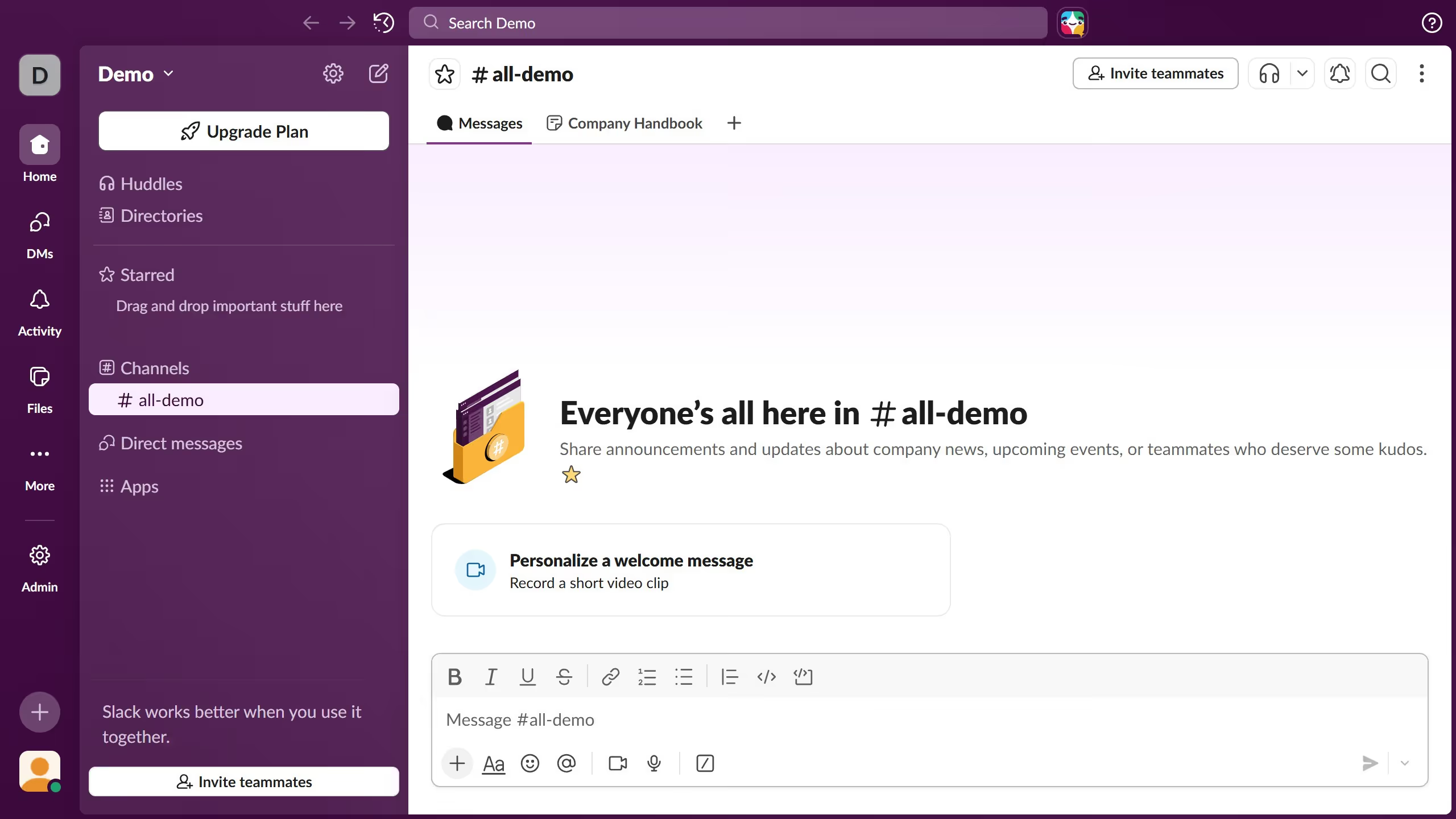
  1. First click on the channel name in the sidebar under the Channels section
  2. Then click on the name of the folder from the tab in the top menu
  3. Next click on the menu icon next to the folder
  4. Then click on "Rename folder" option from the dropdown menu
  5. Then click on the folder name input field and update the text
  6. Finally click on "Save" button to confirm the folder rename

Create your own interactive guide with Guideflow

Why should you rename file folder in Slack

Slack is a dynamic platform designed to streamline communication and enhance team collaboration.

Renaming file folders in Slack is a practical feature that allows users to effortlessly organize and categorize their shared documents, keeping everything tidy and easily retrievable.

This feature is essential for maintaining seamless workflows, as it helps reduce confusion and ensures that teams can quickly find the files they need without sifting through disorganized directories.

By renaming folders, users can foster an environment of efficiency, ultimately leading to increased productivity and clarity in communication.

Last update
March 16, 2026
Cursor MariaA cursor points to a button labeled "James."

Create your first demo in less than 30 seconds.