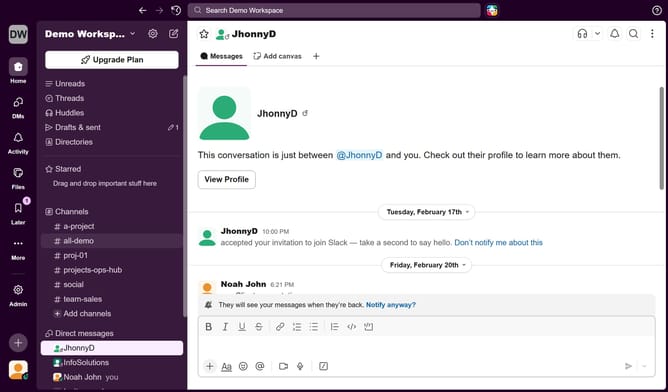
How to enable notification for new huddles in Slack
Here is how to enable notification for new huddles in slack
- First click on the user profile icon in the left sidebar
- Then click on "Preferences" in the menu
- Next, click on "Notifications" in the Preferences sidebar
- Then uncheck the "New huddles" checkbox
- Finally, click on the "X" icon to close the Preferences window
Why should you enable notification for new huddles in Slack
Slack is an innovative platform designed to streamline team communication and collaboration.
By enabling notifications for new huddles in Slack, users ensure they never miss spontaneous and vital discussions that can drive projects forward.
This feature promotes a seamless flow of information, allowing team members to stay engaged and responsive. Notifications keep you in the loop, enhancing productivity and fostering a collaborative environment.
Overall, staying alert to new huddles means being part of every crucial conversation that matters.
Last update