How to copy name of a channel in Slack
Here is how to copy name of a channel in slack
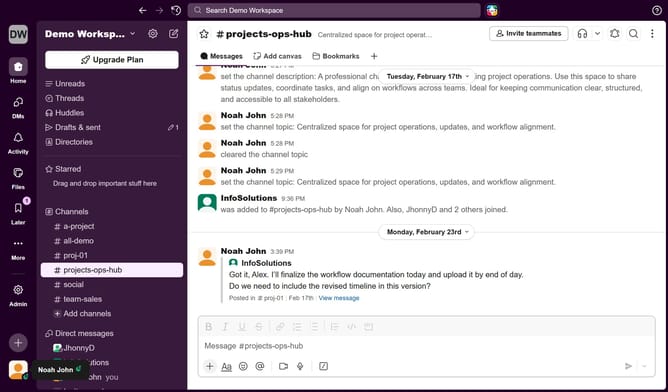
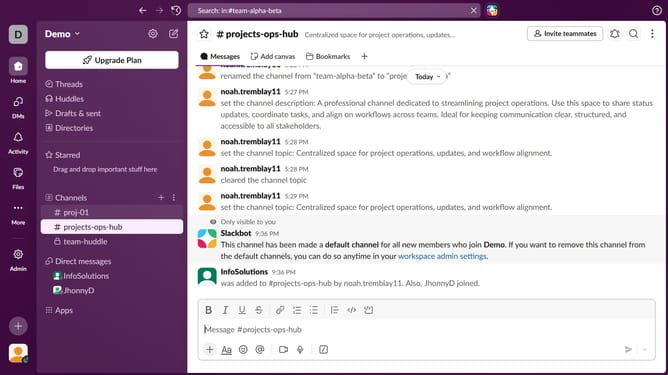
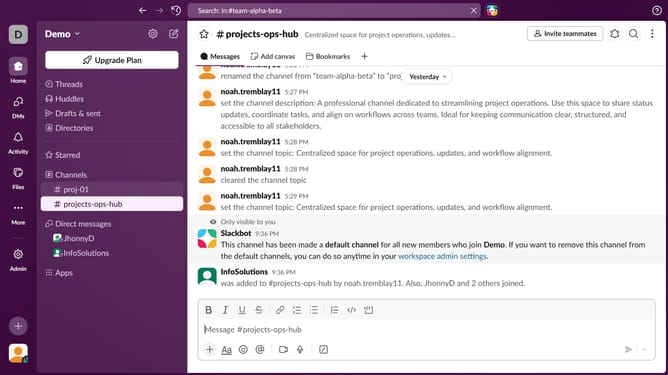
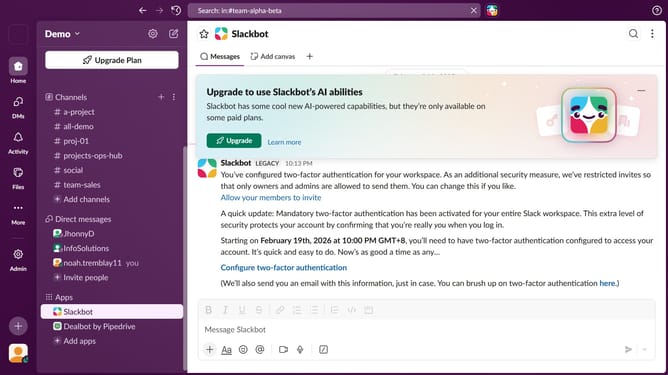
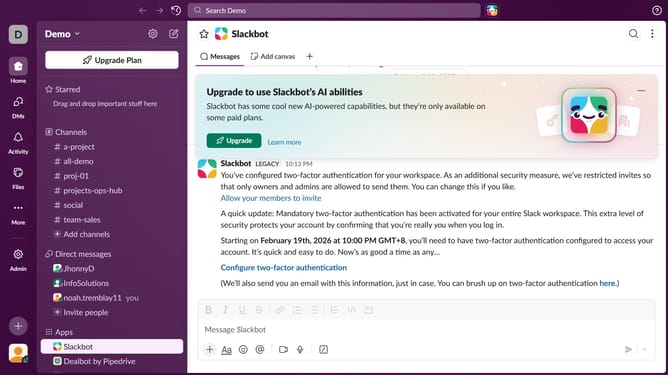
- First click on the channel name in the sidebar
- Then click on the menu button in the top-right corner of the header
- Next click on "Copy" option in the dropdown menu
- Finally click on "Copy name" option from the submenu
Why should you copy name of a channel in Slack
Slack is a collaborative platform designed to streamline team communication and enhance productivity.
Copying a channel name in Slack is a simple yet powerful feature that allows users to quickly access and share specific channel information.
By using this feature, teams can efficiently direct colleagues to the right conversation threads without confusion or delay.
This straightforward action enhances communication efficiency, facilitating seamless navigation within the workspace.
Last update