Slack
Slack is a business communication platform that organizes team conversations into channels and direct messages.
Website
Industry
Collaboration
Share this article:

How to create a custom status in Slack

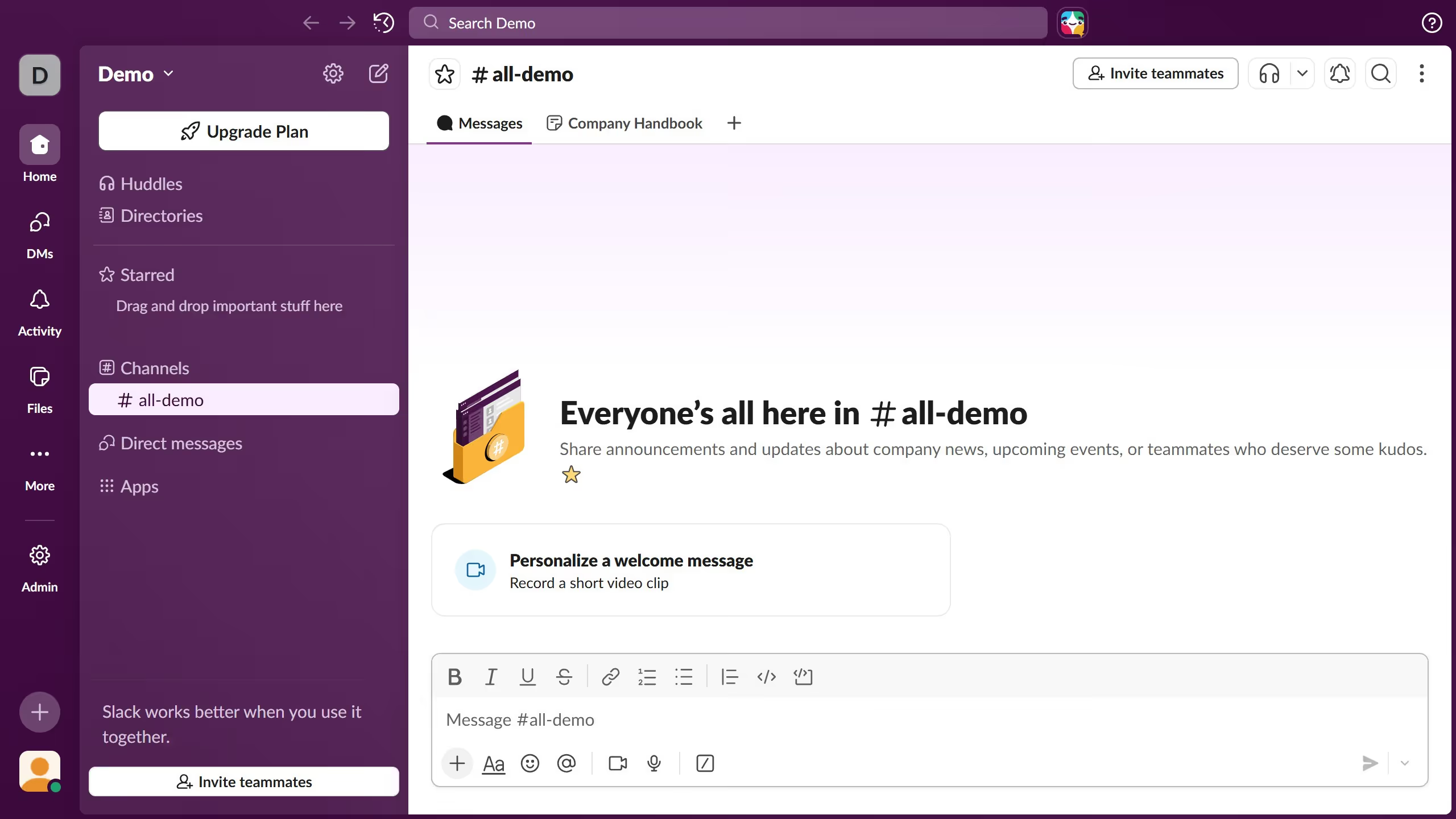
Here is how to create a custom status in slack

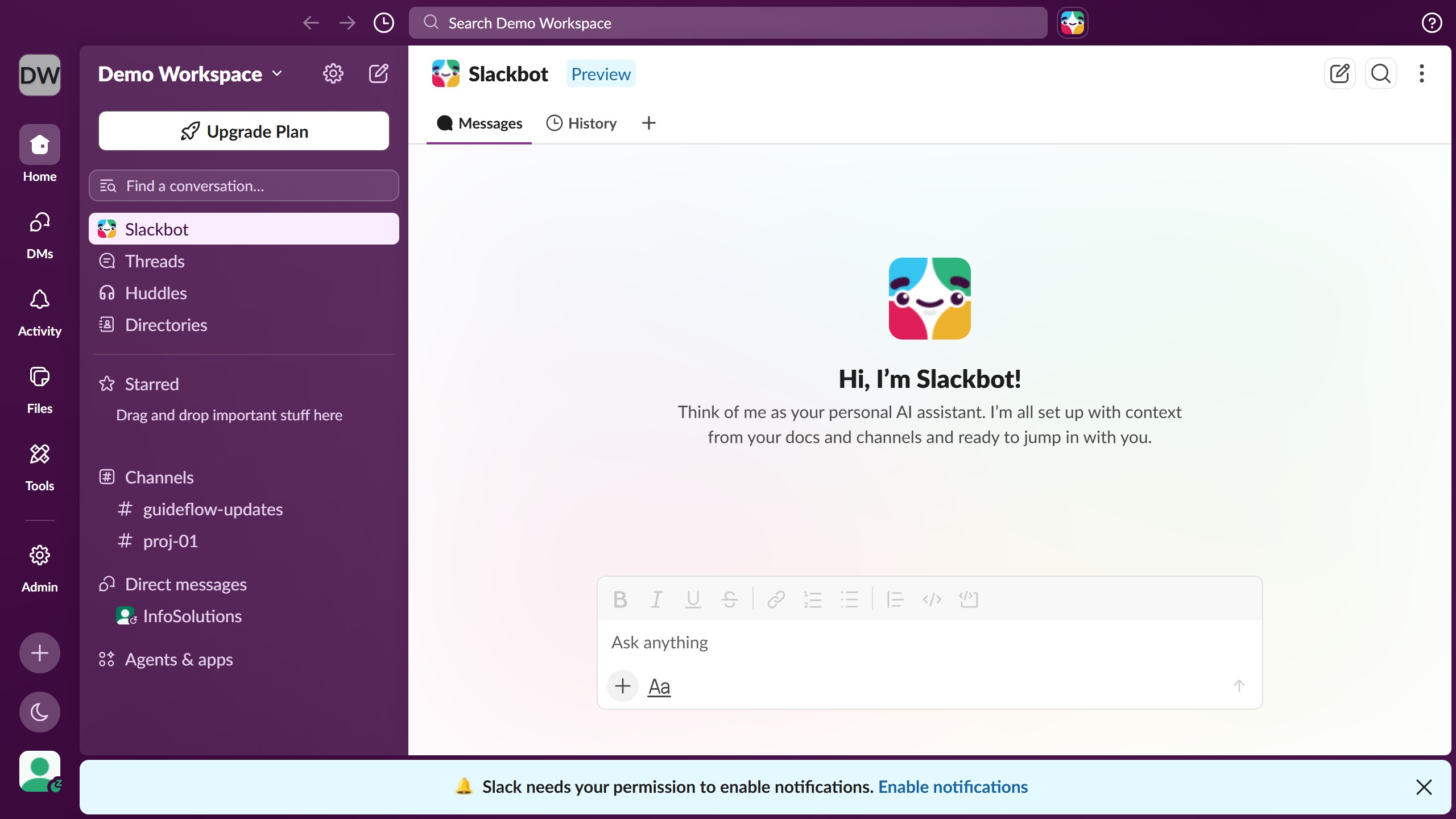
  1. First click on the user profile section in the sidebar to open the profile menu
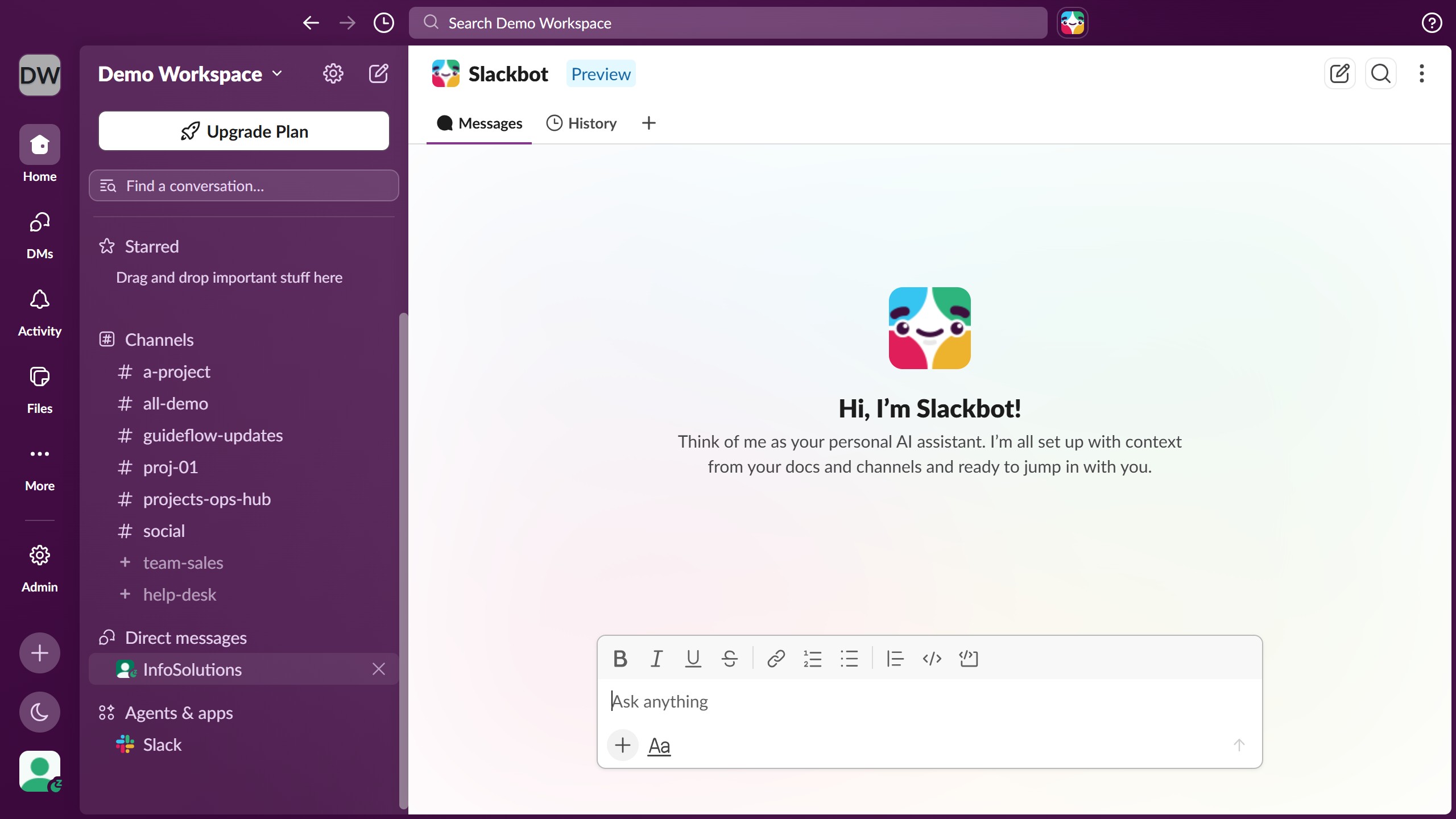
  2. Then click on the "Update your status" option in the user menu
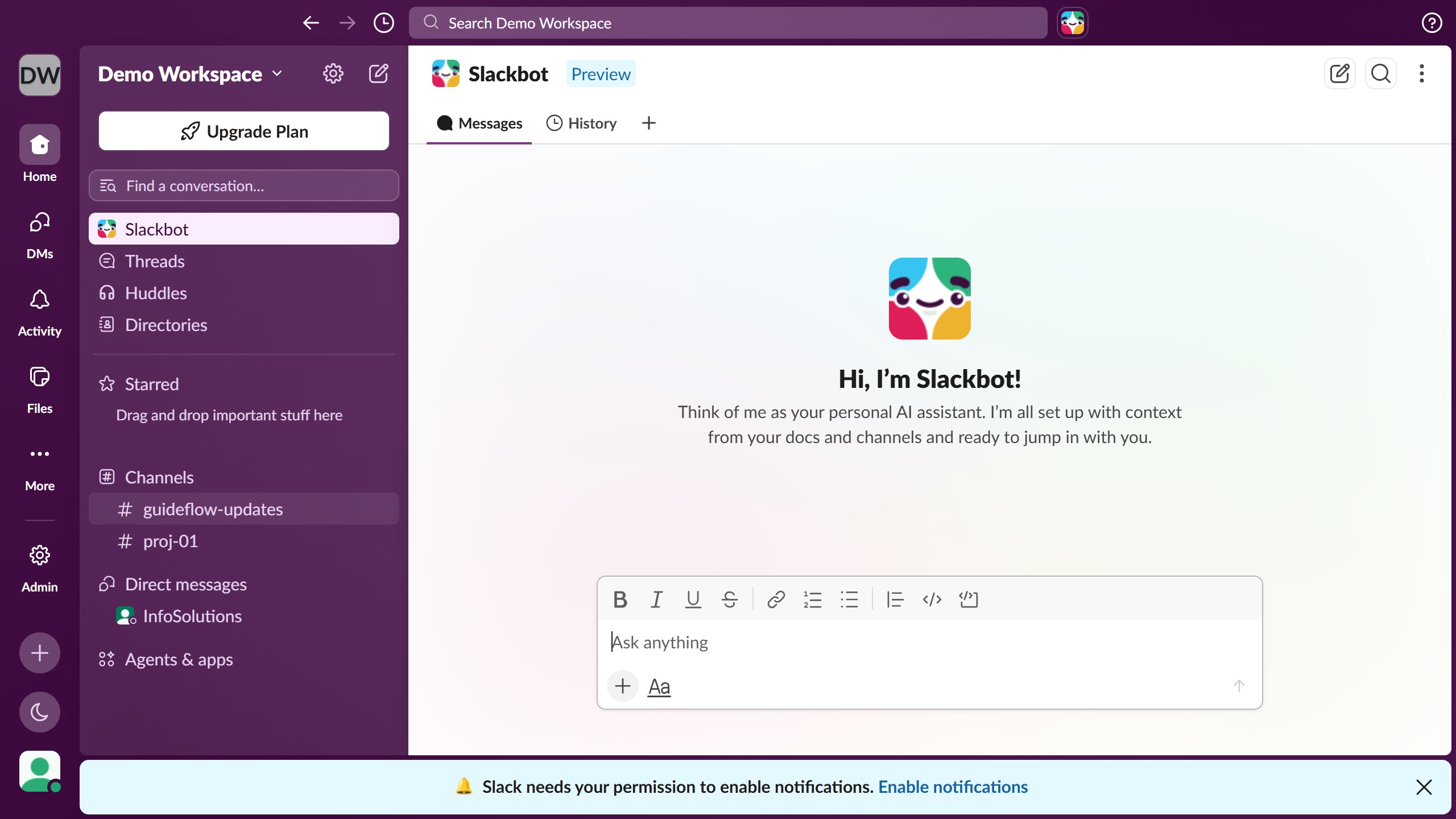
  3. Next click on the status input field and enter a custom status message
  4. Finally click on the "Save" button to save the status changes

Create your own interactive guide with Guideflow

Why should you create a custom status in Slack

Slack is a dynamic communication tool designed to streamline workplace collaboration and keep teams connected.

Creating a custom status in Slack allows you to inform your team of your current activity or availability with a personal touch. It's a simple way of communicating whether you're in a meeting, out for lunch, or working remotely without sending multiple messages.

This feature enhances transparency and efficiency by letting your colleagues see at a glance what's on your plate, reducing interruptions and fostering more effective communication within your team.

Last update
March 16, 2026
Cursor MariaA cursor points to a button labeled "James."

Create your first demo in less than 30 seconds.