How to send a direct message in Slack
Here is how to send a direct message in slack
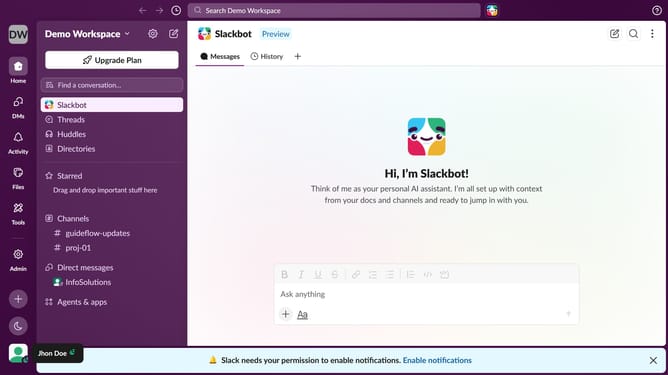
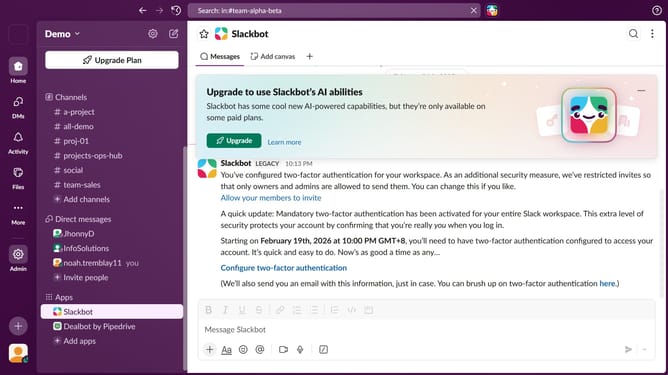
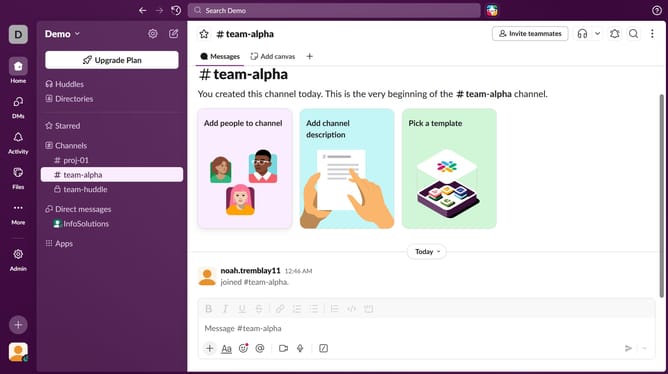
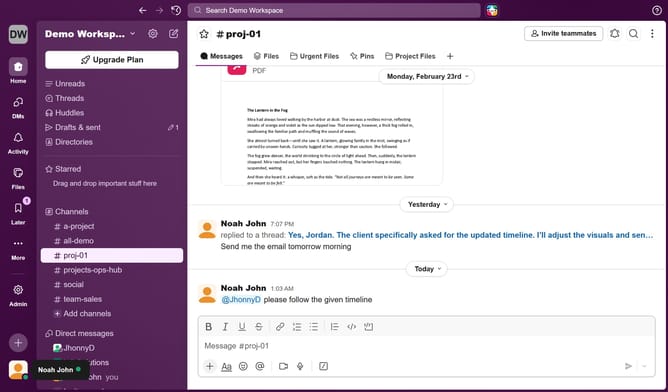
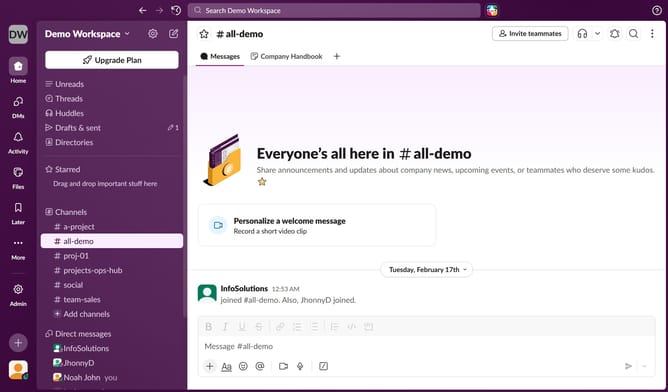
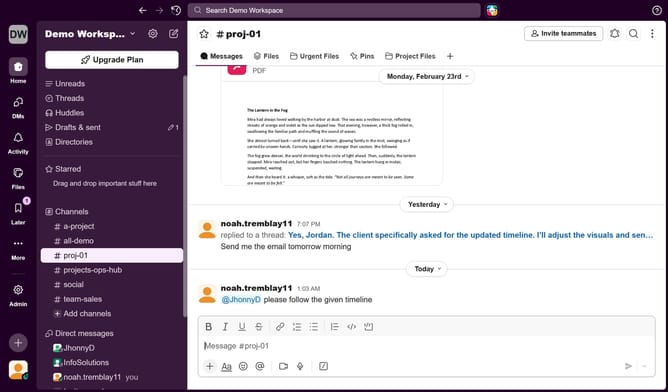
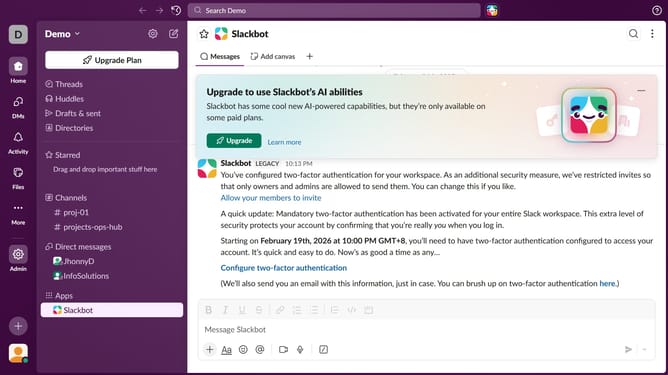
- First click on a name item in the Direct Messages section of the left sidebar
- Then click on the message input area and type your message
- Finally click on the "Send message" button
Why should you send a direct message in Slack
Slack is a dynamic platform designed to enhance workplace communication and collaboration.
Sending a direct message in Slack offers users a seamless way to connect with colleagues individually. This feature is designed to create a private, focused space for one-on-one interactions.
By utilizing direct messaging, you ensure that your conversations remain confidential and streamlined. This promotes effective communication without the clutter of group channels.
Ultimately, direct messaging in Slack fosters meaningful connections and efficient exchanges, enhancing overall productivity and teamwork.
Last update