Slack
Slack is a business communication platform that organizes team conversations into channels and direct messages.
Website
Industry
Collaboration
Share this article:

How to set notification schedule in Slack

Here is how to set notification schedule in slack

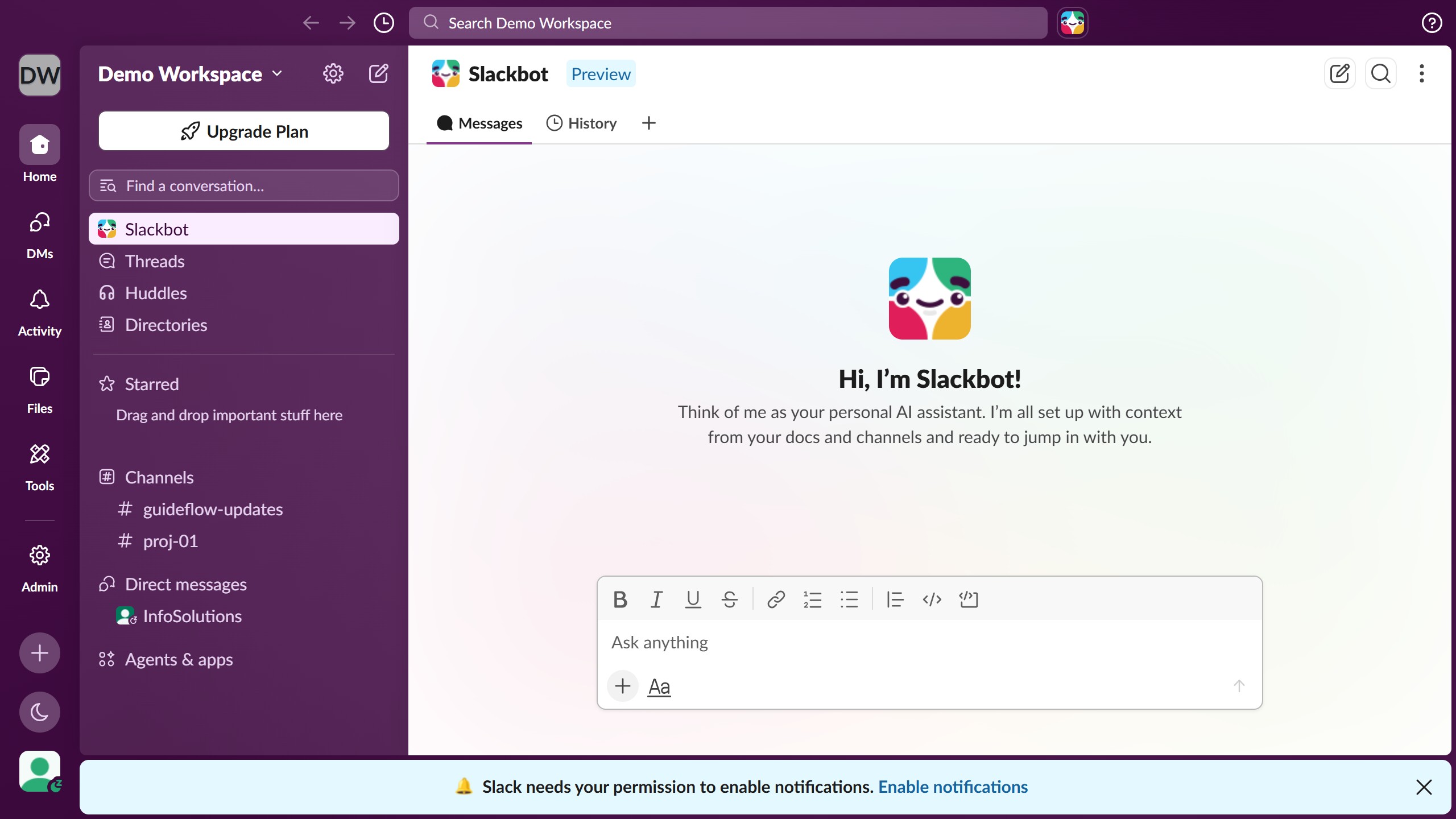
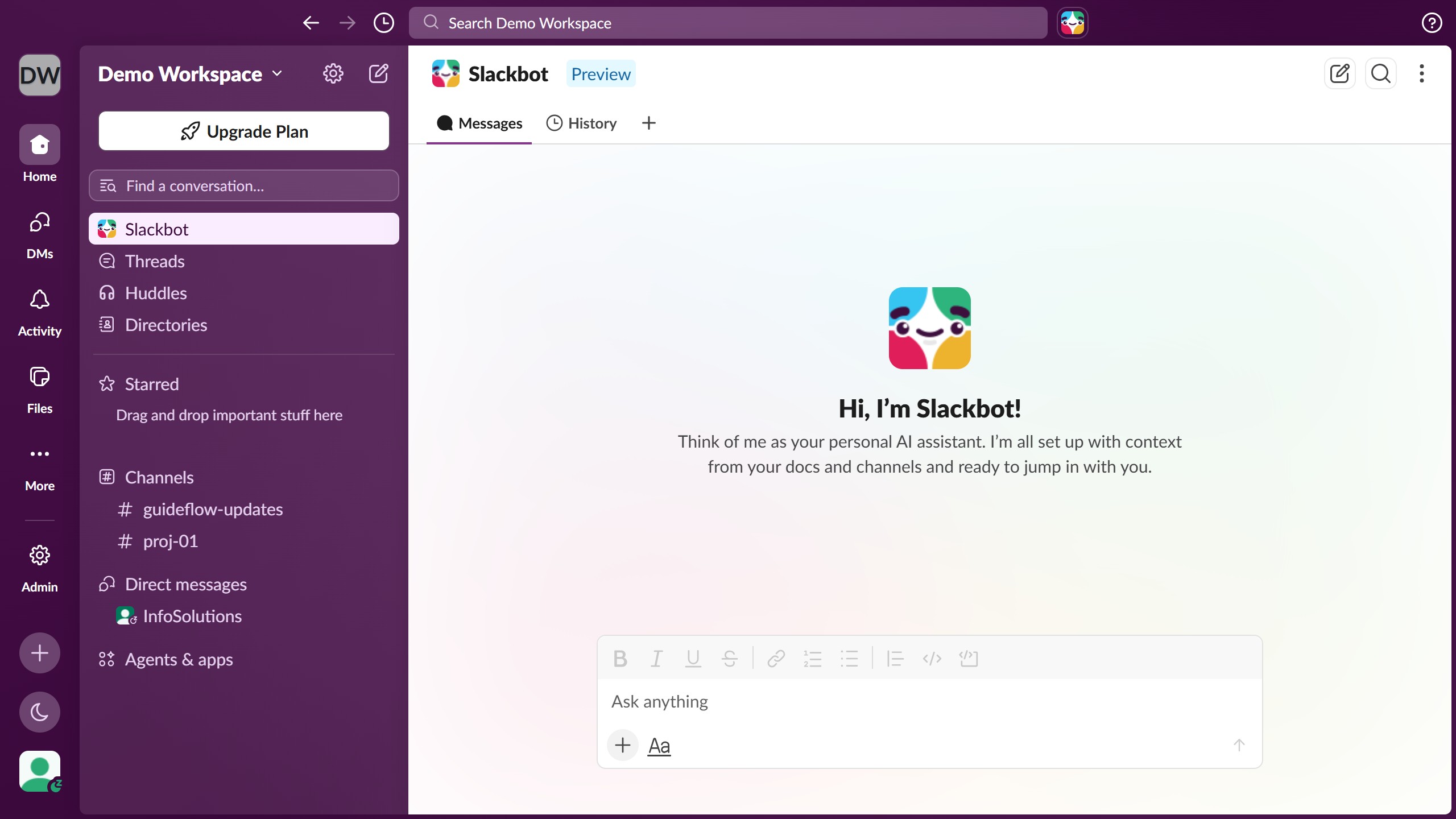
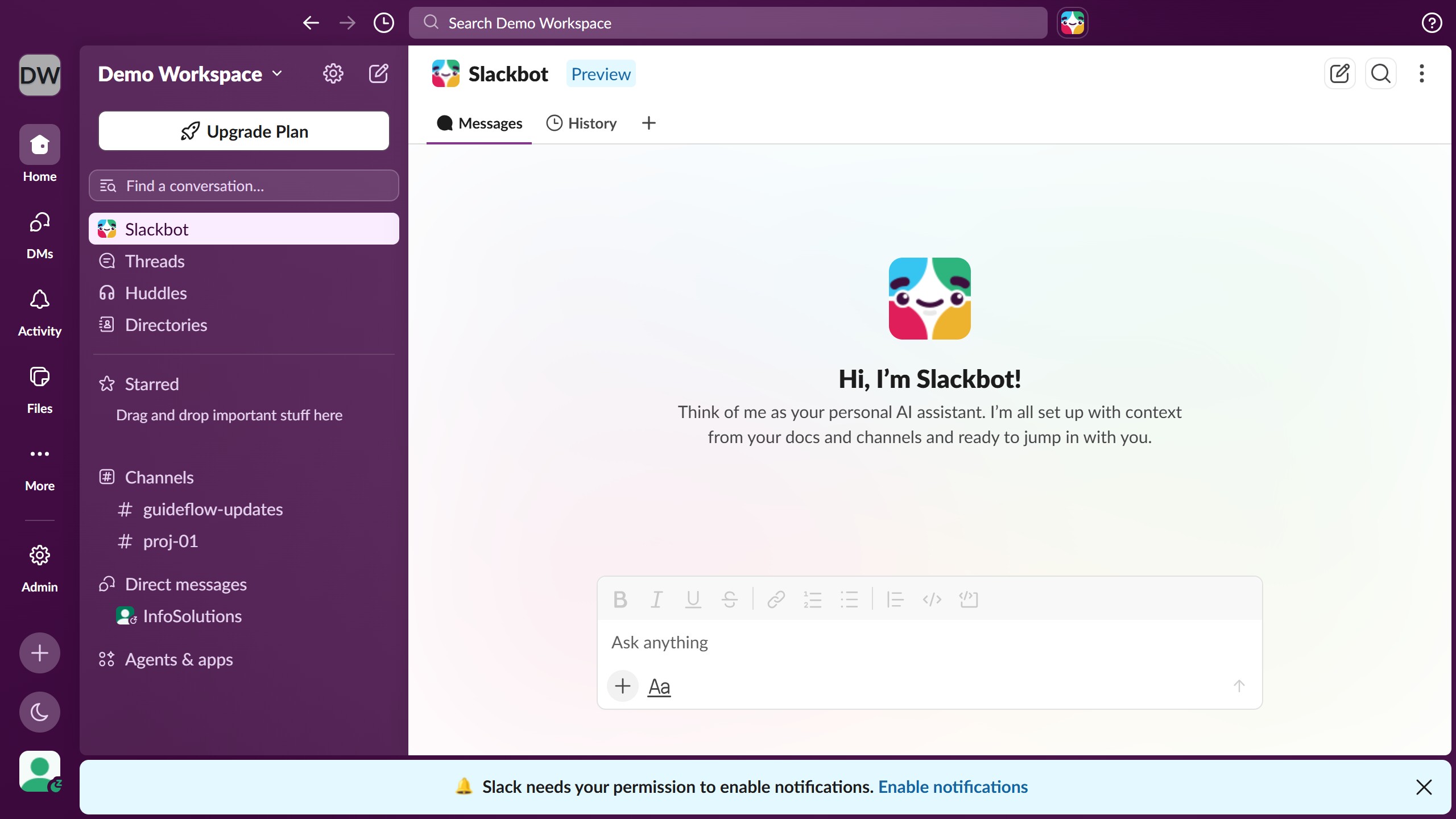
  1. First click on the user profile section in the bottom left sidebar to open the account menu
  2. Then click on "Preferences" option in the account menu
  3. Next click on "Notifications" category in the left sidebar of the Preferences modal
  4. Then click on the frequency dropdown in the notification schedule section
  5. Then select an option from the dropdown menu
  6. Next click on the start time dropdown in the notification schedule
  7. Then select a time from the time dropdown menu
  8. Then click on the end time dropdown in the notification schedule
  9. Next select a time from the end time dropdown menu
  10. Finally click the close button in the top right corner of the Preferences modal to save and exit

Create your own interactive guide with Guideflow

Why should you set notification schedule in Slack

Slack revolutionizes team communication, making collaboration seamless.

The notification schedule feature in Slack allows you to manage when and how you receive alerts, ensuring your focus remains unbroken during critical tasks.

By setting a notification schedule, you can create a balance between staying informed and minimizing disturbances during your precious work hours.

This feature is perfect for enhancing productivity as it helps you maintain a structured and distraction-free workflow, leading to more efficient work habits.

Last update
March 16, 2026
Cursor MariaA cursor points to a button labeled "James."

Create your first demo in less than 30 seconds.