Slack
Slack is a business communication platform that organizes team conversations into channels and direct messages.
Website
Industry
Collaboration
Share this article:

How to mark a message as unread in Slack

Here is how to mark a message as unread in slack

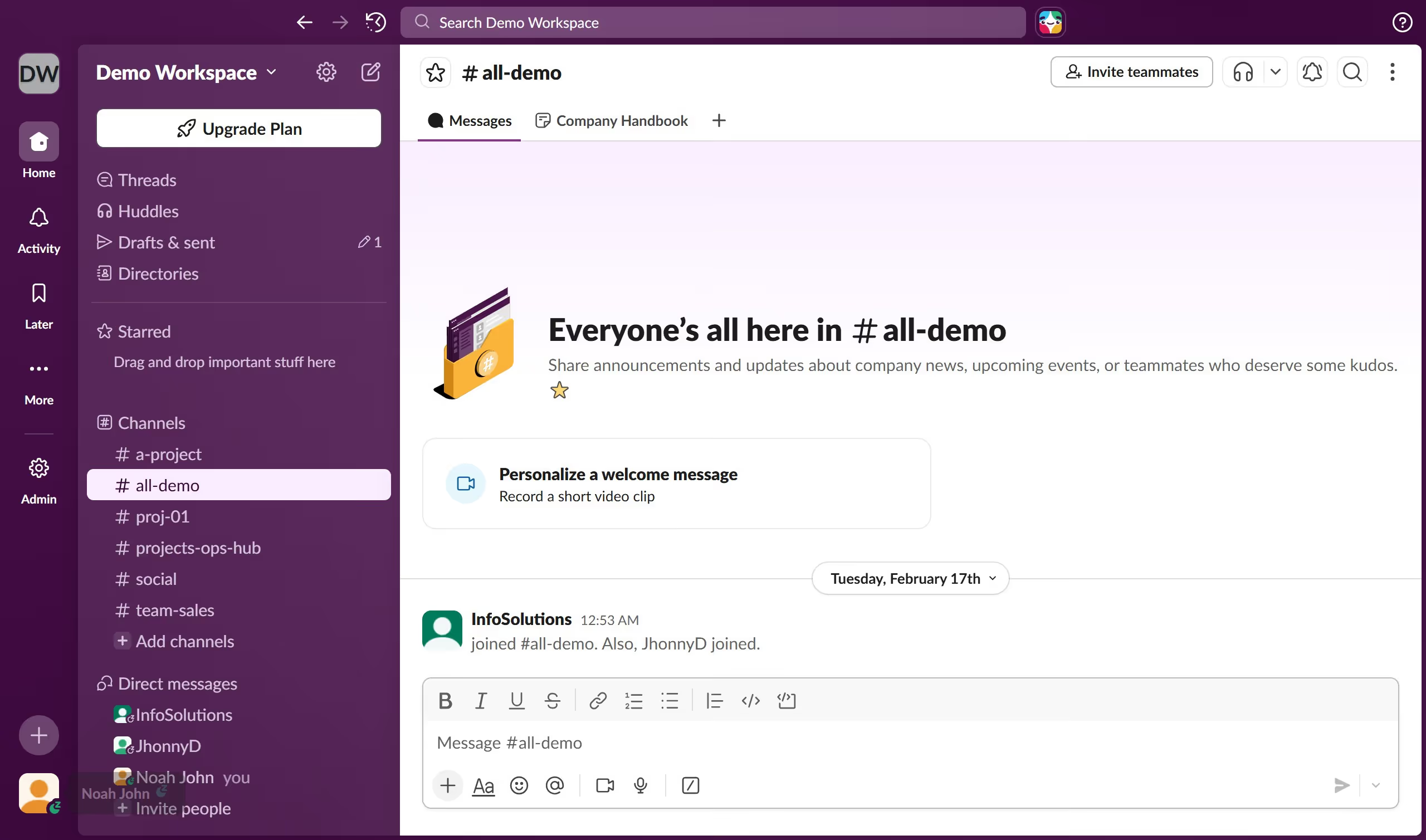
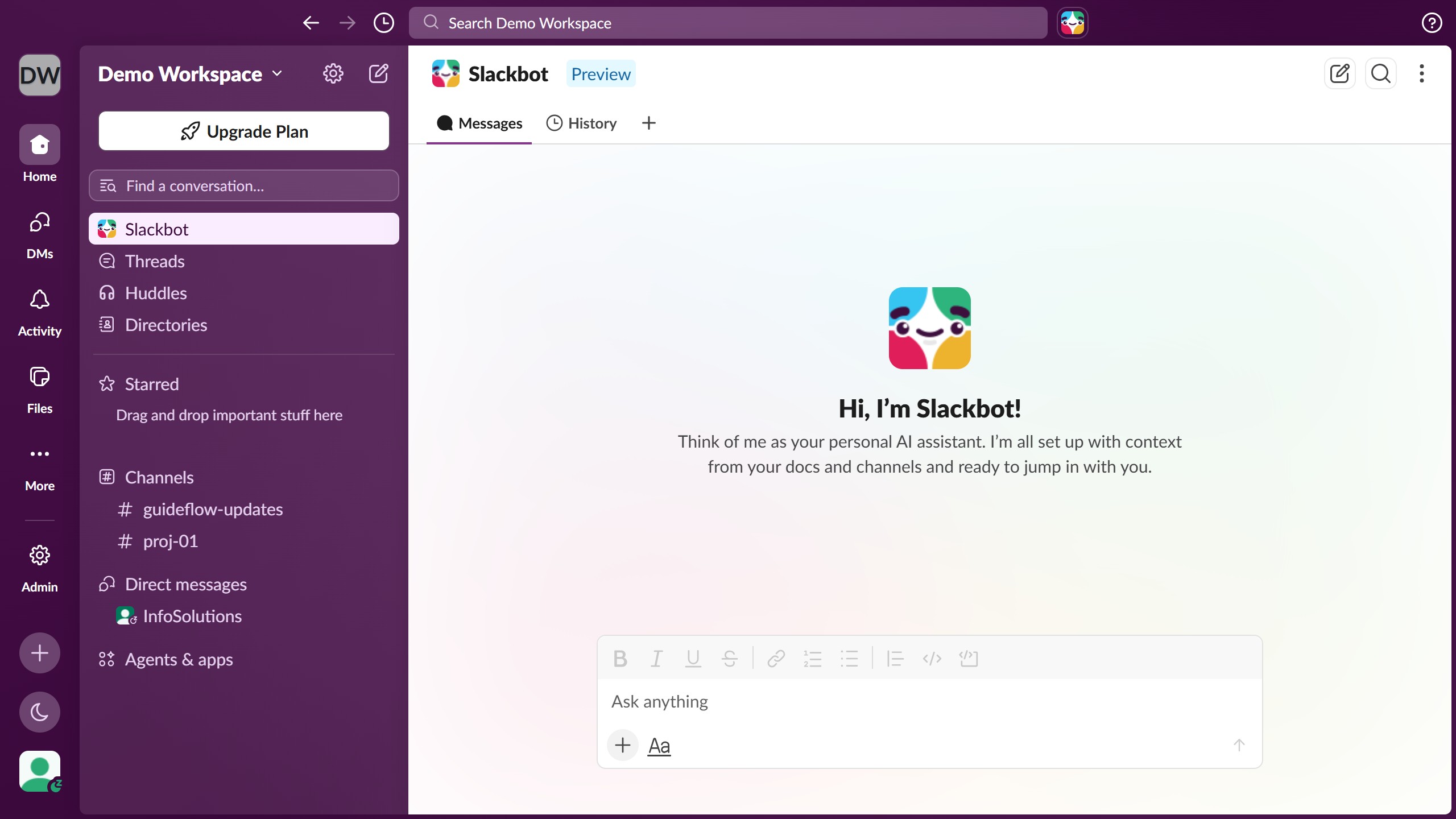
  1. First click on the contact's name in the Direct messages section of the sidebar
  2. Then click on the message that you want to mark as unread
  3. Next click on the "More actions" menu button (three vertical dots) in the message toolbar
  4. Finally click on "Mark unread" option in the dropdown menu

Create your own interactive guide with Guideflow

Why should you mark a message as unread in Slack

Slack is a powerful collaboration tool designed to streamline team communication.

One of its handy features is the ability to mark messages as unread. This simple yet effective tool helps keep track of important conversations you need to revisit.

By marking a message as unread, you can effortlessly flag it as a priority, ensuring no vital information slips through the cracks. This feature boosts productivity, as it acts as a visual reminder for users in a bustling work environment.

Last update
March 16, 2026
Cursor MariaA cursor points to a button labeled "James."

Create your first demo in less than 30 seconds.