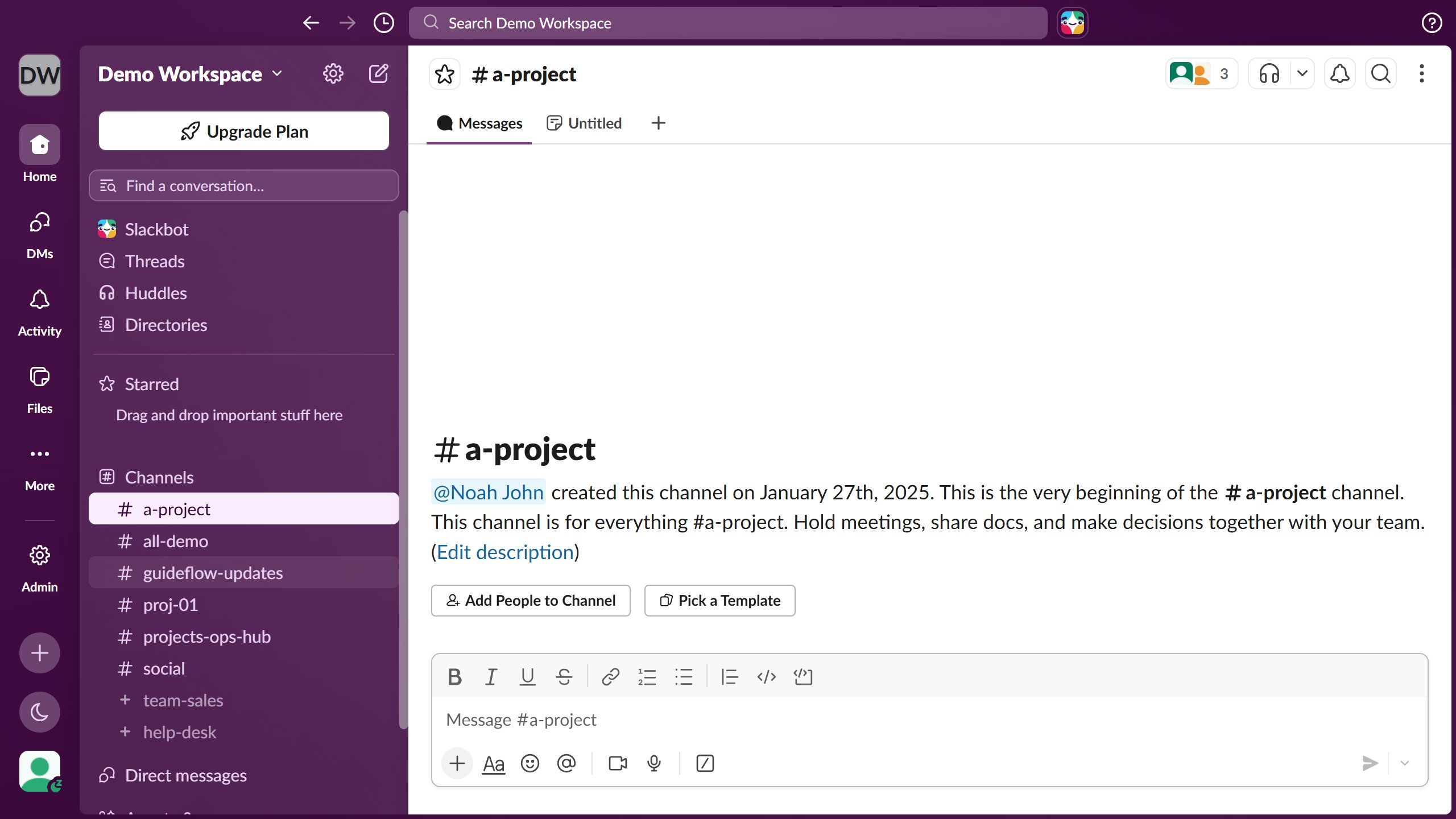
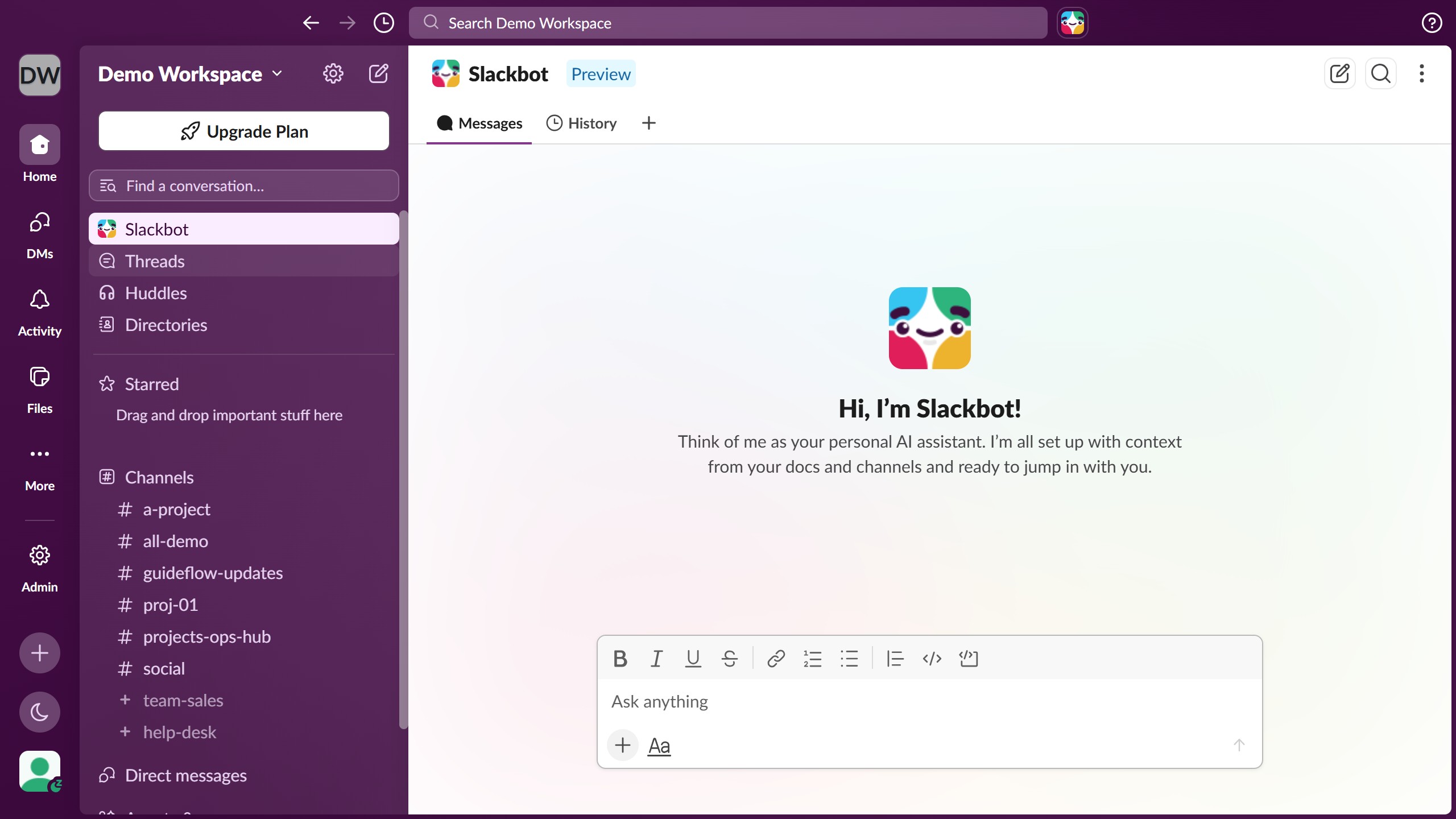
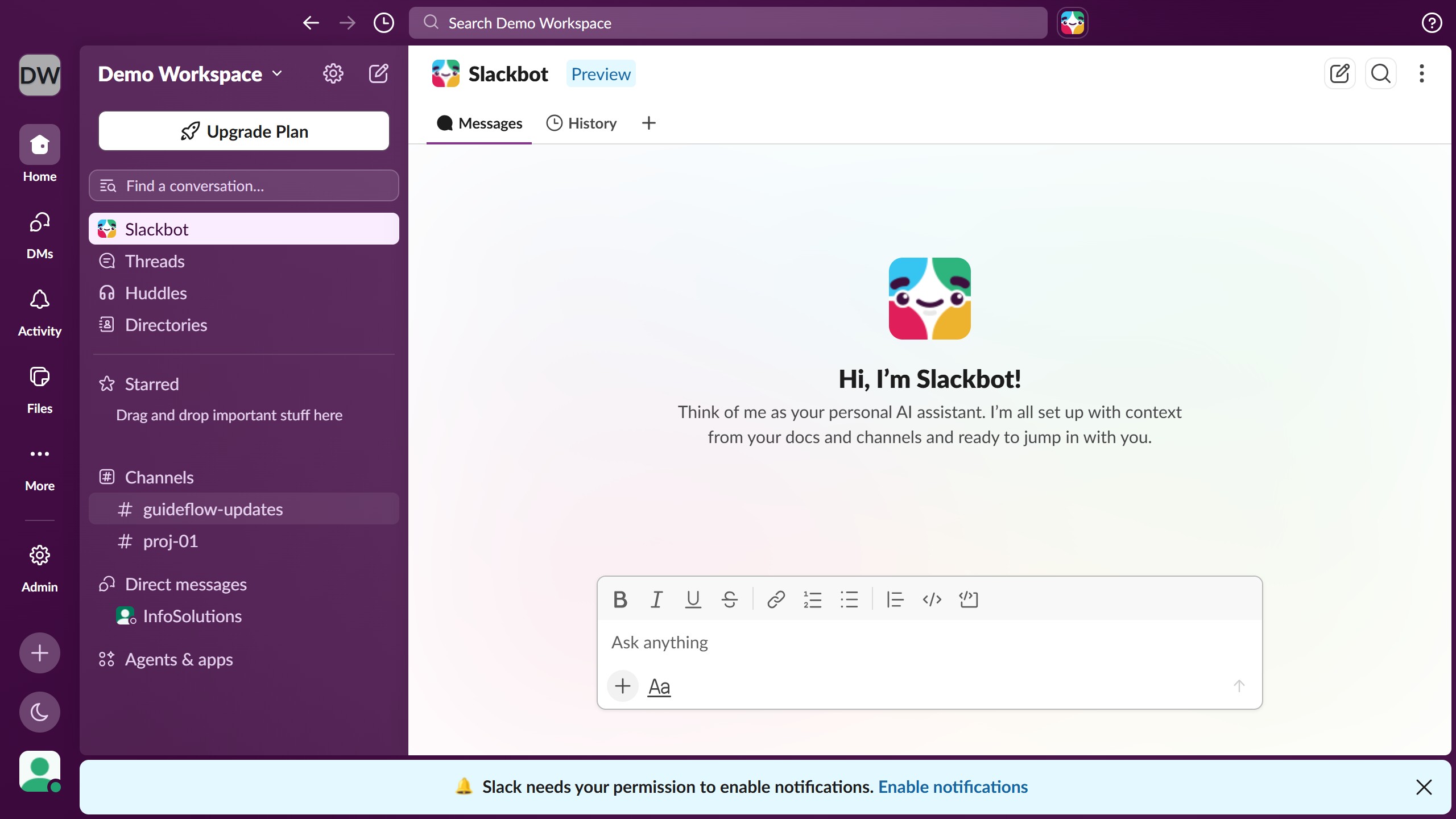
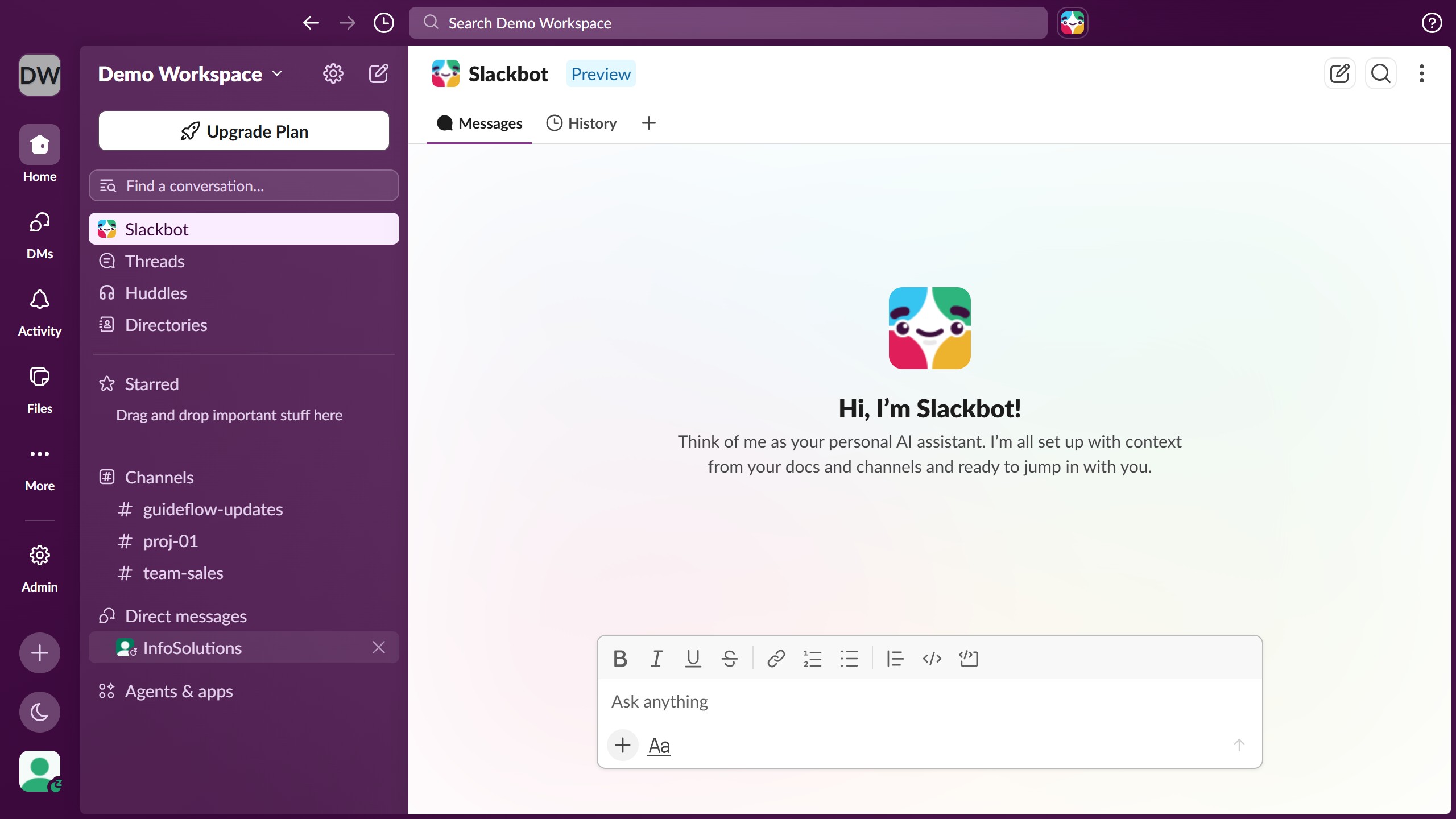
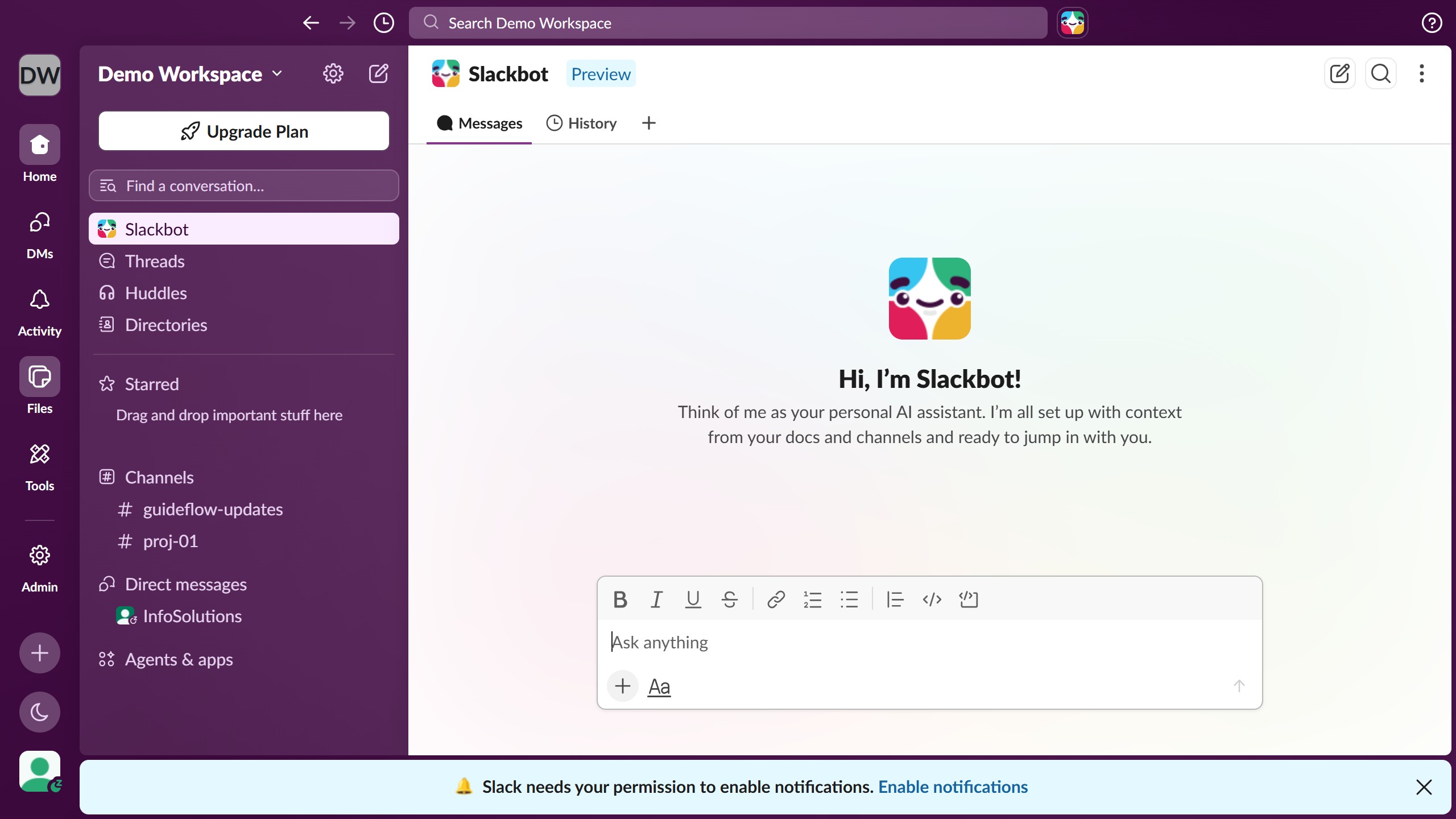
Here is how to view saved messages in slack
- First click on "More" button in the left sidebar navigation
- Then click on "Later" option in the More menu dropdown
- Finally click on the message that you want to view in the Later section


Create your own interactive guide with Guideflow
Slack is a dynamic collaboration hub designed to streamline communication within teams.
Finding saved messages in Slack is a breeze, allowing users to quickly access important information without the hassle of searching through endless chat histories.
This feature enhances productivity by keeping vital details at your fingertips, ensuring that you can focus on what truly matters without missing a beat.
Leveraging this function strengthens team coherence and efficiency, making Slack an invaluable tool in the modern workspace.
Why leading companies build with Guideflow