Slack
Slack is a business communication platform that organizes team conversations into channels and direct messages.
Website
Industry
Collaboration
Share this article:

How to forward a message as an admin in Slack

Here is how to forward a message as an admin in slack

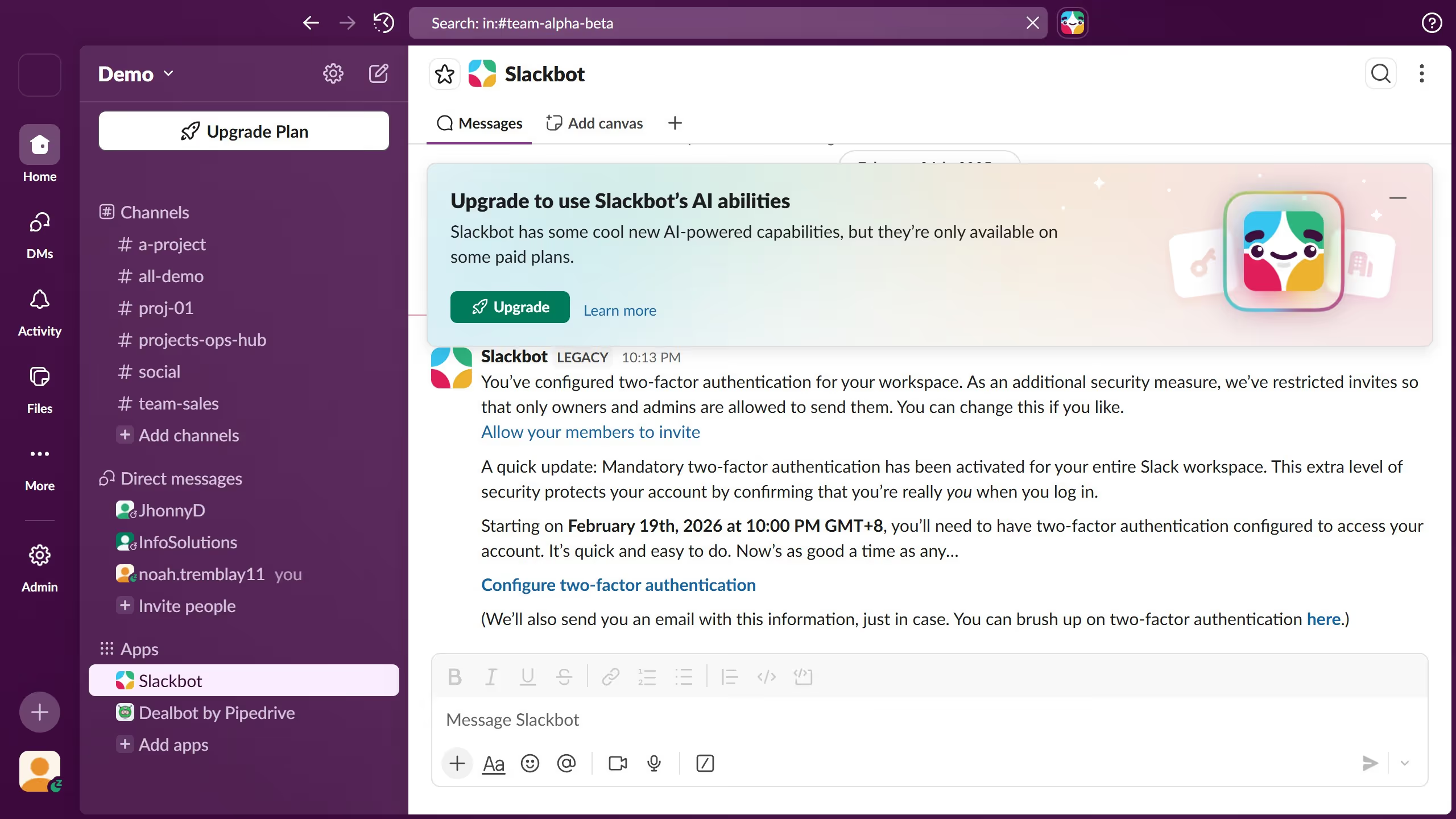
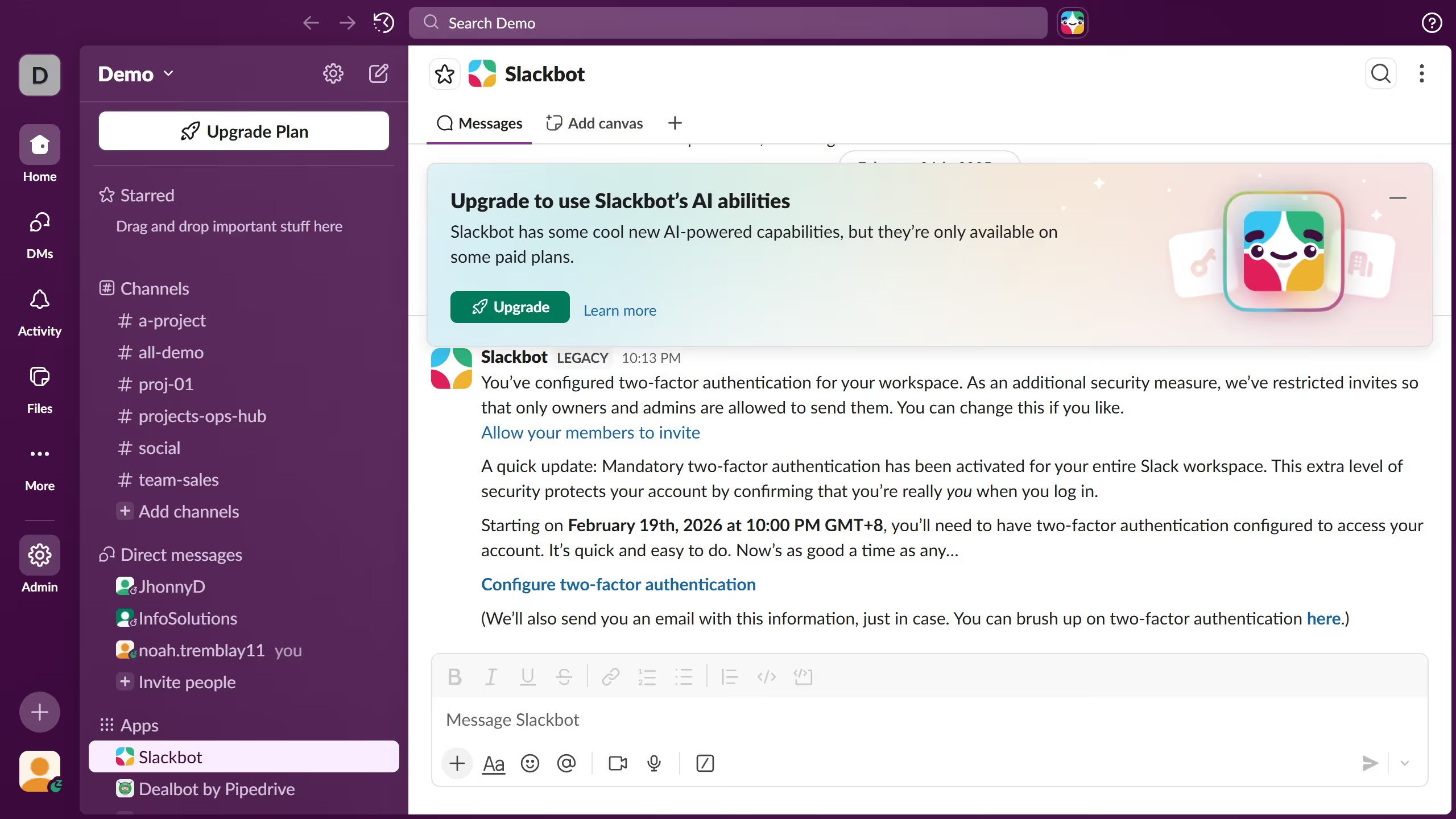
  1. First click on the contact's name in the Direct messages section of the sidebar
  2. Then click on the message that you want to forward
  3. Then click on the "Forward message" button in the message actions toolbar
  4. Next click on the text box of "Add by name or channel" and enter the name of the member or channel from the suggested dropdown
  5. Finally click on the "Forward" button to complete the message forwarding

Create your own interactive guide with Guideflow

Why should you forward a message as an admin in Slack

Slack is a dynamic collaboration hub designed to enhance team communication and streamline workflow.

Forwarding a message as an admin in Slack is a valuable feature that empowers leaders to efficiently share important information with relevant team members or channels.

This capability ensures that critical updates are distributed swiftly, enhancing team alignment and operational efficiency.

By utilizing this feature, admins can maintain clear communication lines while ensuring essential messages reach everyone who needs to see them.

Last update
March 16, 2026
Cursor MariaA cursor points to a button labeled "James."

Create your first demo in less than 30 seconds.