Slack
Slack is a business communication platform that organizes team conversations into channels and direct messages.
Website
Industry
Collaboration
Share this article:

How to add a billing contact as an admin in Slack

Here is how to add a billing contact as an admin in slack

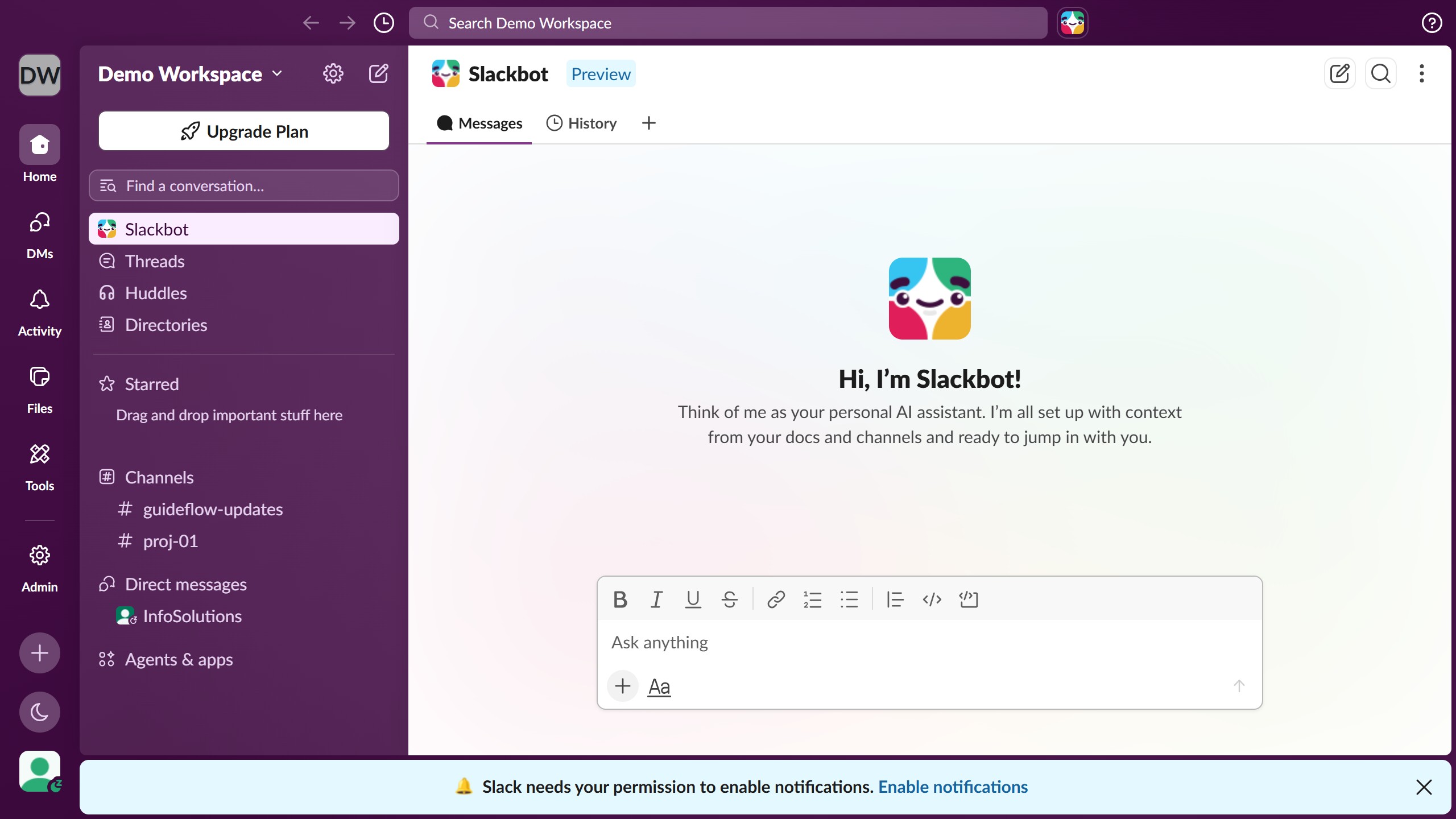
  1. First click on "Admin" button in the left sidebar
  2. Then click on "Workspace Settings" option in the Admin Tools menu
  3. Next click on "Billing" link in the left sidebar under Settings
  4. Then click on "Contacts" tab in the top navigation menu
  5. Next click on "Add a New Billing Contact" button in the contacts section
  6. Then enter the email address in the "Or by email address" input field
  7. Finally click on "Add Billing Contact" button to complete the process

Create your own interactive guide with Guideflow

Why should you add a billing contact as an admin in Slack

Slack is a dynamic platform designed to streamline team communication and collaboration.

In Slack, adding a billing contact as an admin allows for seamless financial management within your organization. This feature ensures that the relevant financial decisions and updates can be accessed directly by authorized personnel, reducing lag time and enhancing the operational efficiency.

With the billing contact having admin privileges, it consolidates their ability to address urgent billing queries effectively, fostering a smoother workflow and better resource management. Ultimately, this contributes to a more organized, professional handling of financial matters.

Last update
March 16, 2026
Cursor MariaA cursor points to a button labeled "James."

Create your first demo in less than 30 seconds.