Slack
Slack is a business communication platform that organizes team conversations into channels and direct messages.
Website
Industry
Collaboration
Share this article:

How to remove an app from VIP in Slack

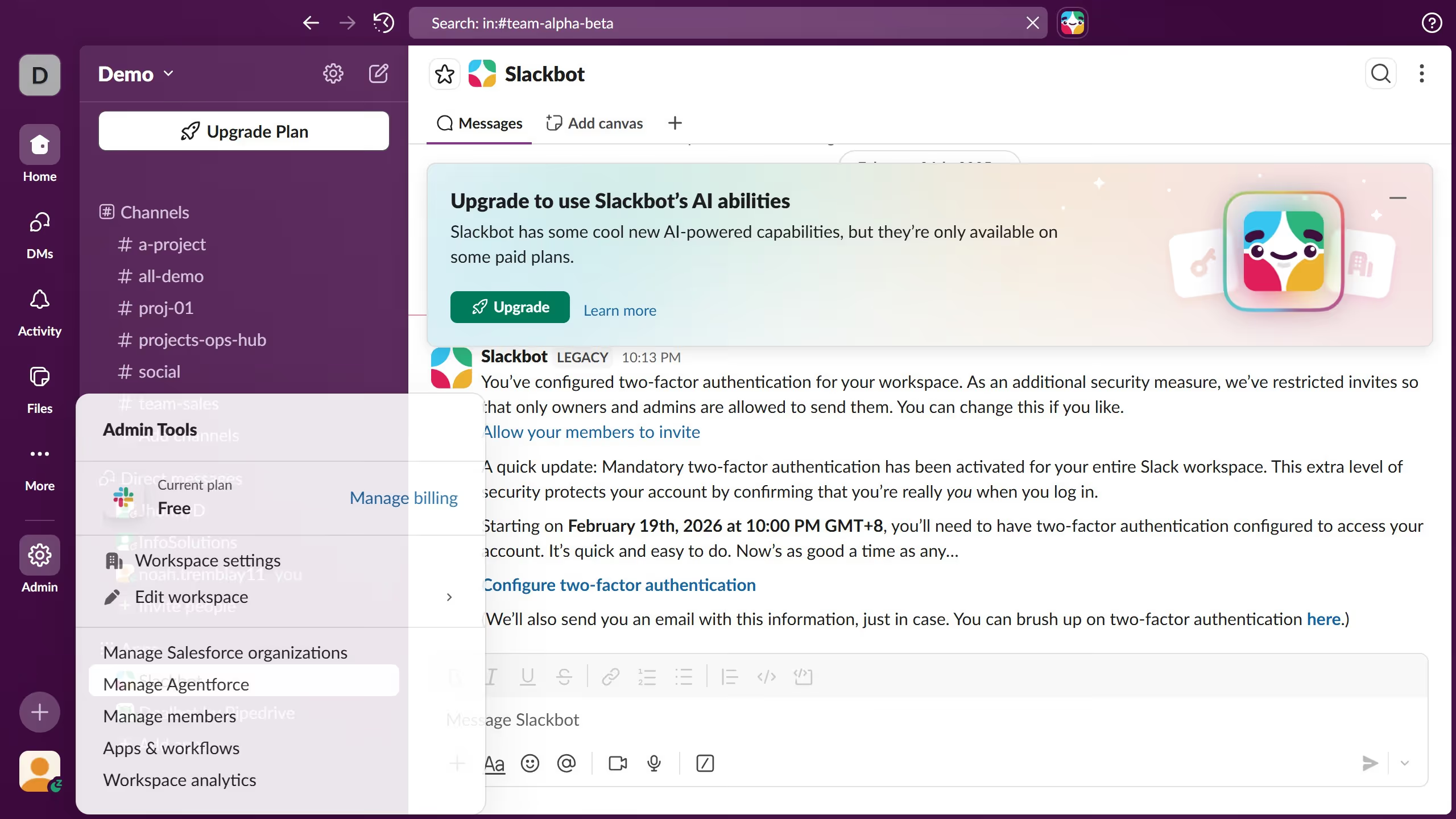
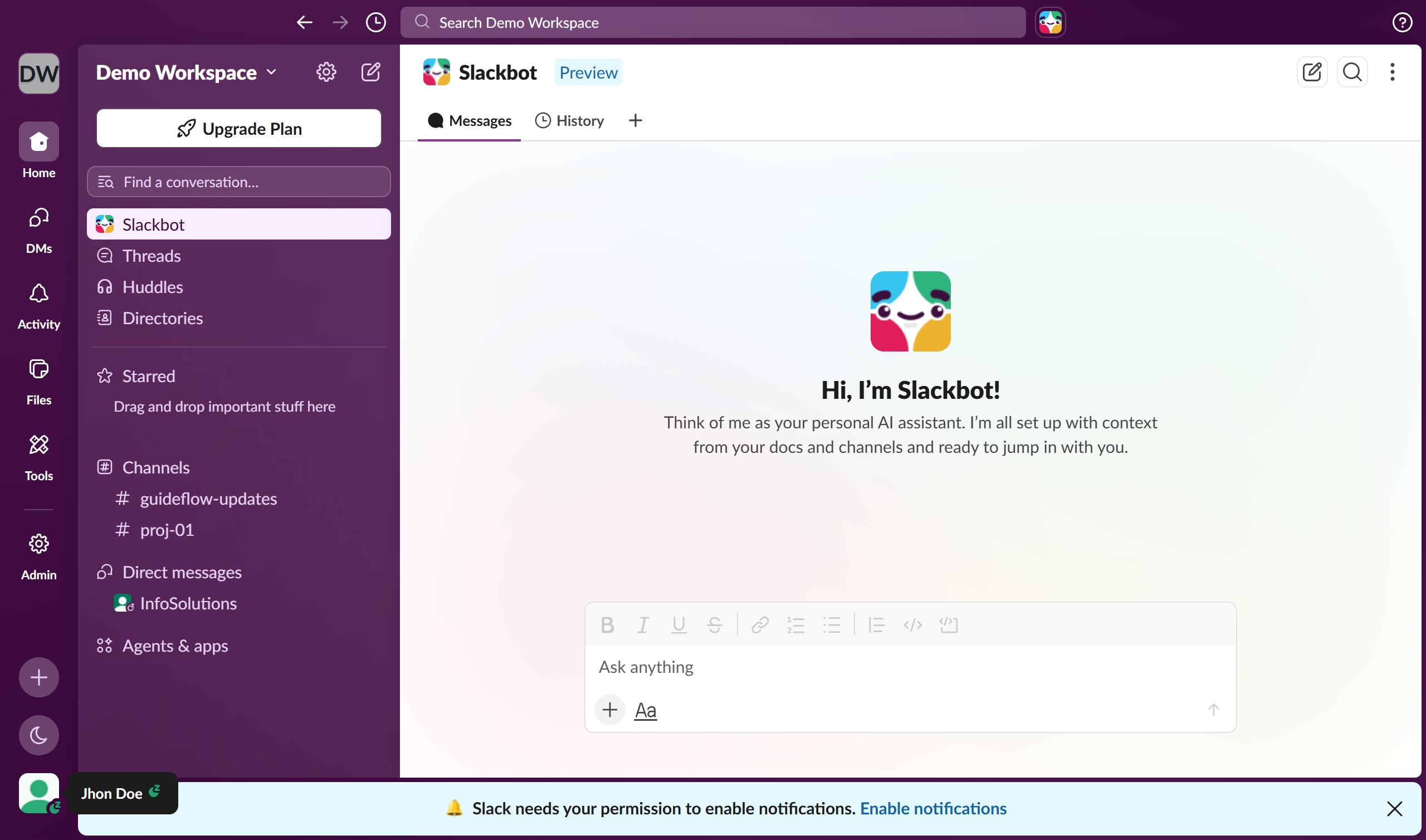
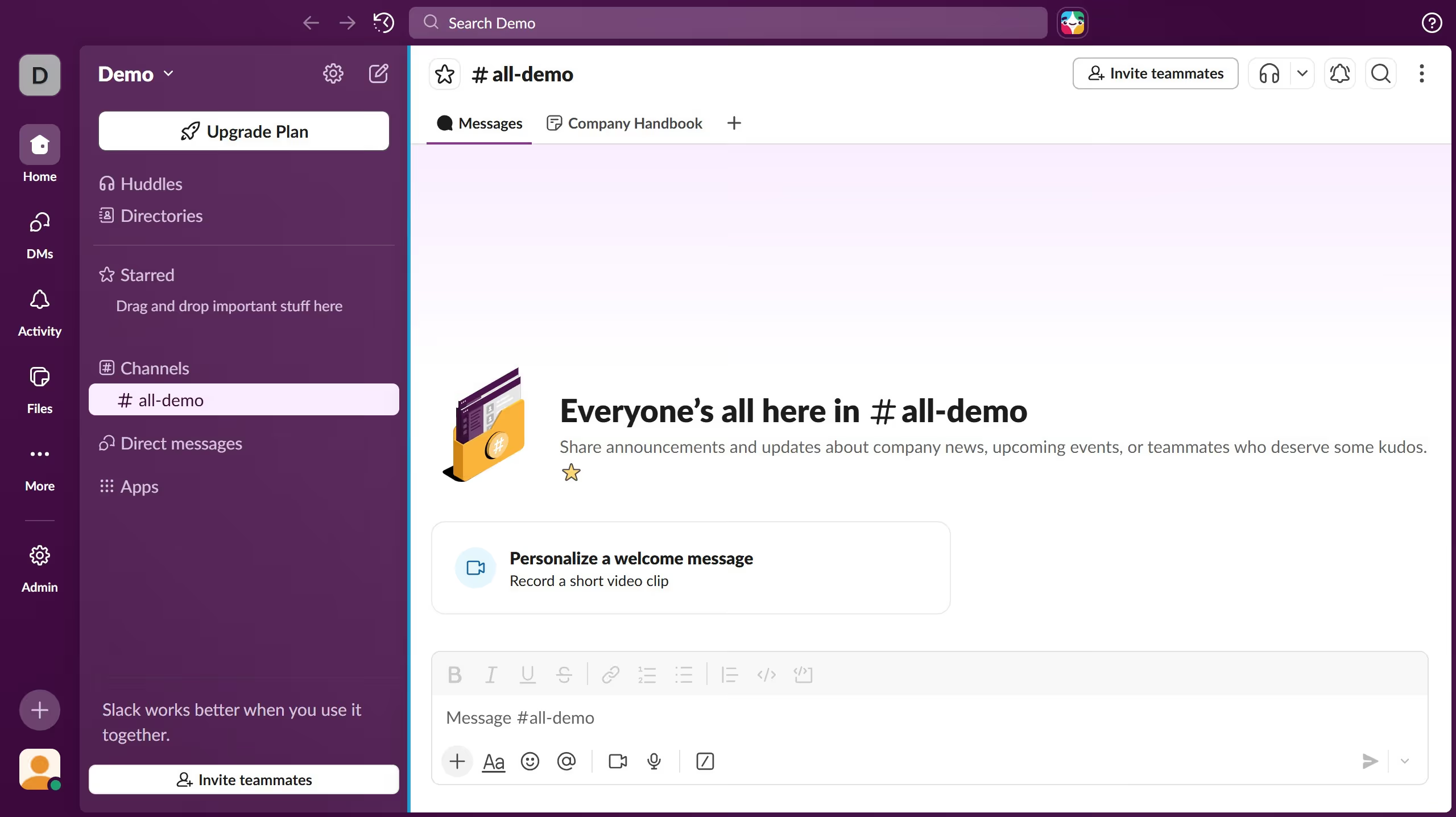
Here is how to remove an app from vip in slack

  1. First click on the channel name in the sidebar under the Channels section
  2. Then click on the three-dot menu button in the top-right corner
  3. Next click on "Edit settings" option from the dropdown menu
  4. Then click on "Integrations" tab in the channel details modal
  5. Next click on "Add apps" button in the Integrations section
  6. Then click on "View" button next to "Dealbot by Pipedrive" app
  7. Finally click on "Remove from VIP" button in the app details page

Create your own interactive guide with Guideflow

Why should you remove an app from VIP in Slack

Slack is a dynamic collaboration platform designed to streamline team communication and increase productivity.

Removing an app from VIP in Slack enhances your team’s focus by tailoring the workspace to only feature essential tools. This feature allows users to establish a clutter-free environment, where unnecessary notifications or apps are minimized.

By refining app access, team members can concentrate on tasks that matter most, ensuring workflows are efficient and goal-oriented.

Ultimately, this results in a more organized and effective communication experience within Slack.

Last update
March 16, 2026
Cursor MariaA cursor points to a button labeled "James."

Create your first demo in less than 30 seconds.