Slack
Slack is a business communication platform that organizes team conversations into channels and direct messages.
Website
Industry
Collaboration
Share this article:

How to change preset status suggestions in Slack

Here is how to change preset status suggestions in slack

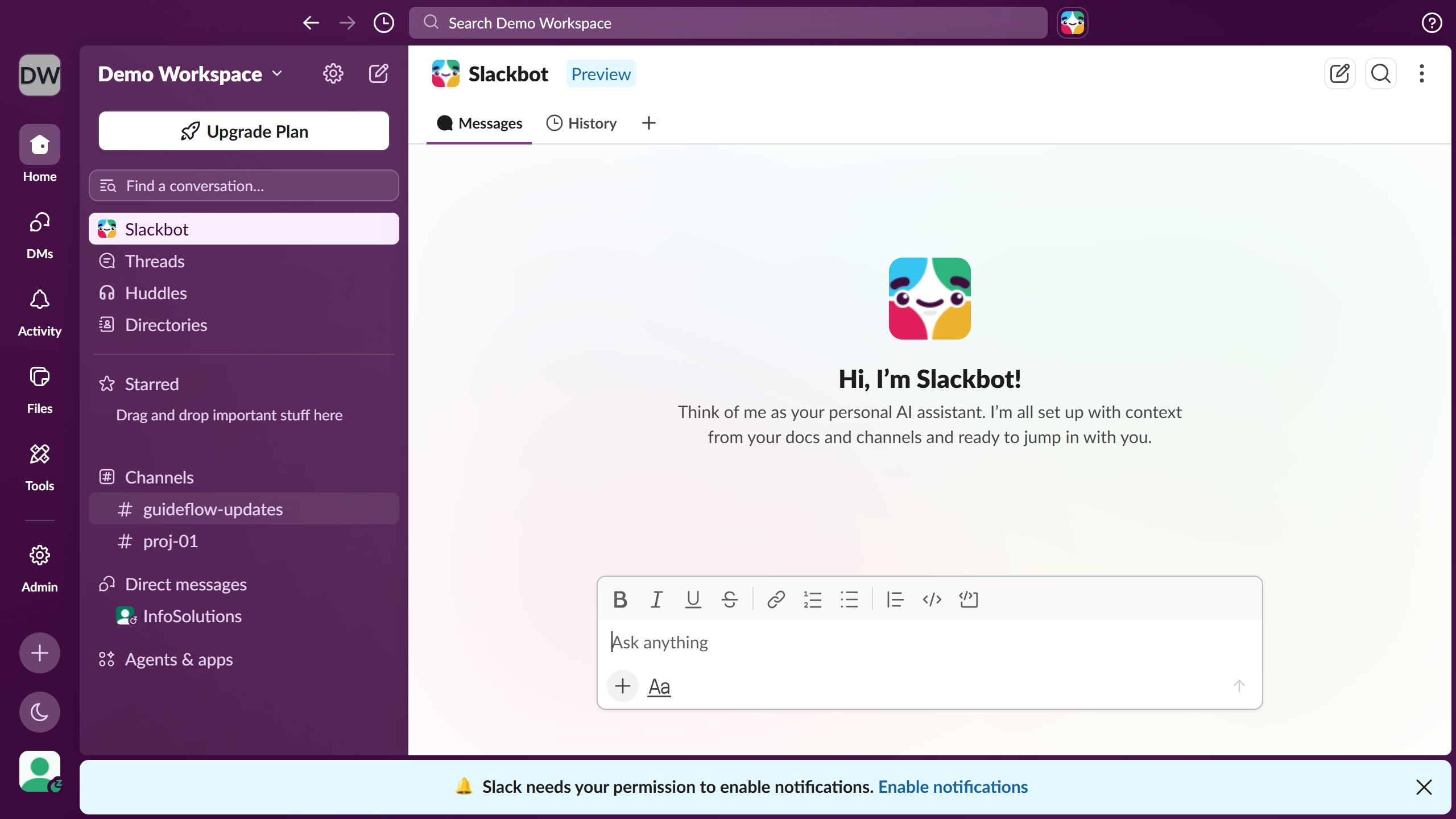
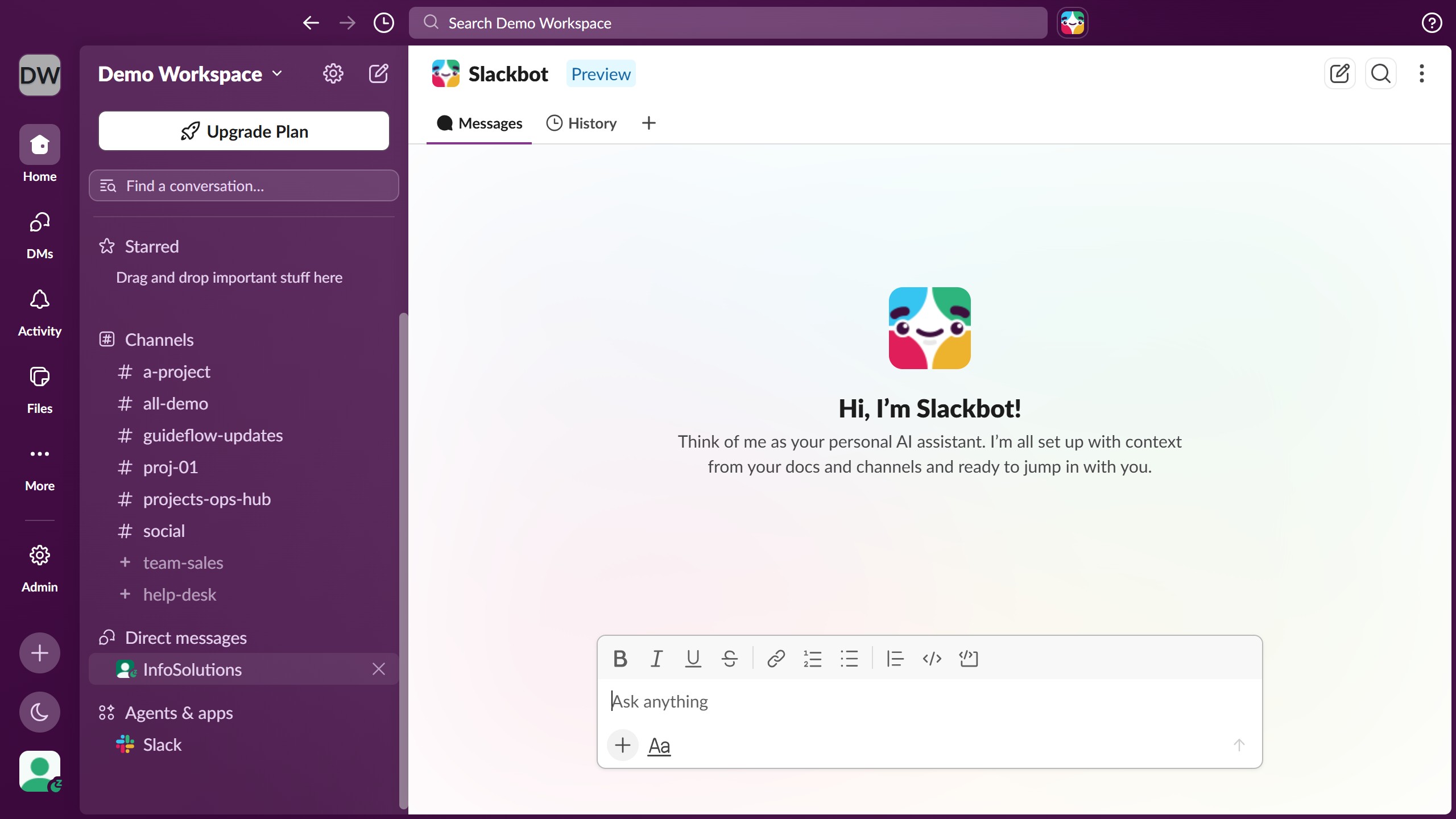
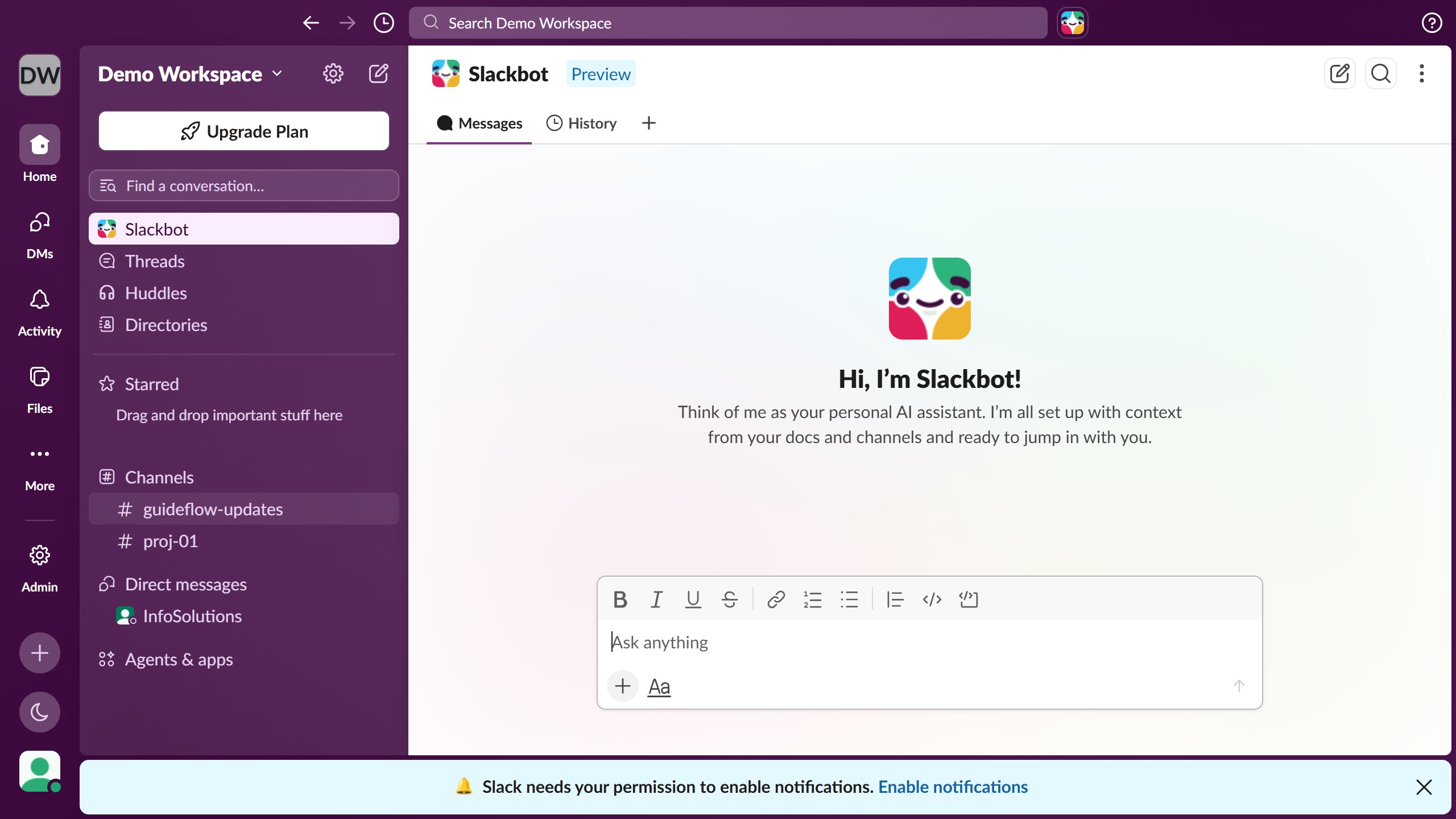
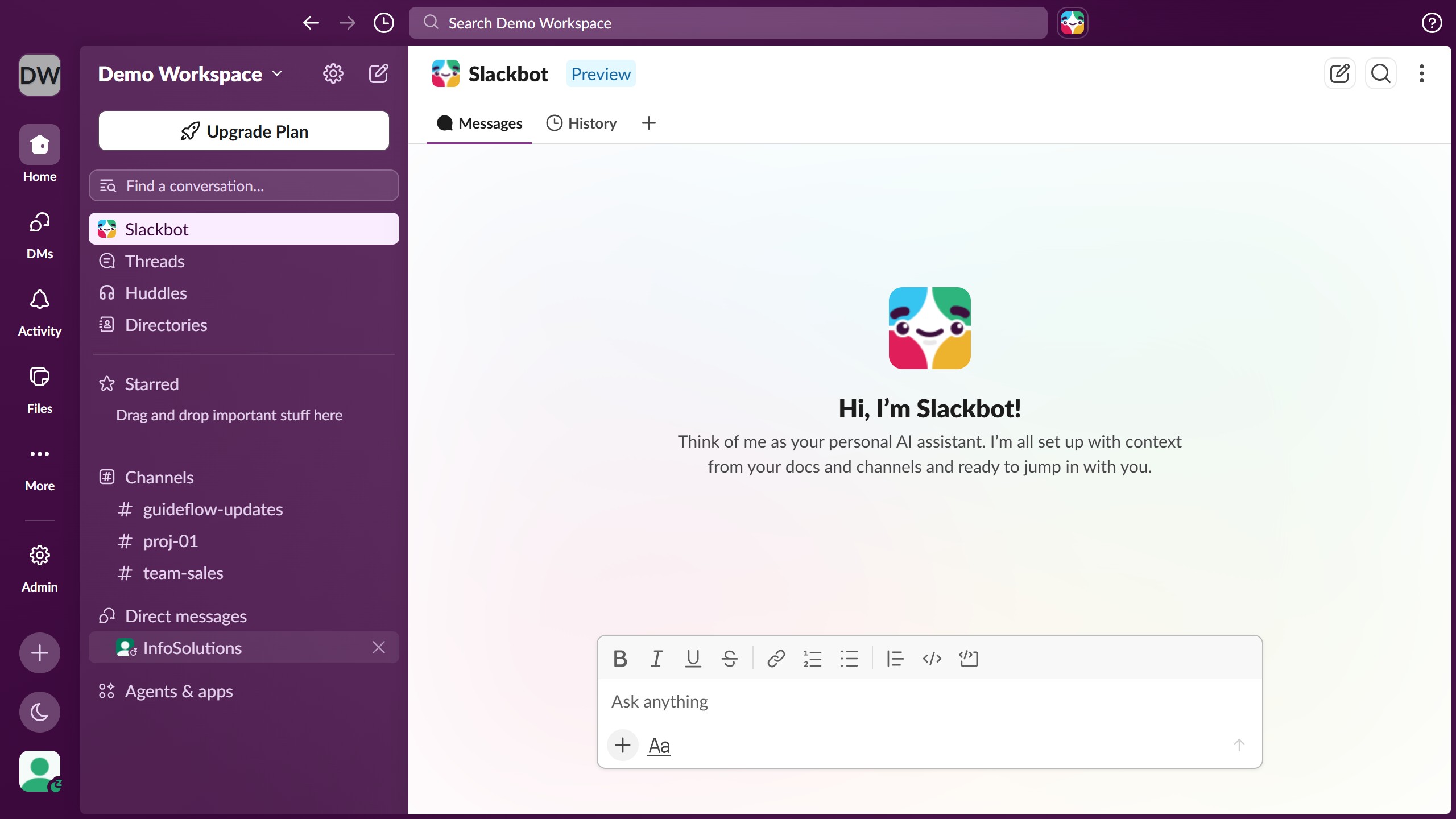
  1. First click on the workspace menu dropdown in the sidebar
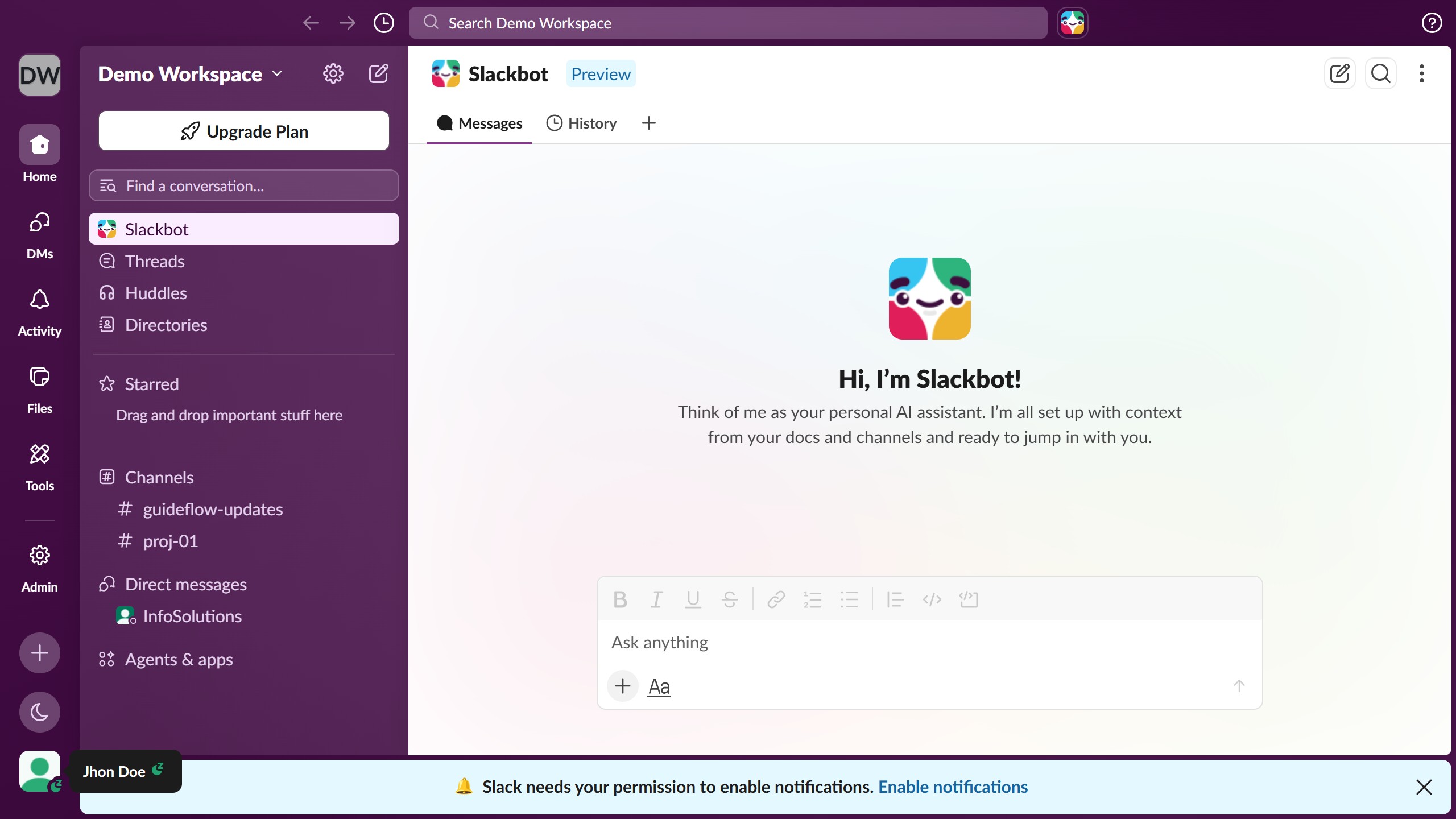
  2. Then click on "Update your status" option in the profile dropdown menu
  3. Next click on "Edit suggestions for Demo" link in the status modal
  4. Then click on one of the available status field to edit it
  5. Then click on the “Clear after” time if needed
  6. Then select a timeframe option from the dropdown menu
  7. Finally click on the "Save" button to save the changes

Create your own interactive guide with Guideflow

Why should you change preset status suggestions in Slack

Slack is a dynamic platform designed to streamline communication and collaboration for teams of all sizes.

Changing preset status suggestions in Slack allows users to personalize their availability and let teammates know their current focus or activity.

This feature enhances team connectivity, provides context on availability, and fosters efficient communication.

Utilizing custom status suggestions can significantly boost productivity by reducing misunderstandings and facilitating smoother workflow transitions.

Last update
March 16, 2026
Cursor MariaA cursor points to a button labeled "James."

Create your first demo in less than 30 seconds.