Slack
Slack is a business communication platform that organizes team conversations into channels and direct messages.
Website
Industry
Collaboration
Share this article:

How to manage advanced options of a channel in Slack

Here is how to manage advanced options of a channel in slack

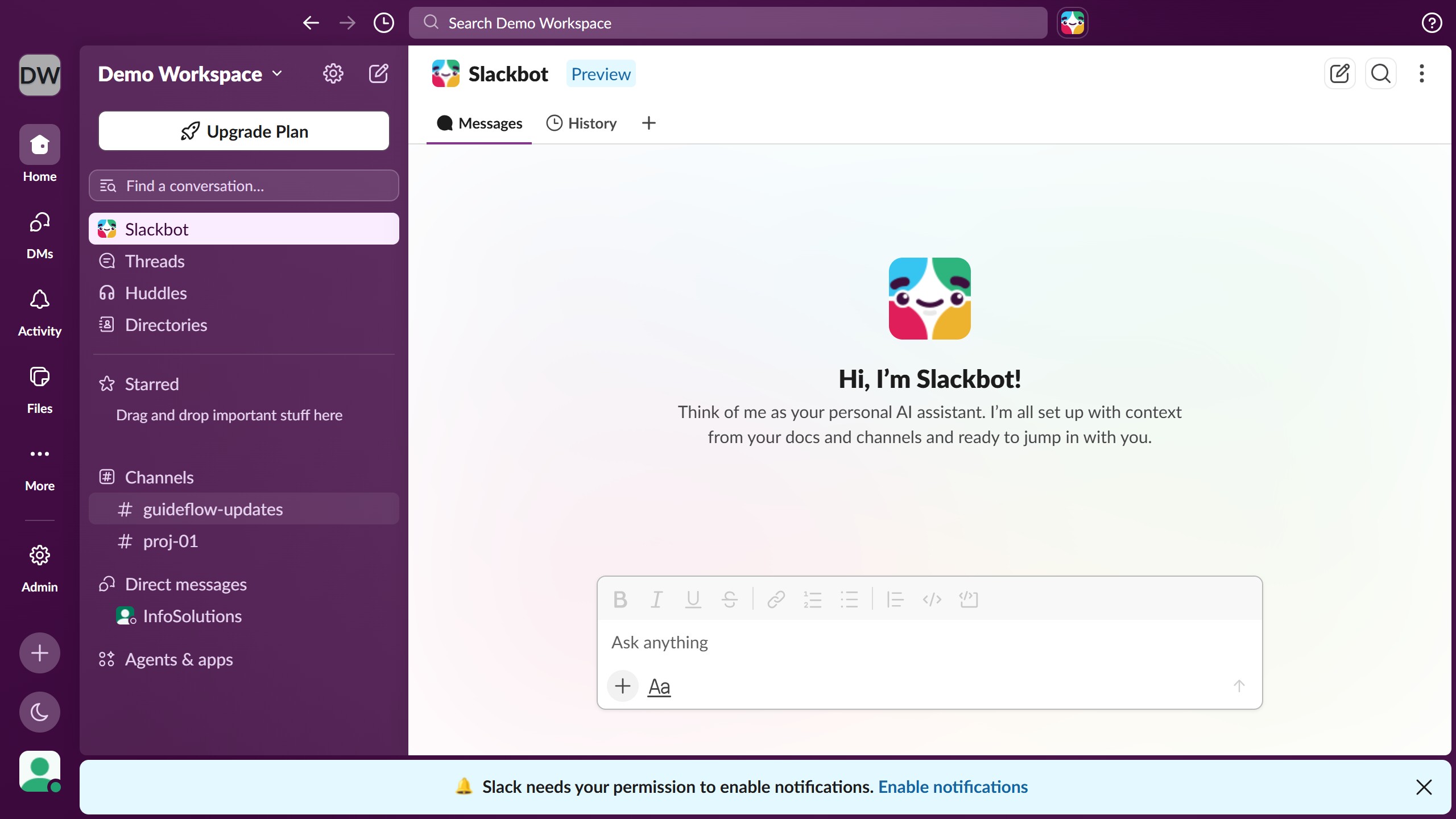
  1. First click on the channel name in the sidebar under the Channels section
  2. Then right-click on the channel name in the sidebar to open the context menu
  3. Next click on "Edit notifications" option in the context menu
  4. Then click on "Advanced options" in the notifications submenu
  5. Next click on the "Desktop notifications" toggle to enable desktop notifications
  6. Then click on the "Enable Browser Notifications" button in the confirmation dialog
  7. Next click on the "Badge every new message in your sidebar" toggle to enable badge notifications
  8. Then click on the "Follow every thread" toggle to enable thread notifications

Create your own interactive guide with Guideflow

Why should you manage advanced options of a channel in Slack

Slack is a dynamic collaboration tool designed to streamline team communication.

Managing advanced options for a Slack channel allows users to customize their communication space to better fit their team's needs. By diving into these options, teams can efficiently organize their workflow, ensuring that essential information is accessible and clearly prioritized.

Utilizing these tools can boost productivity and enhance collaboration, as teams are empowered to tailor Slack's functionalities to meet their unique processes and goals.

Last update
March 16, 2026
Cursor MariaA cursor points to a button labeled "James."

Create your first demo in less than 30 seconds.