Slack
Slack is a business communication platform that organizes team conversations into channels and direct messages.
Website
Industry
Collaboration
Share this article:

How to edit a message in Slack

Here is how to edit a message in slack

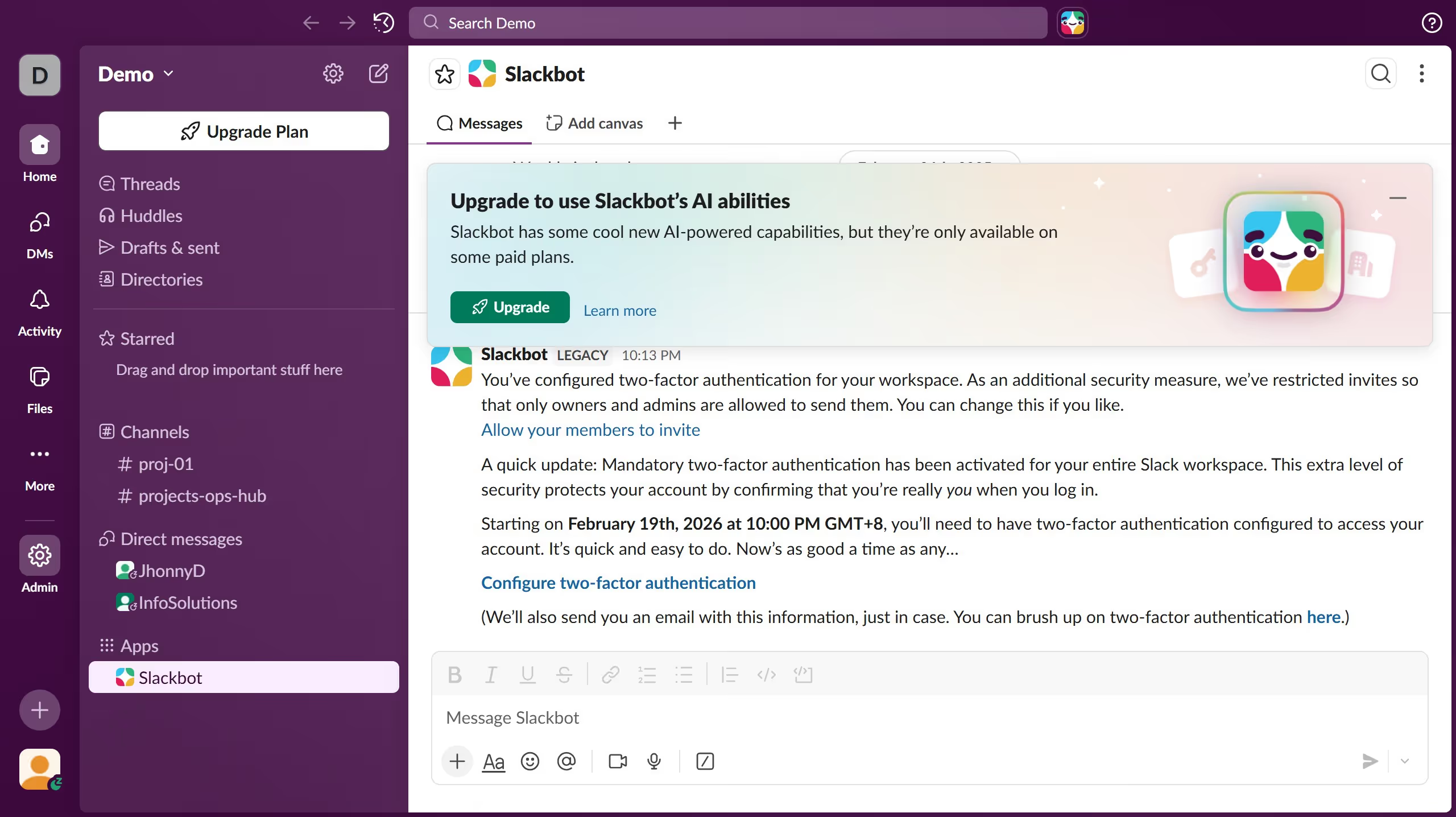
  1. First click on the channel name in the sidebar under the Channels section
  2. Then click on "More actions" button next to the message that you want to edit
  3. Next click on "Edit message" option from the dropdown menu
  4. Finally click on "Save" button to confirm the edited message

Create your own interactive guide with Guideflow

Why should you edit a message in Slack

Slack is a powerful communication tool designed to enhance collaboration and streamline workplace interactions.

One of Slack’s invaluable features is the ability to edit messages after they've been sent. This feature allows users to quickly correct typos or add additional information, ensuring clarity and precision in communication.

Using the message editing feature promotes efficient and effective communication, reducing misunderstandings and fostering a more productive work environment. This feature is an essential tool for maintaining professionalism and accuracy in every interaction.

Last update
March 16, 2026
Cursor MariaA cursor points to a button labeled "James."

Create your first demo in less than 30 seconds.