Slack
Slack is a business communication platform that organizes team conversations into channels and direct messages.
Website
Industry
Collaboration
Share this article:

How to require two-factor authentication in Slack

Here is how to require two-factor authentication in slack

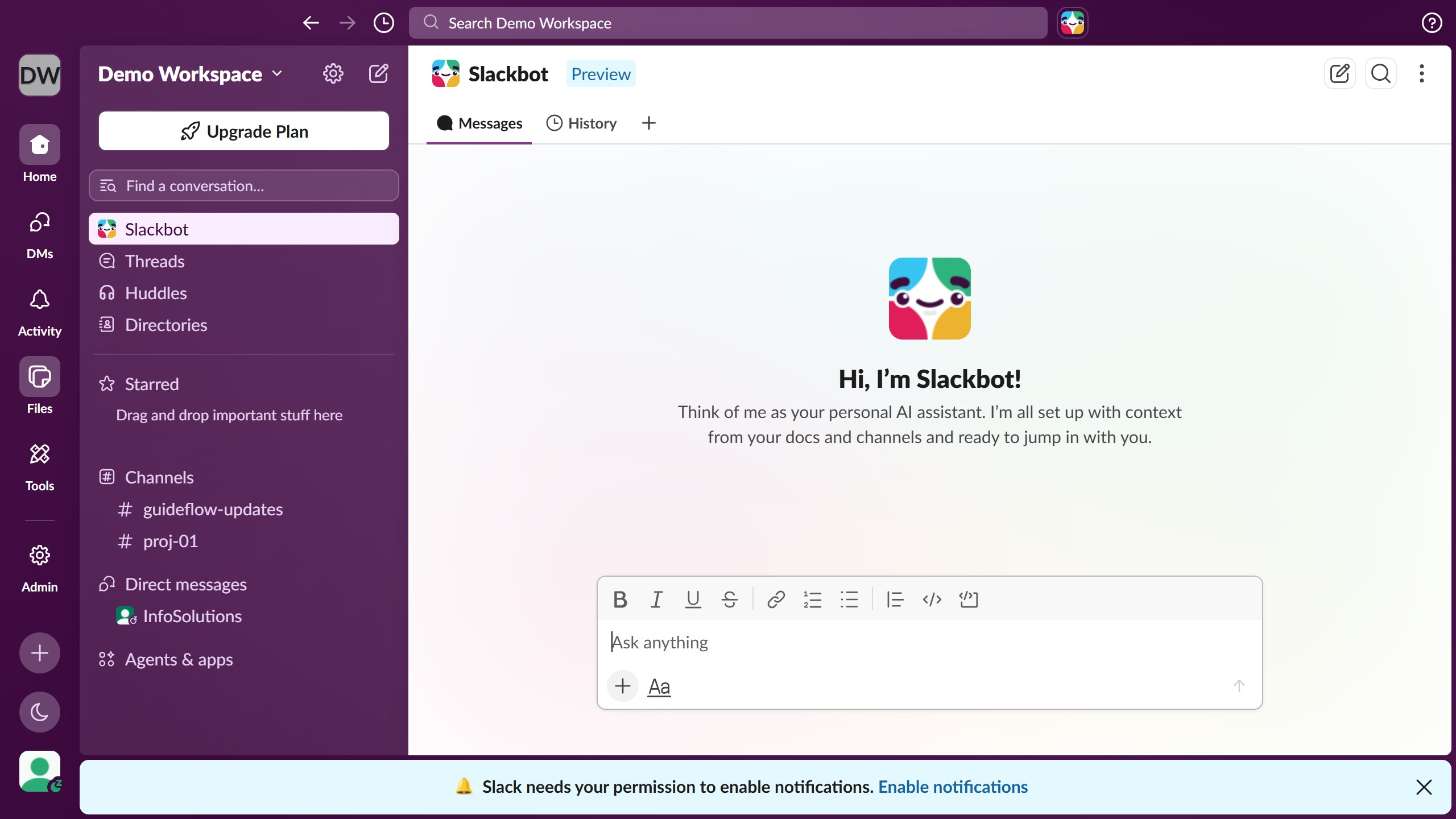
  1. First click on "Admin" button in the left sidebar
  2. Then click on "Workspace settings" option in the Admin Tools menu
  3. Next click on "Security" option in the left sidebar navigation
  4. Then click on "Edit" button next to "Two-factor authentication for email sign-in" option
  5. Then click on "Require members to have 2FA set up" checkbox in the dialog
  6. Finally click on "Save" button to confirm the changes

Create your own interactive guide with Guideflow

Why should you require two-factor authentication in Slack

Slack is a versatile and efficient platform designed to streamline team communication and collaboration.

One of its essential features, requiring two-factor authentication (2FA), enhances security by adding an extra layer of protection to user accounts.

By implementing 2FA, you significantly reduce the risk of unauthorized access, ensuring that sensitive information and communications remain exclusive to your team.

This feature fosters a more secure working environment, giving users peace of mind while performing daily operations.

Last update
March 16, 2026
Cursor MariaA cursor points to a button labeled "James."

Create your first demo in less than 30 seconds.