Slack
Slack is a business communication platform that organizes team conversations into channels and direct messages.
Website
Industry
Collaboration
Share this article:

How to view file details in a channel in Slack

Here is how to view file details in a channel in slack

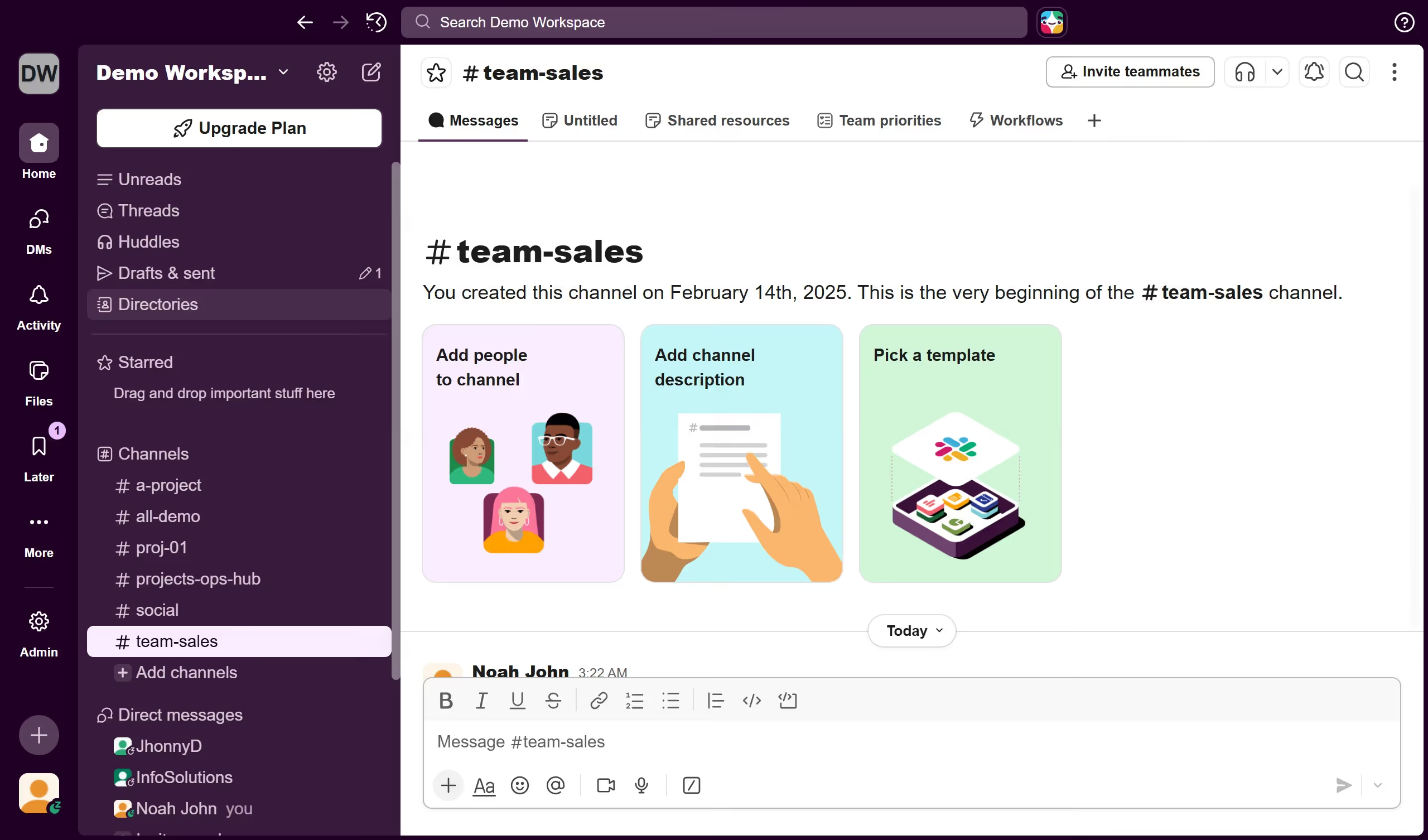
  1. First click on the channel name in the sidebar under the Channels section
  2. Then click on the file that you want to view details
  3. Next click on the information icon button to open the file details panel
  4. Finally click and view the file details in the right panel with full details and conversation information

Create your own interactive guide with Guideflow

Why should you view file details in a channel in Slack

Slack is a dynamic collaboration tool designed to enhance team communication and streamline workflow.

Accessing file details in a Slack channel enables users to swiftly gather vital information, such as the file’s size, type, and who uploaded it. This feature demystifies file management by providing clarity and ensuring everyone stays informed.

By seamlessly integrating file details into conversations, Slack enhances transparency and efficiency. This ensures team members are always equipped with the necessary information to stay productive and organized.

Last update
March 16, 2026
Cursor MariaA cursor points to a button labeled "James."

Create your first demo in less than 30 seconds.