Slack
Slack is a business communication platform that organizes team conversations into channels and direct messages.
Website
Industry
Collaboration
Share this article:

How to preview a file in Slack

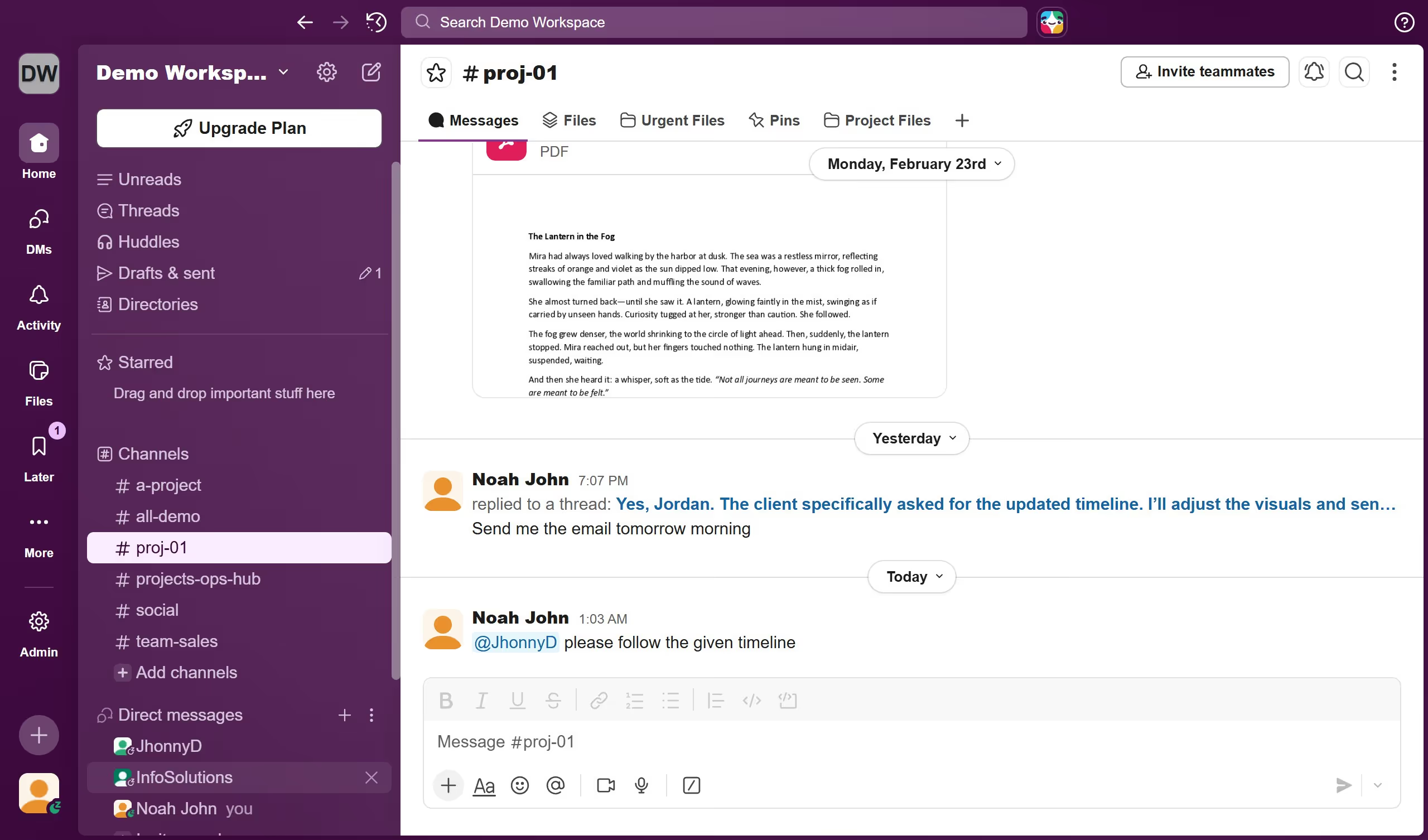
Here is how to preview a file in slack

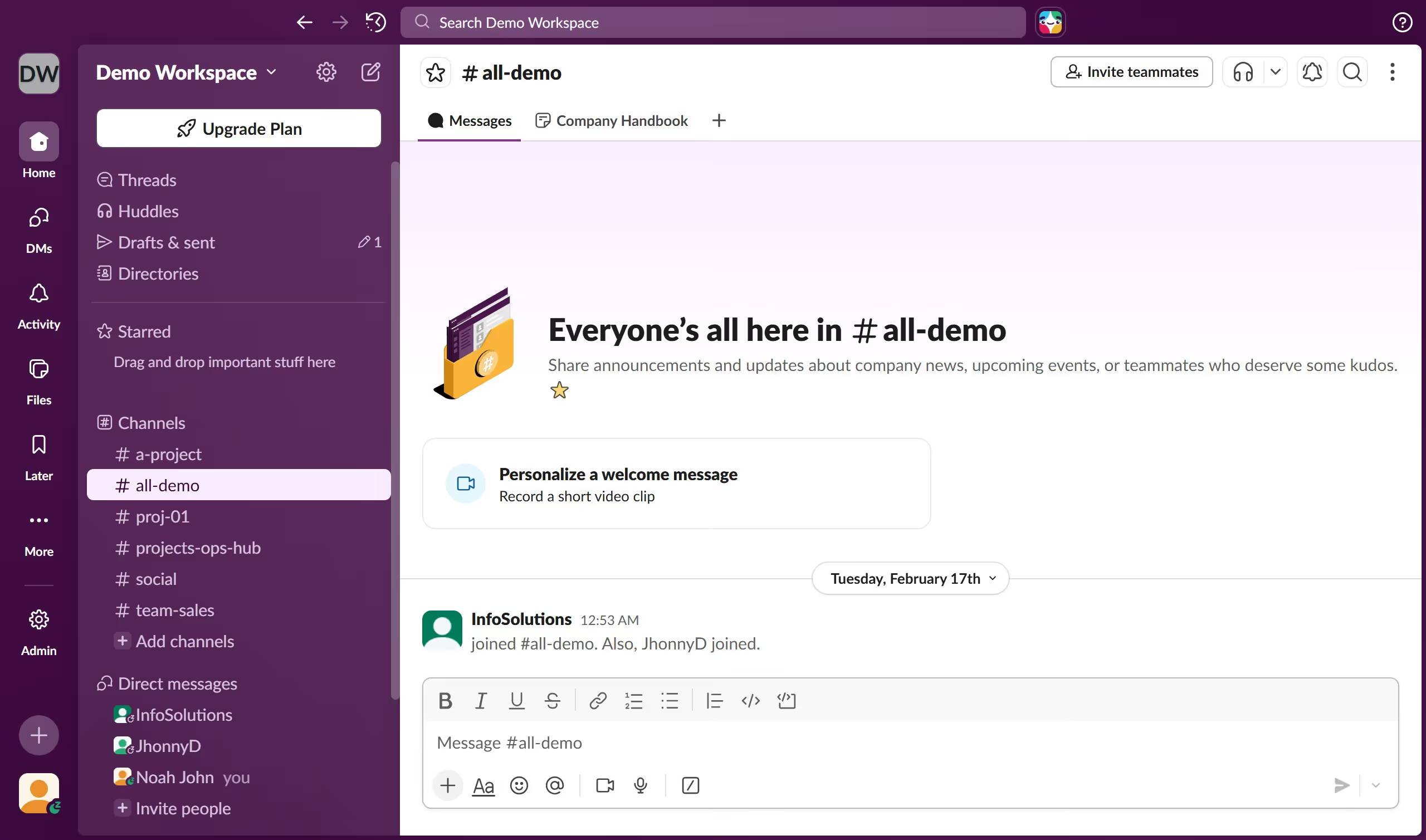
  1. First click on the channel name in the sidebar under the Channels section
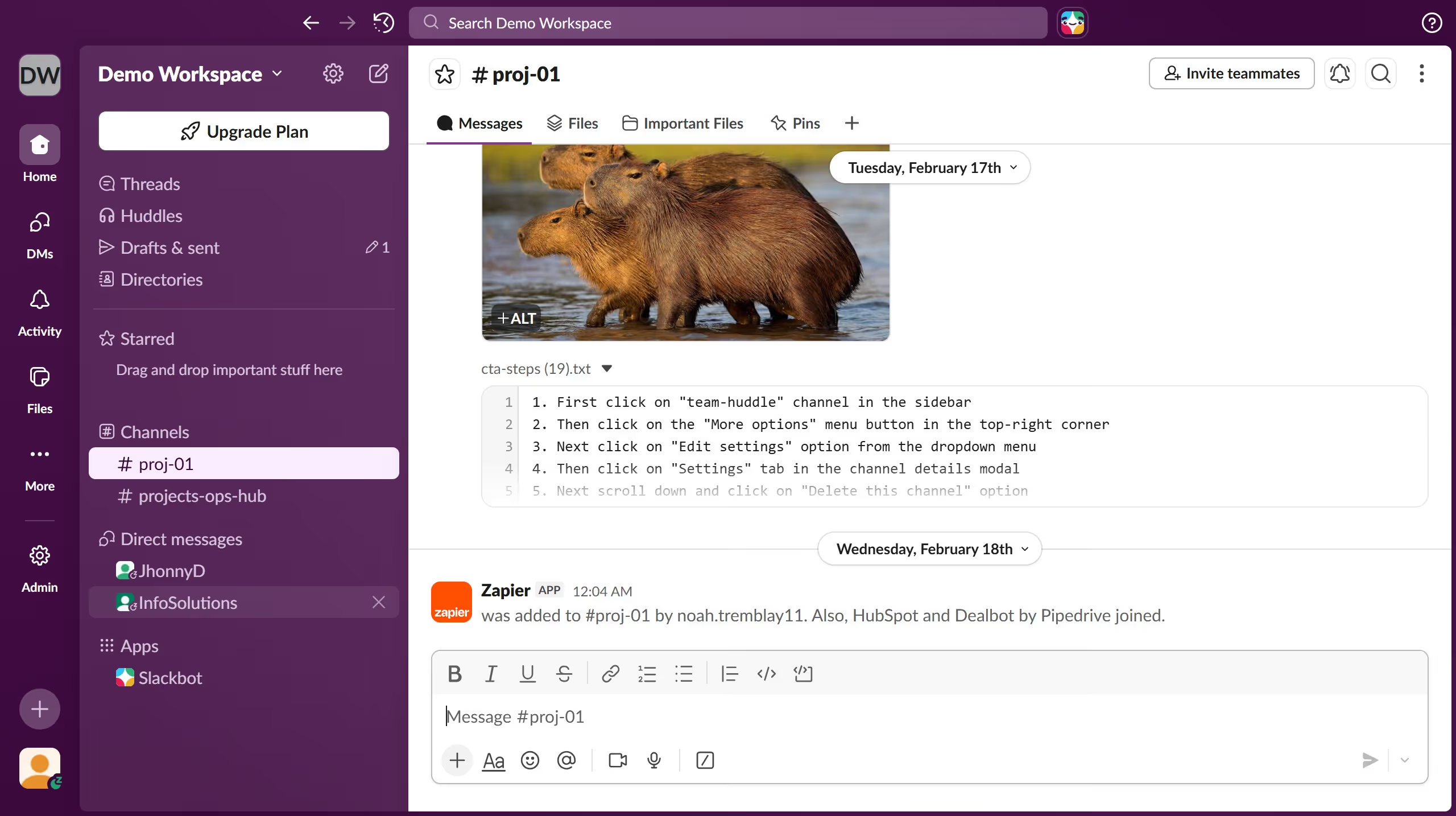
  2. Then click on the file that you want to preview in the message area
  3. Finally click on the close icon at the top right side of the screen to close the preview

Create your own interactive guide with Guideflow

Why should you preview a file in Slack

Slack is a dynamic collaboration hub designed to streamline team communication and organization.

The ability to preview files in Slack enables team members to quickly view content without downloading. This saves time and streamlines workflow efficiency.

Integrating this feature into your daily routine offers a seamless way to access file details instantly, aiding in swift decision-making. Staying informed and connected is effortless with such user-friendly capabilities.

Overall, file previews in Slack enrich the communication experience, bridging collaboration and accessibility.

Last update
March 16, 2026
Cursor MariaA cursor points to a button labeled "James."

Create your first demo in less than 30 seconds.