Slack
Slack is a business communication platform that organizes team conversations into channels and direct messages.
Website
Industry
Collaboration
Share this article:

How to manage pause notifications duration in status in Slack

Here is how to manage pause notifications duration in status in slack

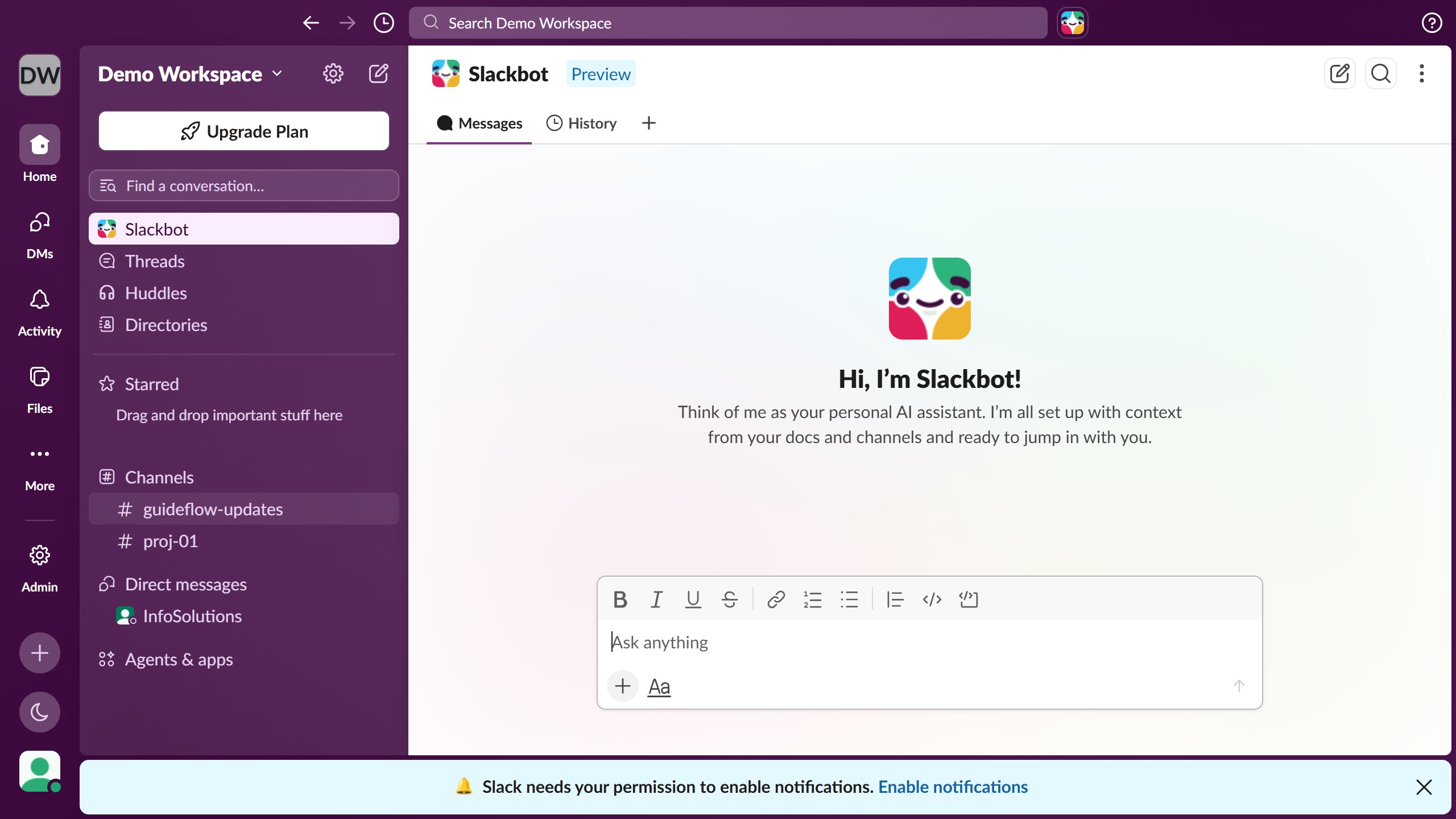
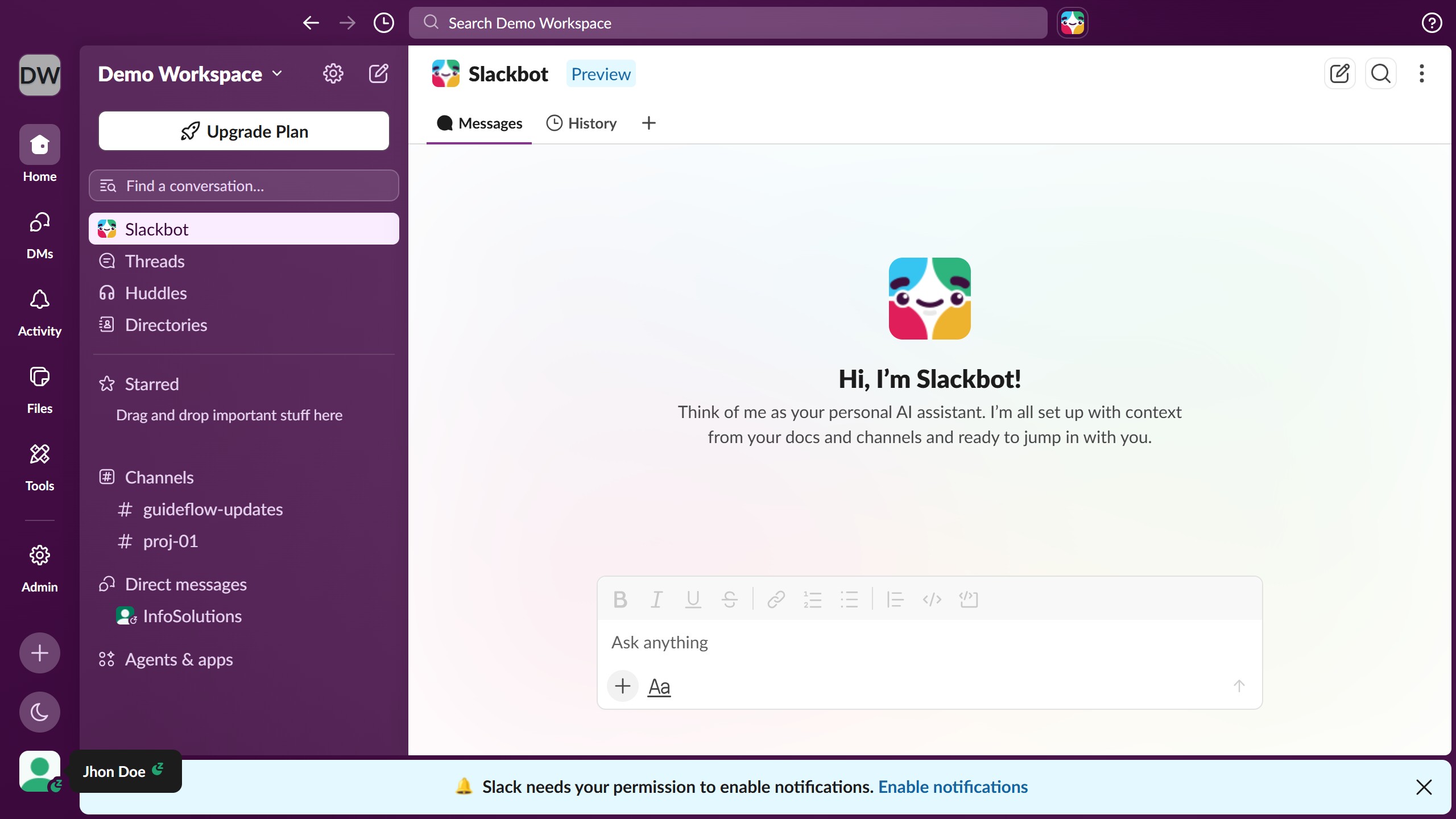
  1. First click on the user profile section at the bottom of the sidebar to open the user menu
  2. Then click on "Pause notifications" option in the user menu to expand notification pause options
  3. Finally select a duration option from the pause notifications submenu

Create your own interactive guide with Guideflow

Why should you manage pause notifications duration in status in Slack

Slack is a dynamic communication platform designed to enhance team collaboration and productivity.

The feature to manage pause notifications duration in status within Slack enables users to control when they receive notifications. This customization ensures that users can focus on important tasks without constant interruptions, improving work efficiency.

By setting a specific duration to pause notifications, individuals and teams can maintain concentration during critical periods while still staying connected to their team, promoting a healthy balance between focus and availability.

Last update
March 16, 2026
Cursor MariaA cursor points to a button labeled "James."

Create your first demo in less than 30 seconds.