Slack
Slack is a business communication platform that organizes team conversations into channels and direct messages.
Website
Industry
Collaboration
Share this article:

How to insert a blockquote in a channel in Slack

Here is how to insert a blockquote in a channel in slack

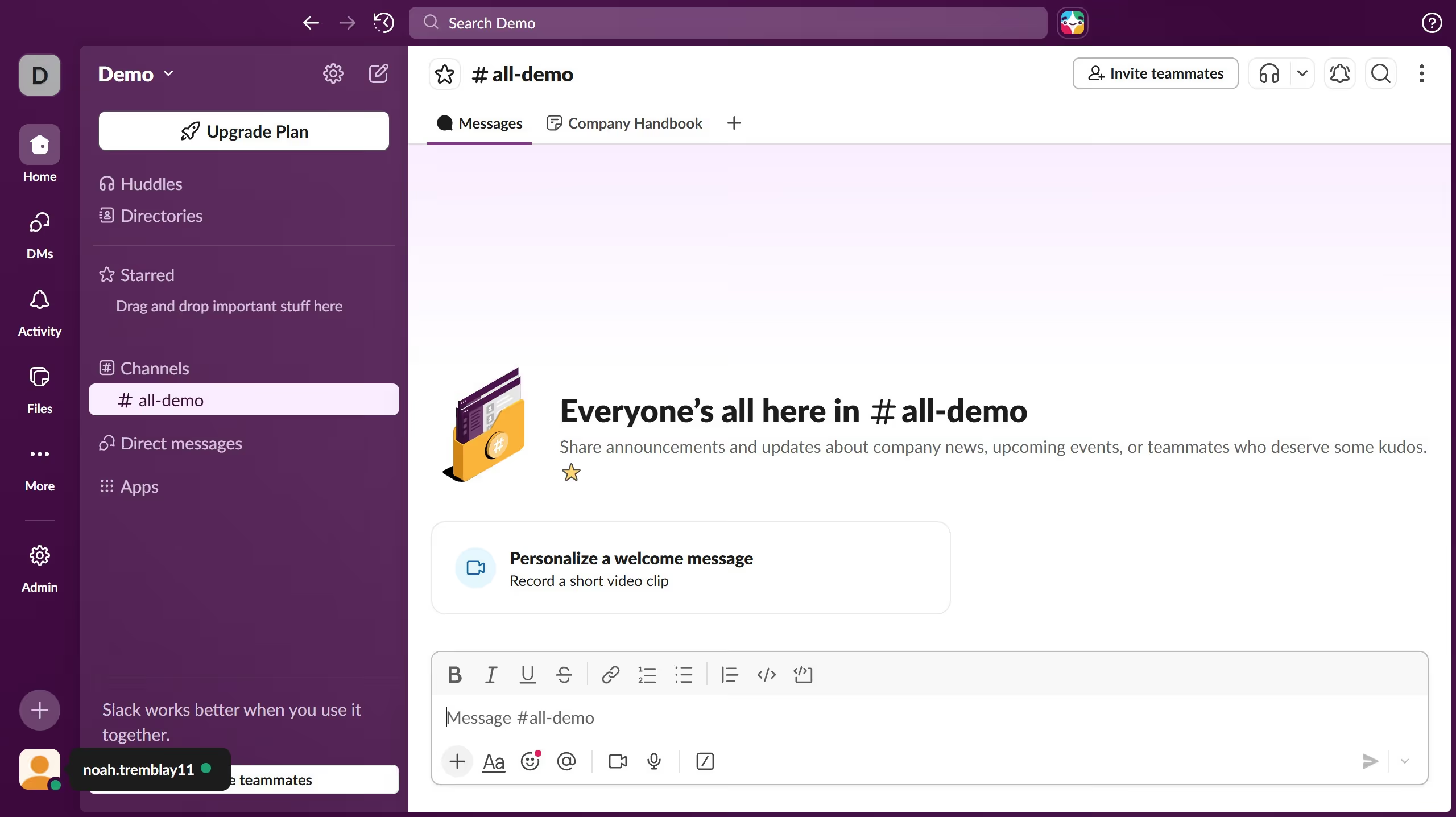
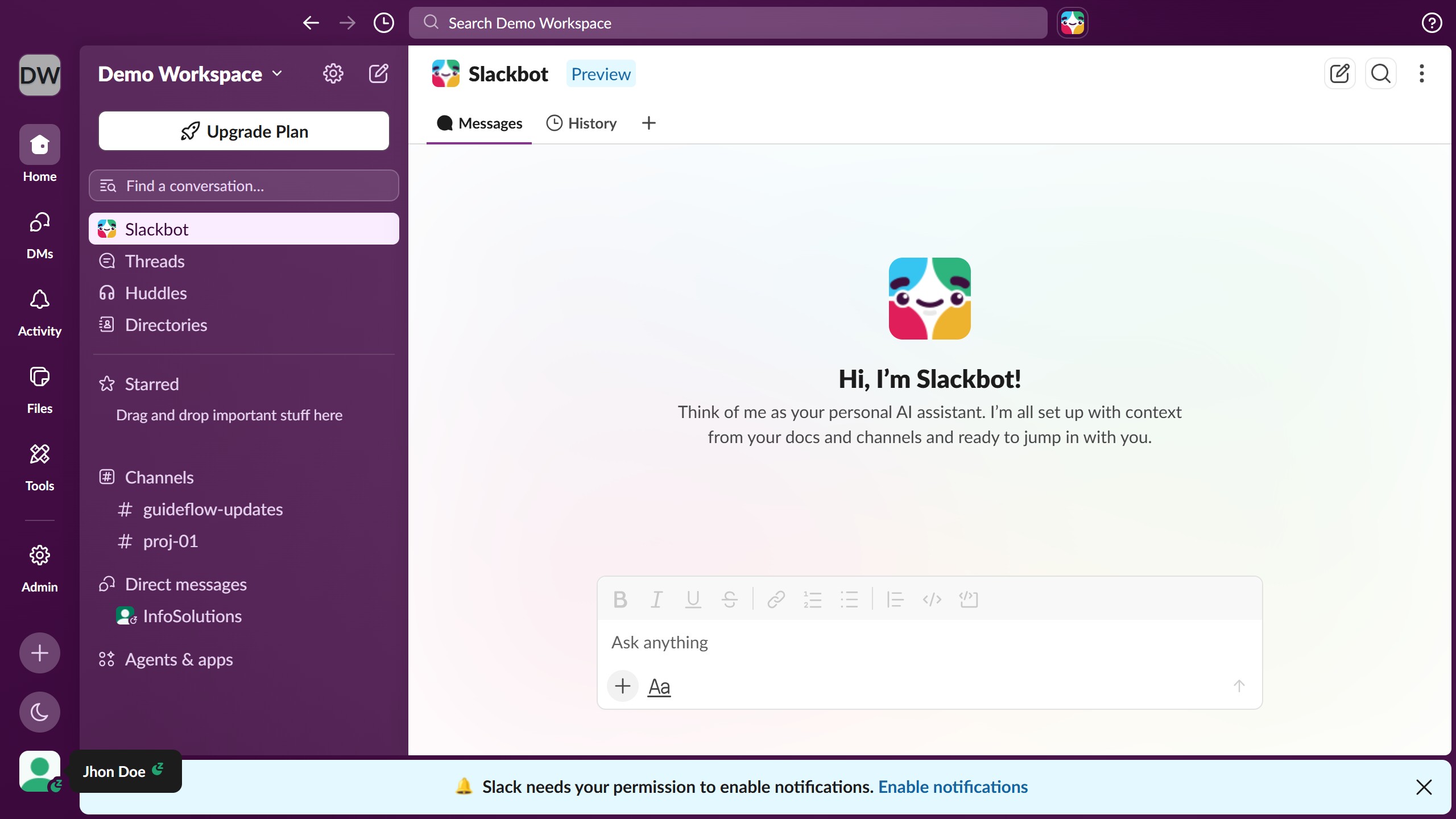
  1. First click on the channel name in the sidebar under the Channels section
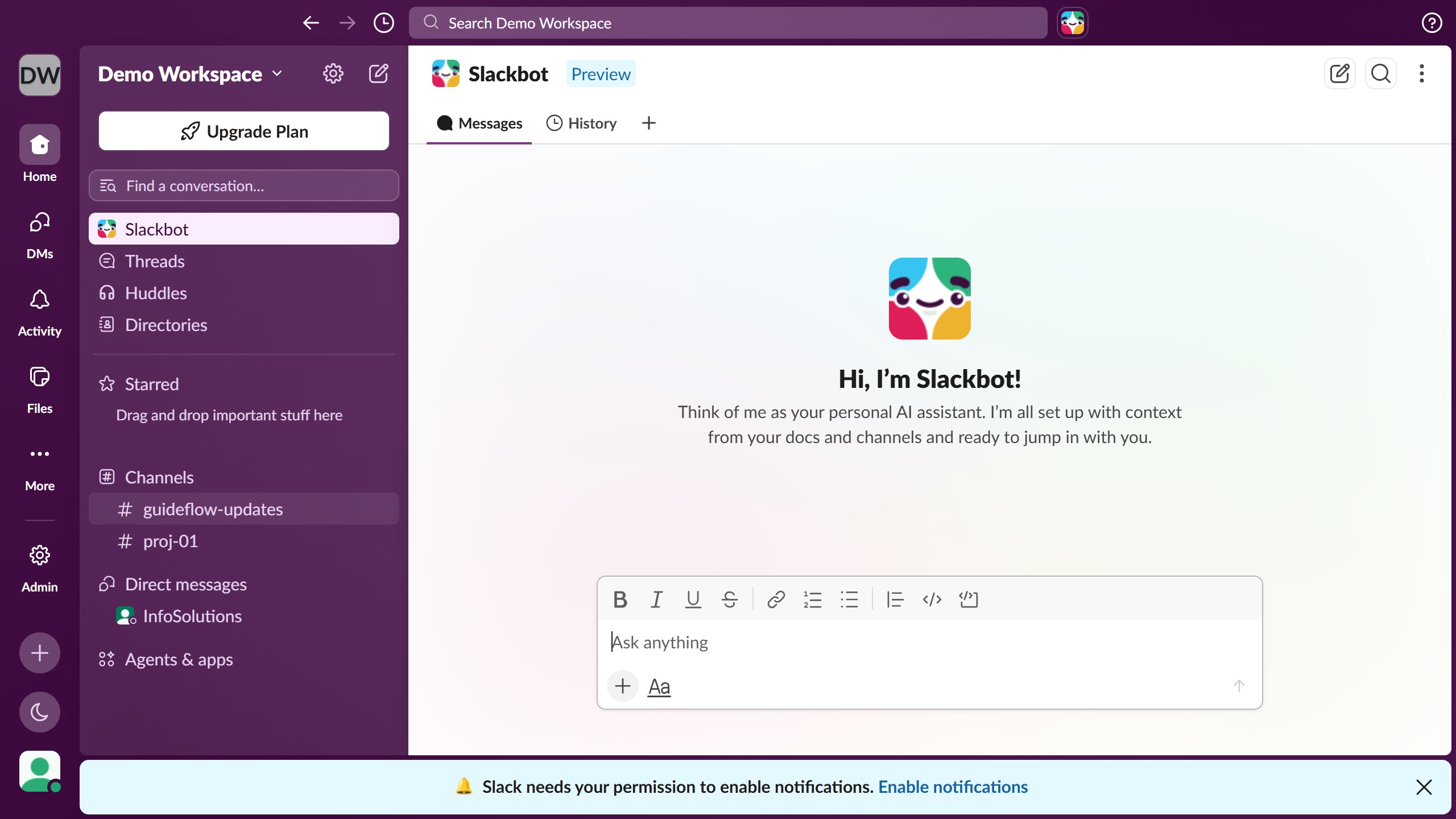
  2. Then click on the "Blockquote" button in the message formatting toolbar
  3. Next click in the message input text area to place your cursor and enter your message
  4. Finally click on the "Send" button to submit the message

Create your own interactive guide with Guideflow

Why should you insert a blockquote in a channel in Slack

Slack is a dynamic team collaboration tool that streamlines communication in the workplace.

Using a blockquote in a Slack channel allows you to clearly highlight essential information or comments from a conversation.

This feature enhances readability and ensures that important messages do not get lost in the flurry of ongoing discussions.

Incorporating blockquotes offers clarity and focus, fostering more effective communication and collaboration.

Last update
March 16, 2026
Cursor MariaA cursor points to a button labeled "James."

Create your first demo in less than 30 seconds.