How to allow people with approved email domains to join your workspace in Slack
Here is how to allow people with approved email domains to join your workspace in slack
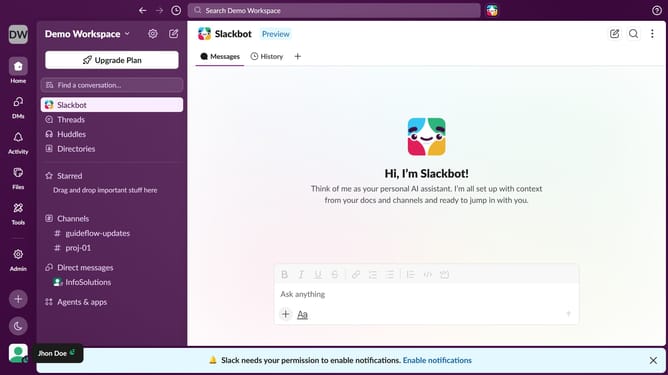
- First click on "Admin" in the left sidebar
- Then click on "Workspace settings" in the Admin Tools menu
- Click on the "Settings" tab
- Then click on the "Expand" button for the "Allow people with approved email domains to join this workspace" section
- Click on the checkbox labeled "Let people with approved email addresses join this workspace"
- Type a domain into the input field
- Finally click on the "Save" button
Why should you allow people with approved email domains to join your workspace in Slack
Slack is a versatile platform designed to streamline team communication and collaboration.
Enabling people with approved email domains to join your workspace simplifies the process of building a community. This feature ensures only qualified users from specific organizations can access shared resources, enhancing security and cohesion.
Using this feature minimizes administrative overhead, as it automates verification and access processes. It fosters an inclusive workspace environment while maintaining control, thereby enhancing productivity and collaboration.
Last update