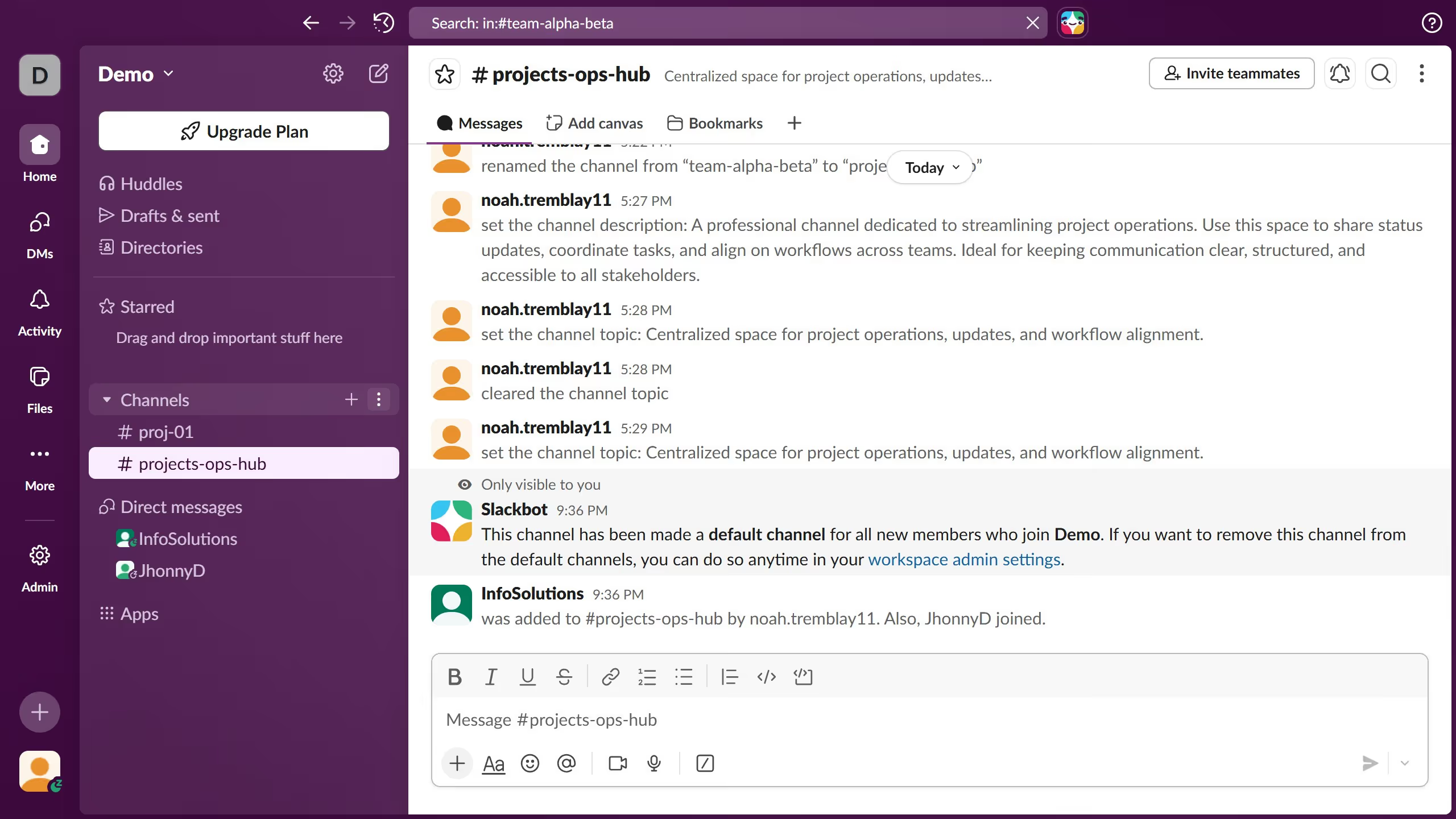
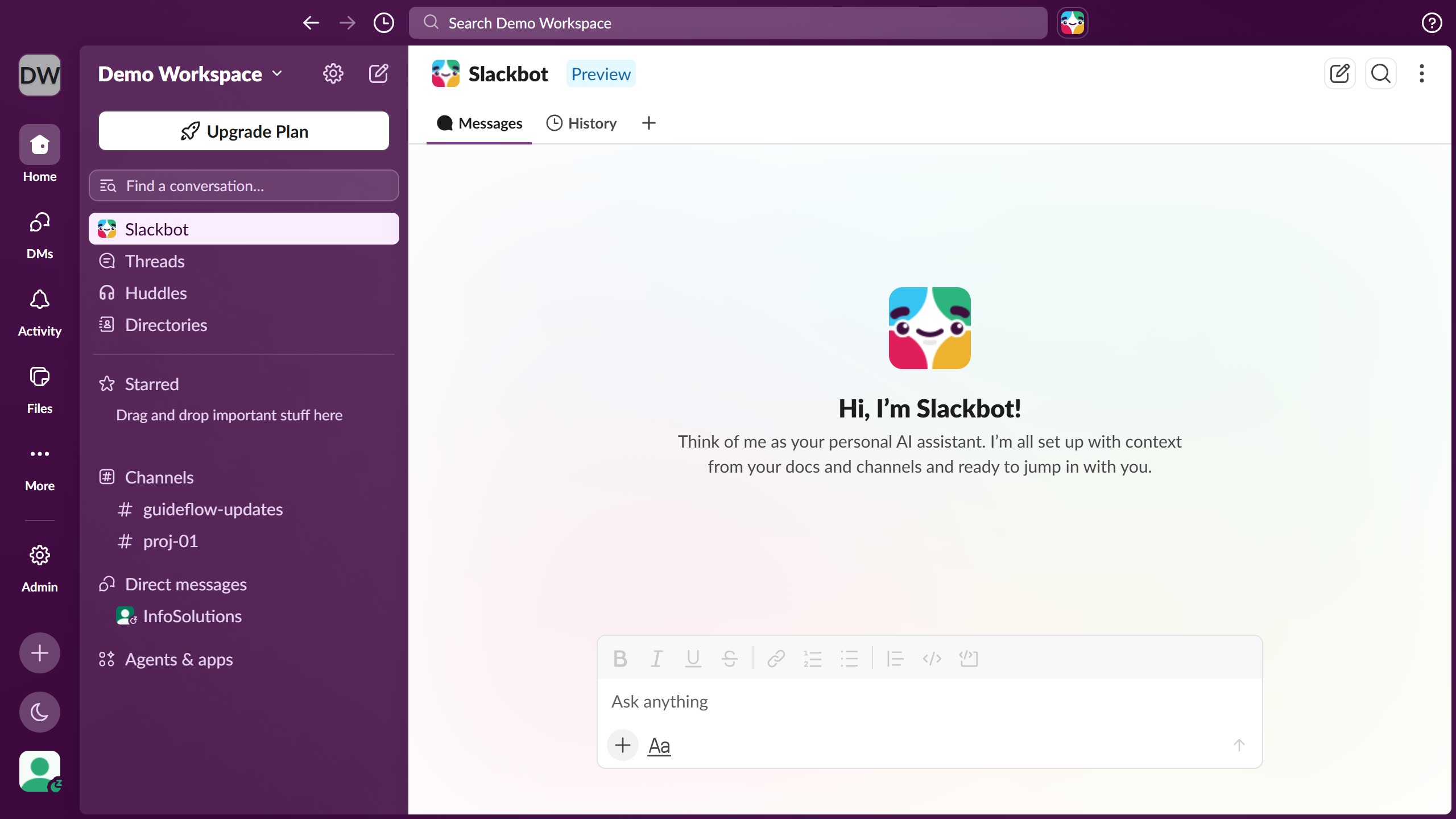
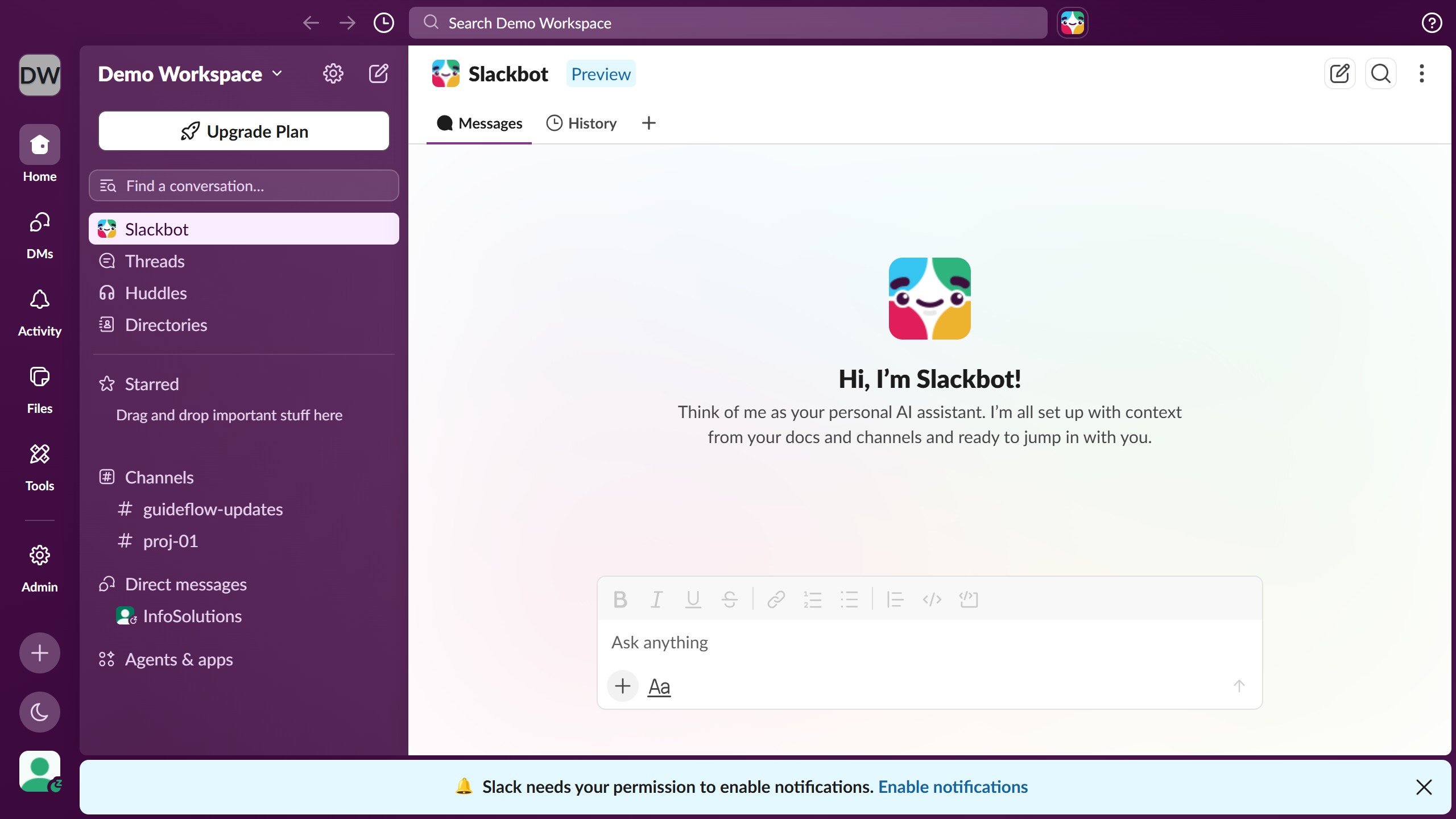
Here is how to sort files shared with you in slack
- First click on "Files" in the left sidebar navigation
- Then click on "Shared with you" tab in the filter bar
- Finally click scroll down the page to see more in the file listing


Create your own interactive guide with Guideflow
Slack is where teamwork and communication effortlessly come together to enhance productivity.
The feature allowing you to sort files shared with you in Slack ensures that you can quickly find what you need, enhancing workflow efficiency.
By organizing files, this feature helps you stay focused and reduces time spent searching through clutter, which is particularly beneficial in a fast-paced work environment.
Overall, it streamlines collaboration by providing easy access to necessary documents, fostering a more organized and efficient work process.
Why leading companies build with Guideflow