Slack
Slack is a business communication platform that organizes team conversations into channels and direct messages.
Website
Industry
Collaboration
Share this article:

How to italicize text in Slack

Here is how to italicize text in slack

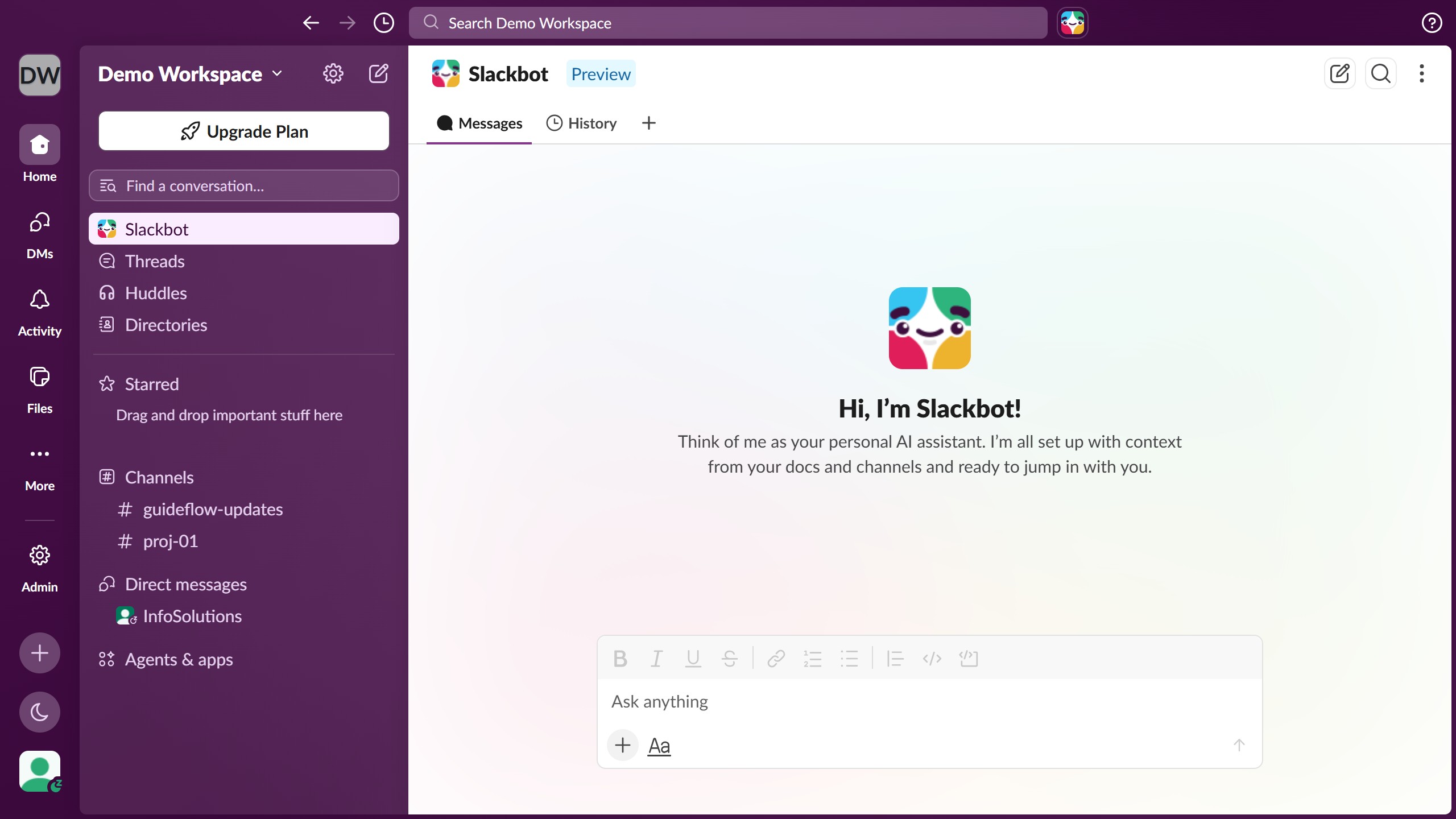
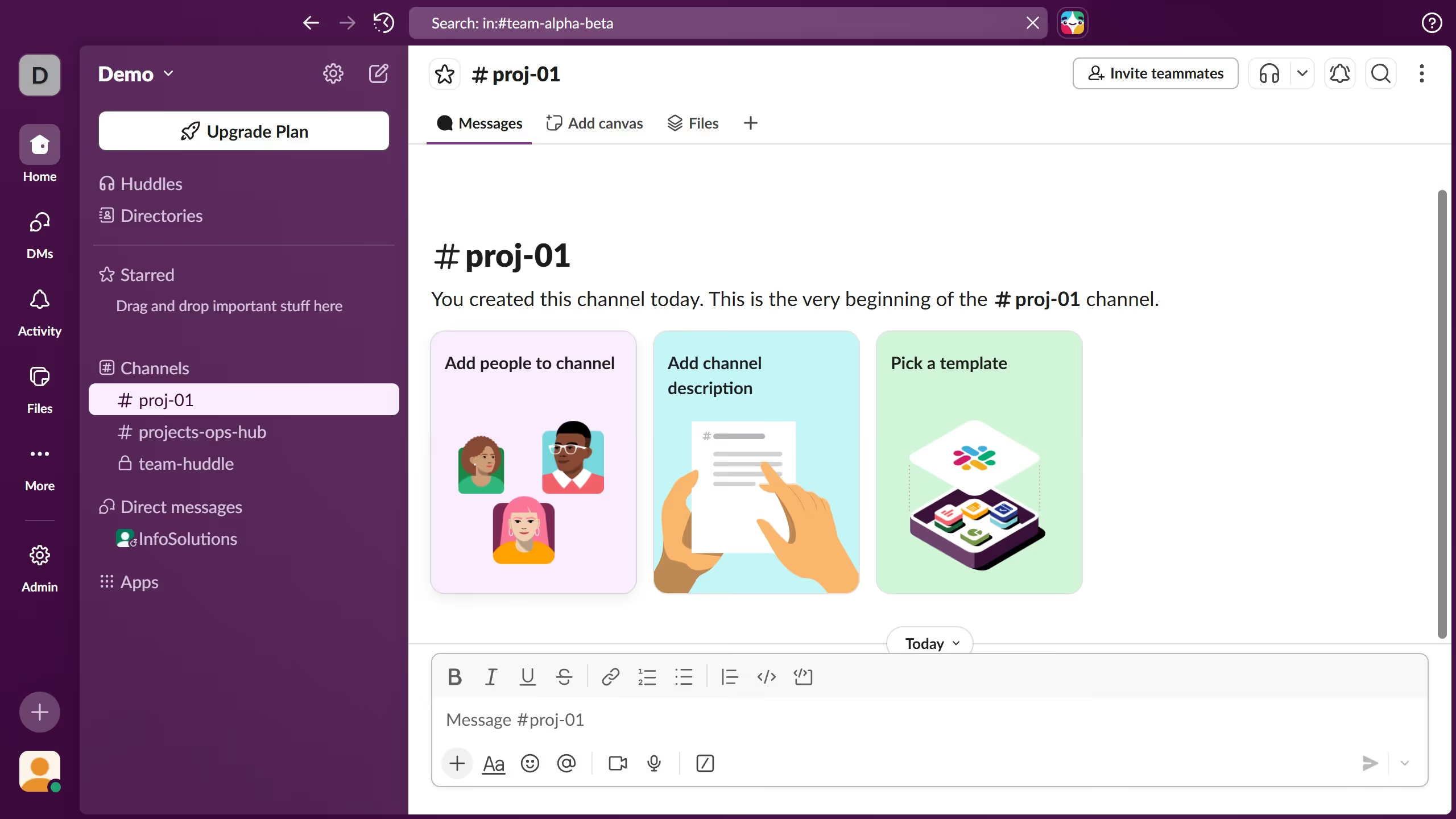
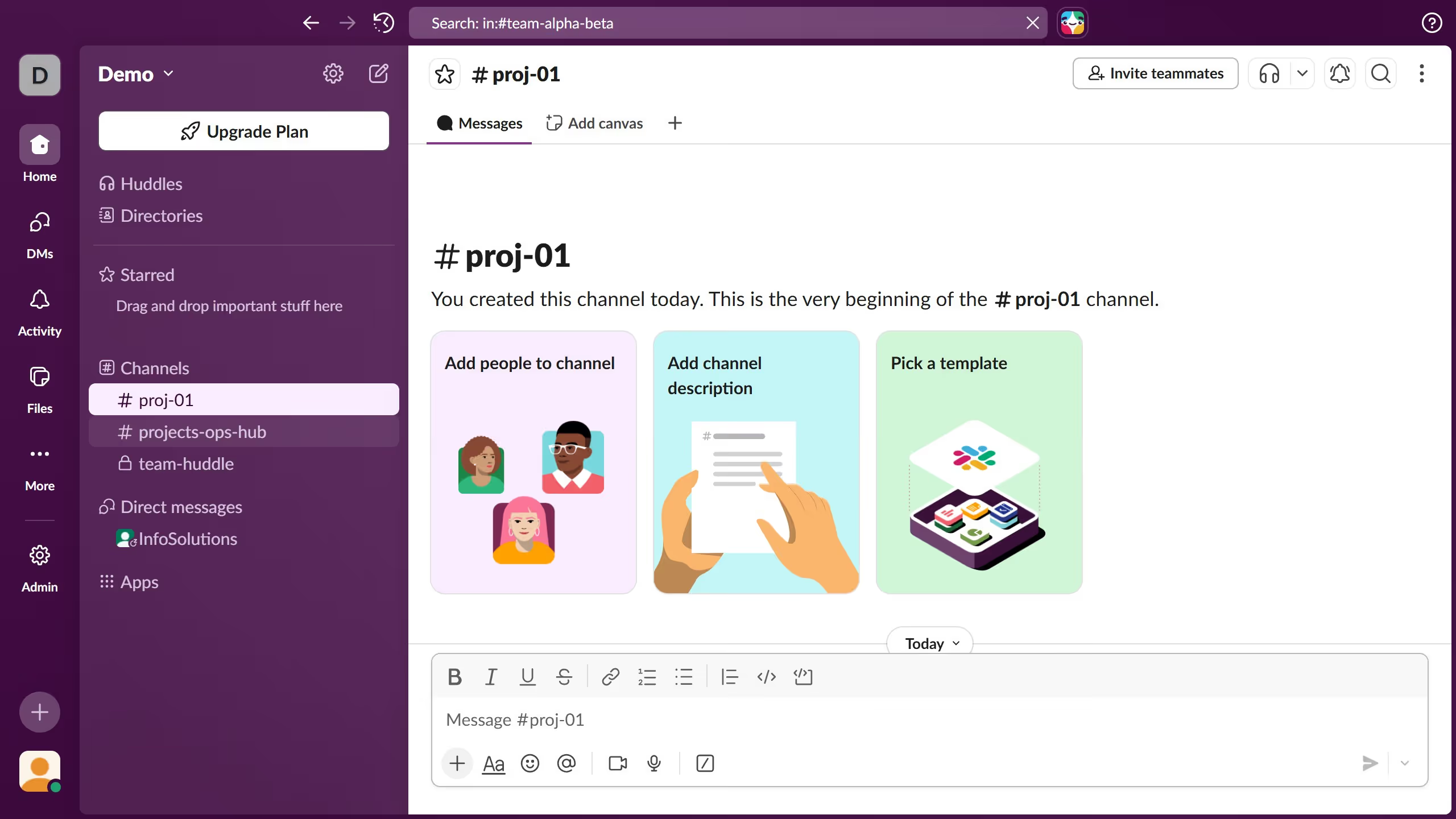
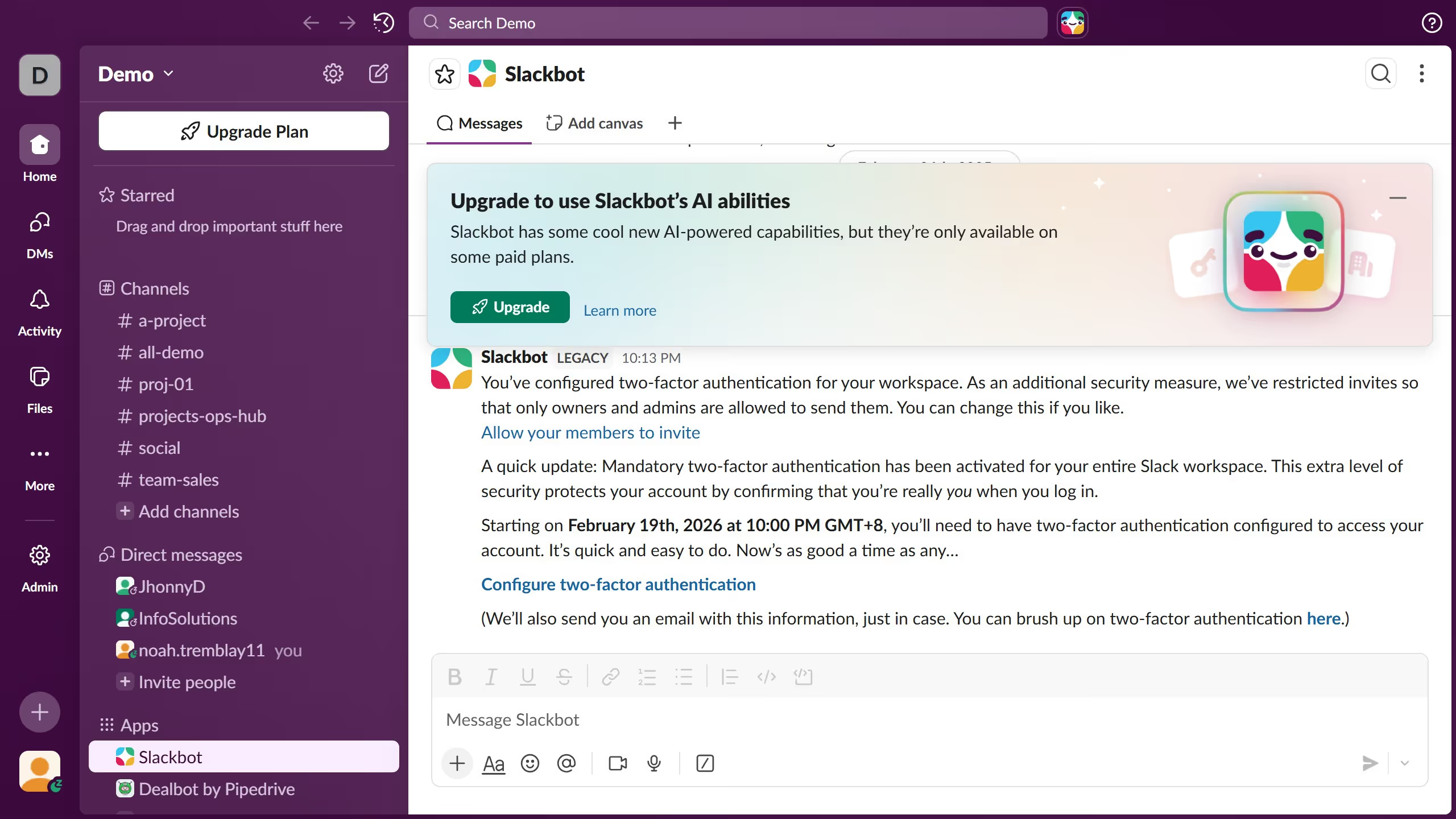
  1. First click on the contact name in the Direct messages section of the sidebar
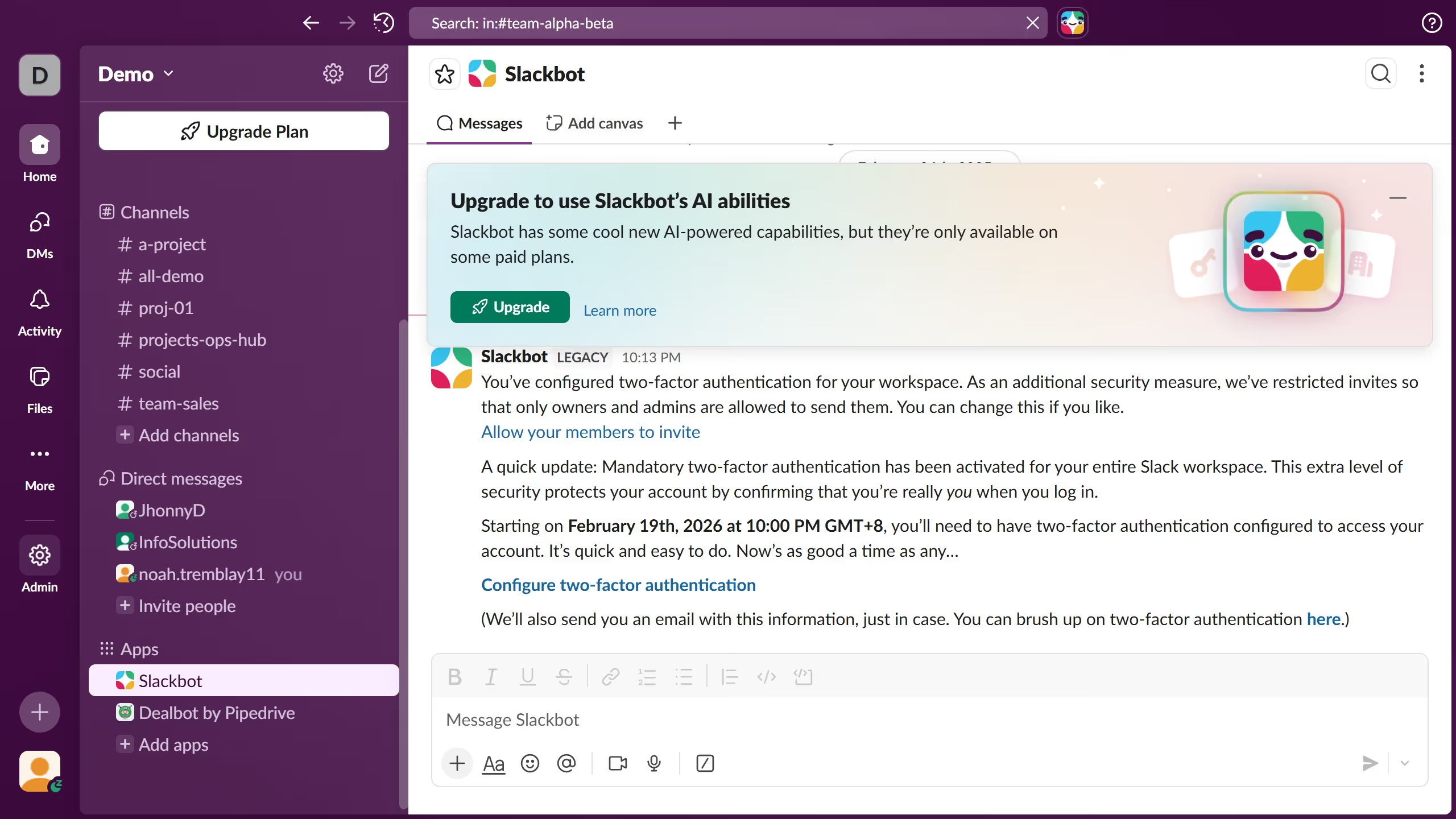
  2. Then click on the message input field at the bottom of the conversation
  3. Next type the message content into the message composition area and highlight the words that you want to Italicized
  4. Then click on the "Italic" button in the formatting toolbar
  5. Finally review the formatted message in the message composition area

Create your own interactive guide with Guideflow

Why should you italicize text in Slack

Slack is a dynamic communication platform designed to enhance teamwork and streamline collaboration in modern workplaces.

In Slack, italicizing text adds emphasis and clarity to your messages, drawing attention to specific words or phrases without disrupting the overall flow of communication.

Using italics can make your points stand out, highlight important concepts, and provide a visual cue that enhances readability and comprehension among your team members.

This subtle feature can significantly improve the effectiveness of your daily communication within your Slack workspace.

Last update
March 16, 2026
Cursor MariaA cursor points to a button labeled "James."

Create your first demo in less than 30 seconds.