Slack
Slack is a business communication platform that organizes team conversations into channels and direct messages.
Website
Industry
Collaboration
Share this article:

How to remove two-factor authentication in Slack

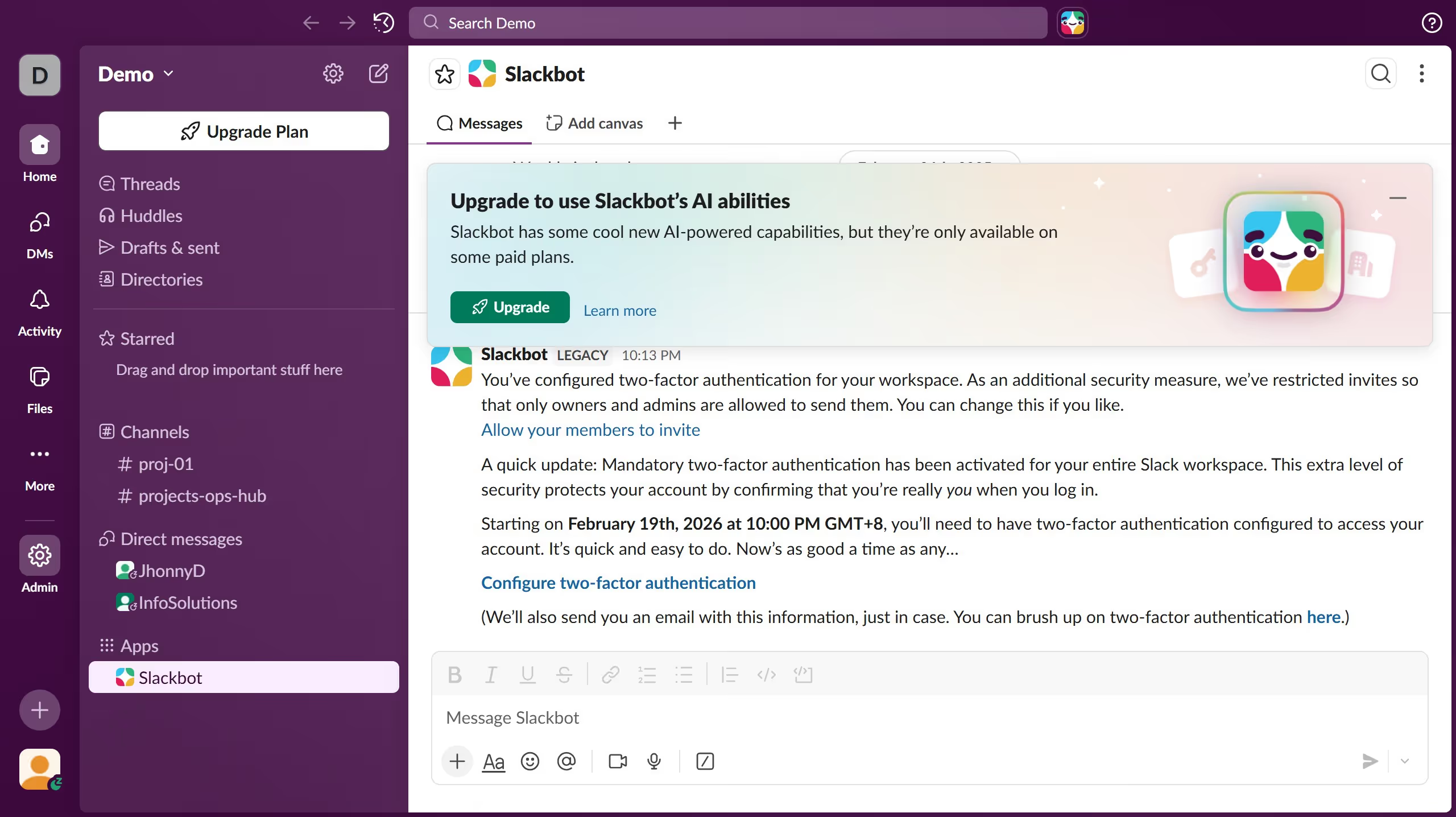
Here is how to remove two-factor authentication in slack

  1. First click on "Admin" button in the sidebar
  2. Then click on "Workspace Settings" option in the Admin Tools menu
  3. Next click on "Security" option in the left sidebar
  4. Then click on "Edit" button next to "Two-factor authentication for email sign-in"
  5. Next click on "Require members to have 2FA set up" checkbox in the dialog
  6. Finally click on "Save" button to confirm the changes

Create your own interactive guide with Guideflow

Why should you remove two-factor authentication in Slack

Slack is a dynamic platform designed for seamless team collaboration and communication.

Removing two-factor authentication in Slack can be beneficial in situations where users need quick and unfettered access to their workspaces. It simplifies the login process, saving valuable time.

This feature can be particularly useful for trusted environments where ease of access takes precedence.

Ultimately, ensuring flexibility in managing security settings enhances the user experience while balancing convenience and security.

Last update
March 16, 2026
Cursor MariaA cursor points to a button labeled "James."

Create your first demo in less than 30 seconds.